
Question
How to change opacity of multiple clips at the same time?
Dear Premiere Pro experts,
I have the following thing going on on my Sequence.
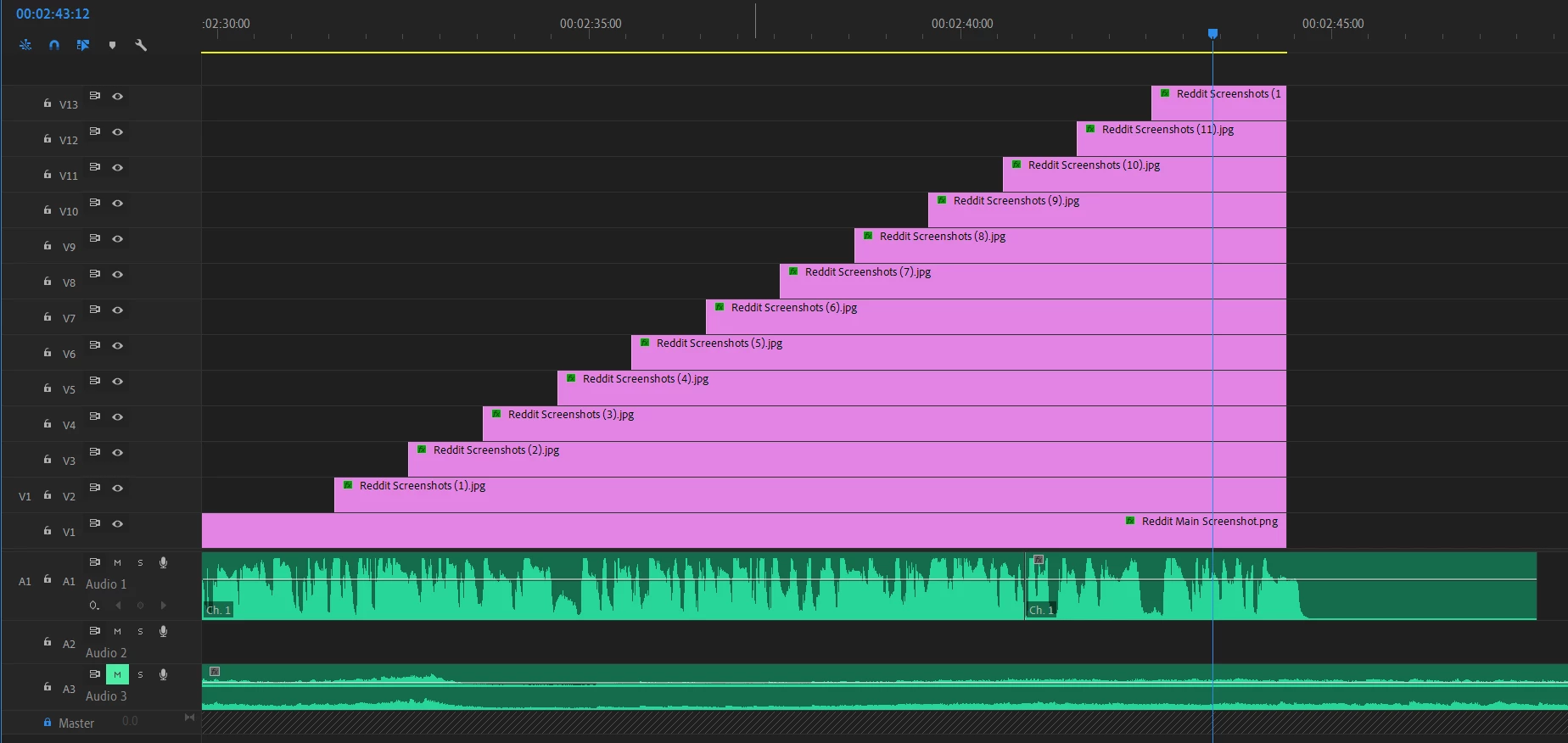
These are still images that end at the same time. I need them all to simultaneously start fading to black from where the Playhead stands. I have tried adding Dip to Black transition onto one clip and copy-pasting to the rest but the problem is, Dip to Black doesn't fade evenly as you know.
I believe Opacity change with keyframes will solve the problem but how can I apply the same Opacity change to all 12 clips at the same time? Copy pasting the keyframes 12 times doesn't sound like a fast workaround, because I have more of these Screenshots further ahead that need to be have the same fade to black. If anyone could help, I'd be most thankful.
 AdChoices