



How to change the Creation Date/Date Created for media in Adobe Creative Cloud/CC?
I have footage shot across 2 phones and a GoPro.
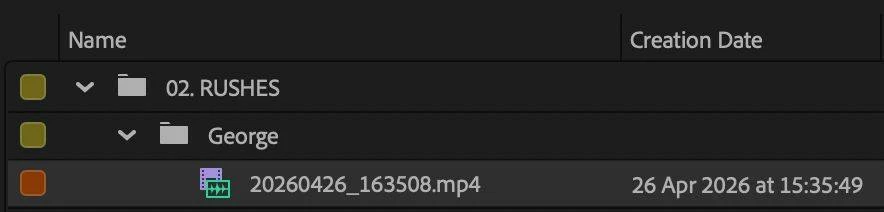
When going abroad, the filenames are labelled according to local time, but the ‘Creation Date’ saves according to my home’s time (London, BST). For example: filming at 16:35 in Germany creates a file called “20260426_163508.mp4” with the Creation Date 26/04/2026 15:32 …
This, however, does not happen with the GoPro, which saves the files according to local time (in this example, 16:35)
So the goal is: I want to change all the ‘Created/Capture’ times from phone media by 1 hour, so I can sort and filter everything chronologically in Premiere.
I cannot sort/filter by filename, because GoPros save with a different naming convention unrelated to DDMMYYYY_HHMMSS
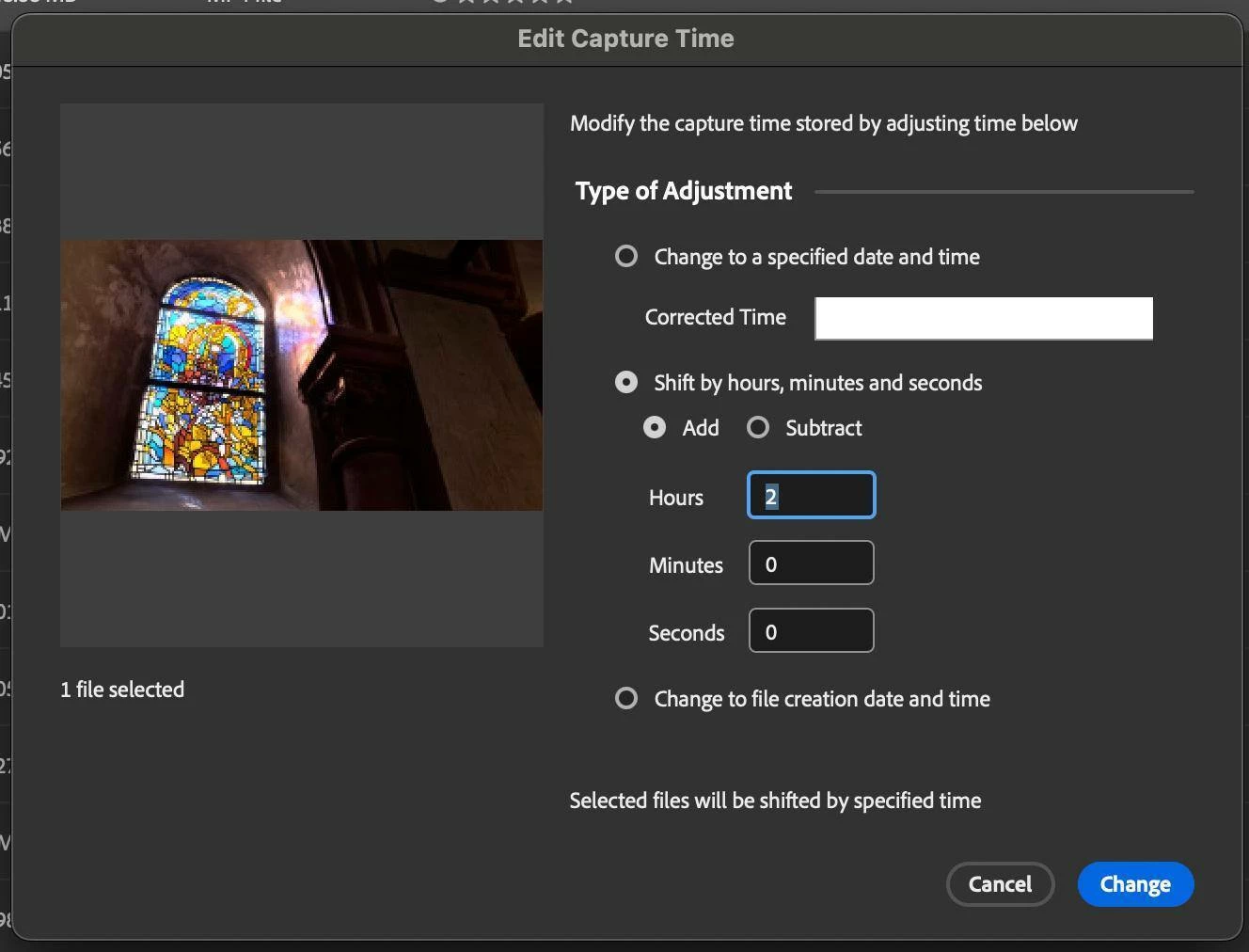
I tried using Adobe Bridge – firstly, the time there is off by another hour for some reason (now 14:35) so that’s weird. Now I try to to shift the Date Created by 2 hours. It then looks correct (the Date Created matches the filename) in Bridge, but this then not updated in Premiere Pro:
In PP I have Offline/Re-linked the media, I completely deleted from Project and re-imported, and of course restarted everything. “20260426_163508.mp4” still has the Creation Date 26/04/2026 15:35.
THEN, when I right click>File Info in Bridge, I see that ‘Creation Date’ is still incorrectly 15:35.
Meaning that (1) there are two different things: Date Created and Creation Date, (2) I can only edit one of these in Bridge, and (3) the one I can edit is not the one that is pulled through by Premiere Pro.
Why is this? Is there a way to do this? Bridge? Premiere? Media Encoder?


 AdChoices