
How to change timepositions of all captions in once and synchron (Premiere Pro 14.9 and earlier)
Hey Creators!
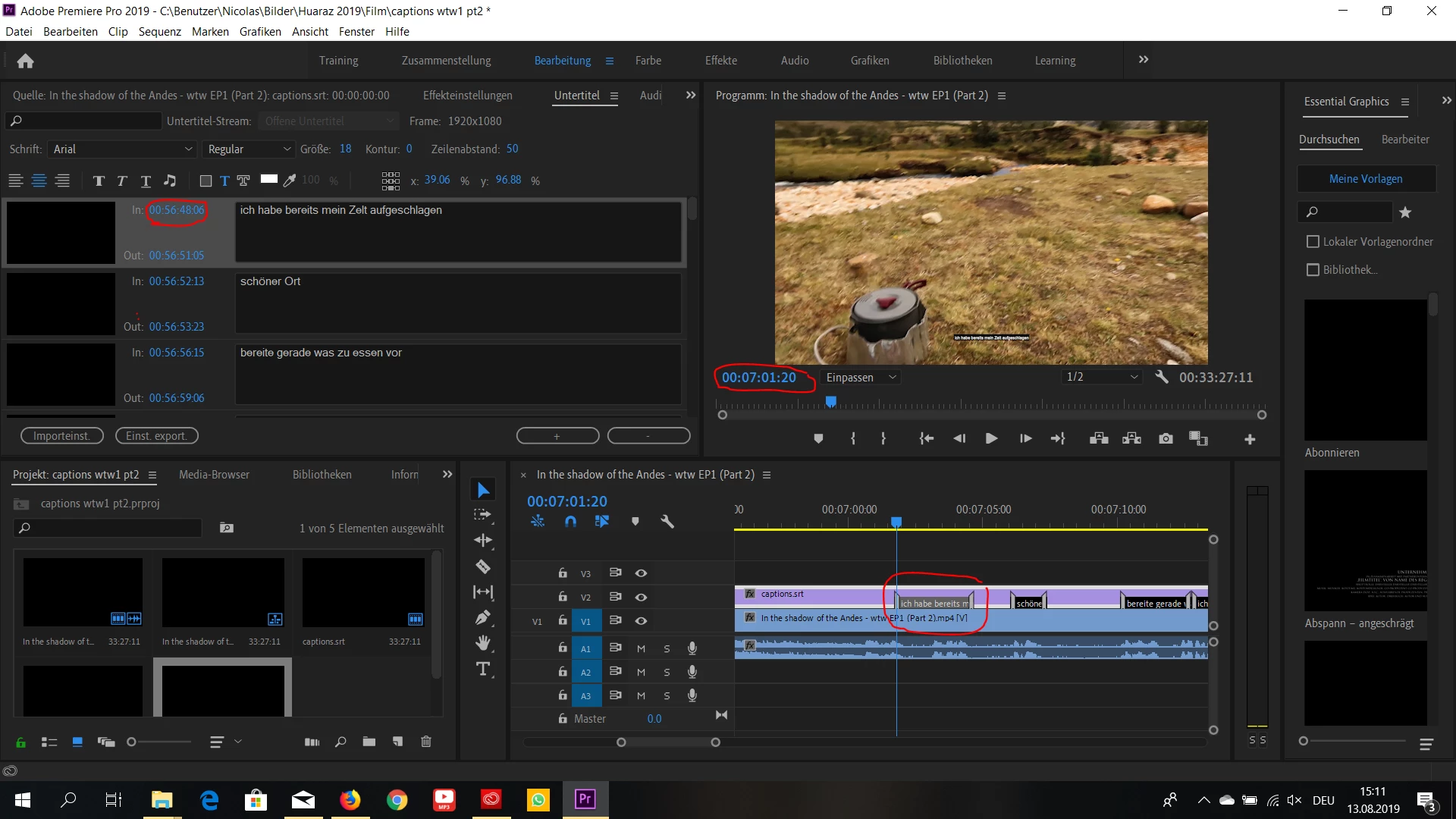
i uploaded on youtube a long video (1:23h) with subtitles in german and spanish and decided then to re-upload the video in 2 parts (split in minute 50). To add the same captions of the full video to part 1 was none of a problem as the timepositions of each captions were exactly the same. Now for the part 2 of the video it gets complicated as it starts like a new video but the captions for this part start at min 50 (which would be min 7 of part 2 of the video). I thought it would be as easy as just sync the captions in the timeline with video then just export them to upload on part 2 of the video on youtube. but once uploaded in youtube the captions shows up again at min50 which is not even in the video anymore. It seems that the timeposition is fixed in the captions and didn't change at all after exporting from Premiere. It is of course possible to manually change the timeposition of every single caption and synchronise again to the video but doing this for an over 30min long video is extremly time consuming.
So my Question is: How can i change the timeposition of the entire caption in a synchronous way?
it is really frustrating so please i hope someone can help me!
 AdChoices