
Answered
How to clear cashe without a subscription
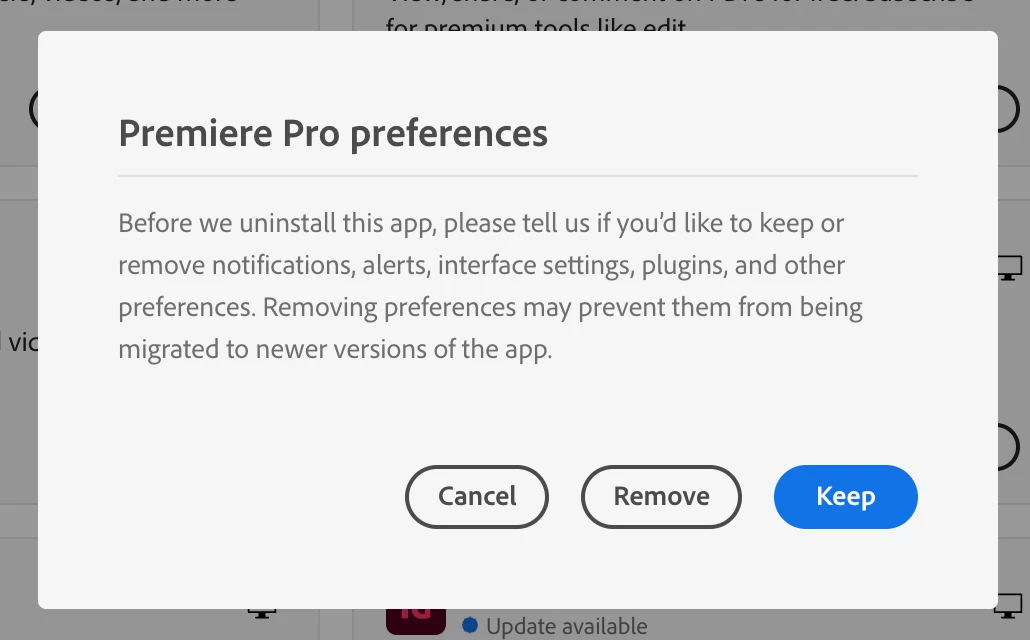
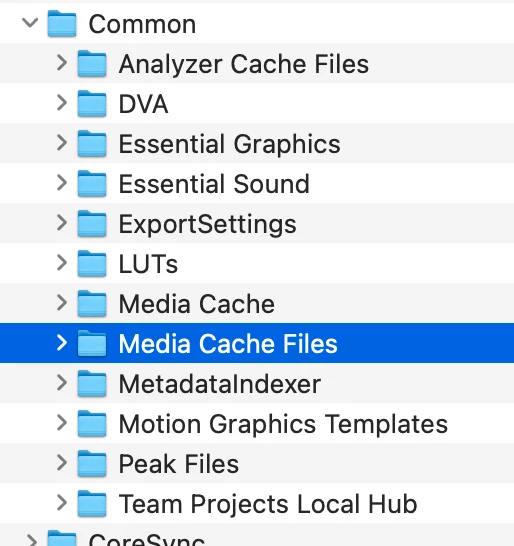
Having issues with my macbook's storage being half taken up by "other" and learnt some of it could be my premier pro cashe. Trying to clear the cashe to see if that helps, but I had a school subscription thats ended so I can no longer open the app. The only way I can find to clear it involves opening the app which I cannot do. Any suggestions on how to clear it manually? The main article says to search a certain location on your macbook but its not coming up when I search in finder and the instructions are really short so idk what I'm doing wrong.


 AdChoices