

How to create equivalent of a clipping mask?
Hi, in Premiere I want to do the same thing as creating a clipping mask in Photoshop. I'm fine with doing this in Premiere, or After Effects if there is a solution there.
(Everything is explained better with pictures below, but) On one layer, I have a video animation clip with a transparent background, with an opaque dark-grey animation of my character's shirt.
I want to put another layer above that layer with a texture, which takes up the whole screen. But make it so the texture only shows up where the shirt is below it.
Image 1, below: In black is my lineart. Ignore that. In dark grey, the shirt is on a separate layer with a transparent background.
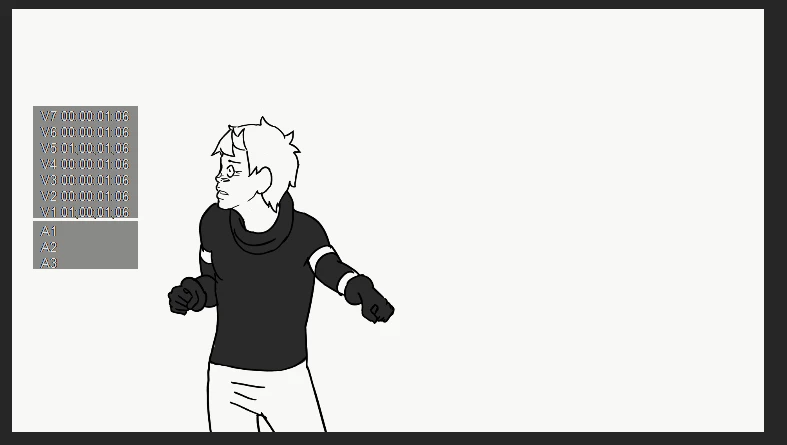
Image 2, below: In between my black lineart layer on top, and my grey shirt layer on bottom, I put this texture layer which covers the whole screen.
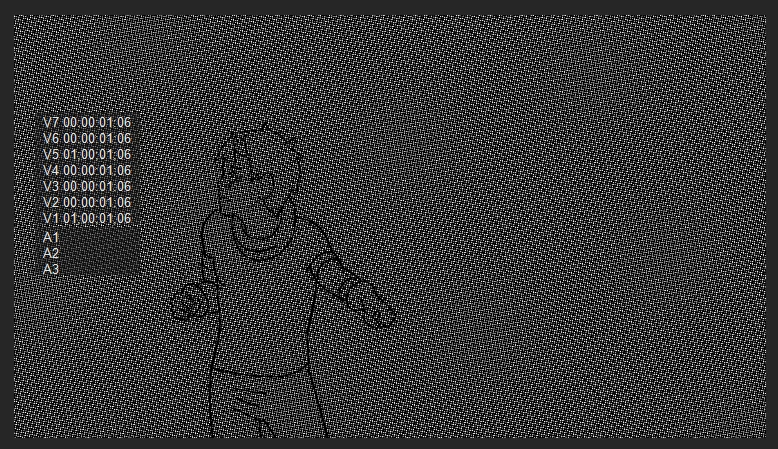
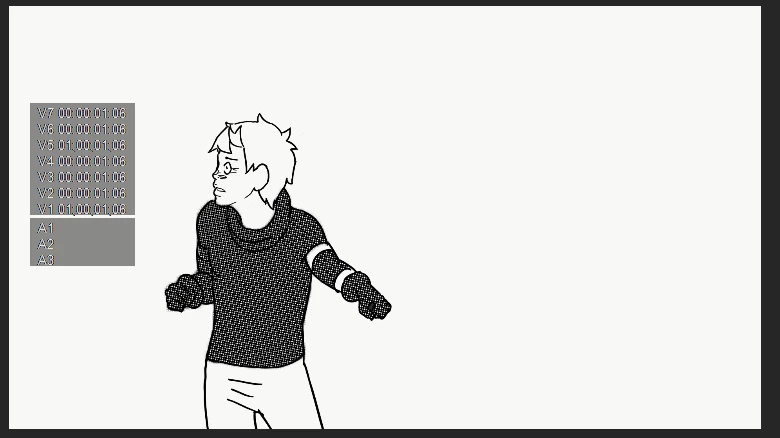
Image 3, below: Here's what I want to happen. What I want it to look like. So the texture is masked to exactly where the pixels on the shirt layer are, as the shirt moves.
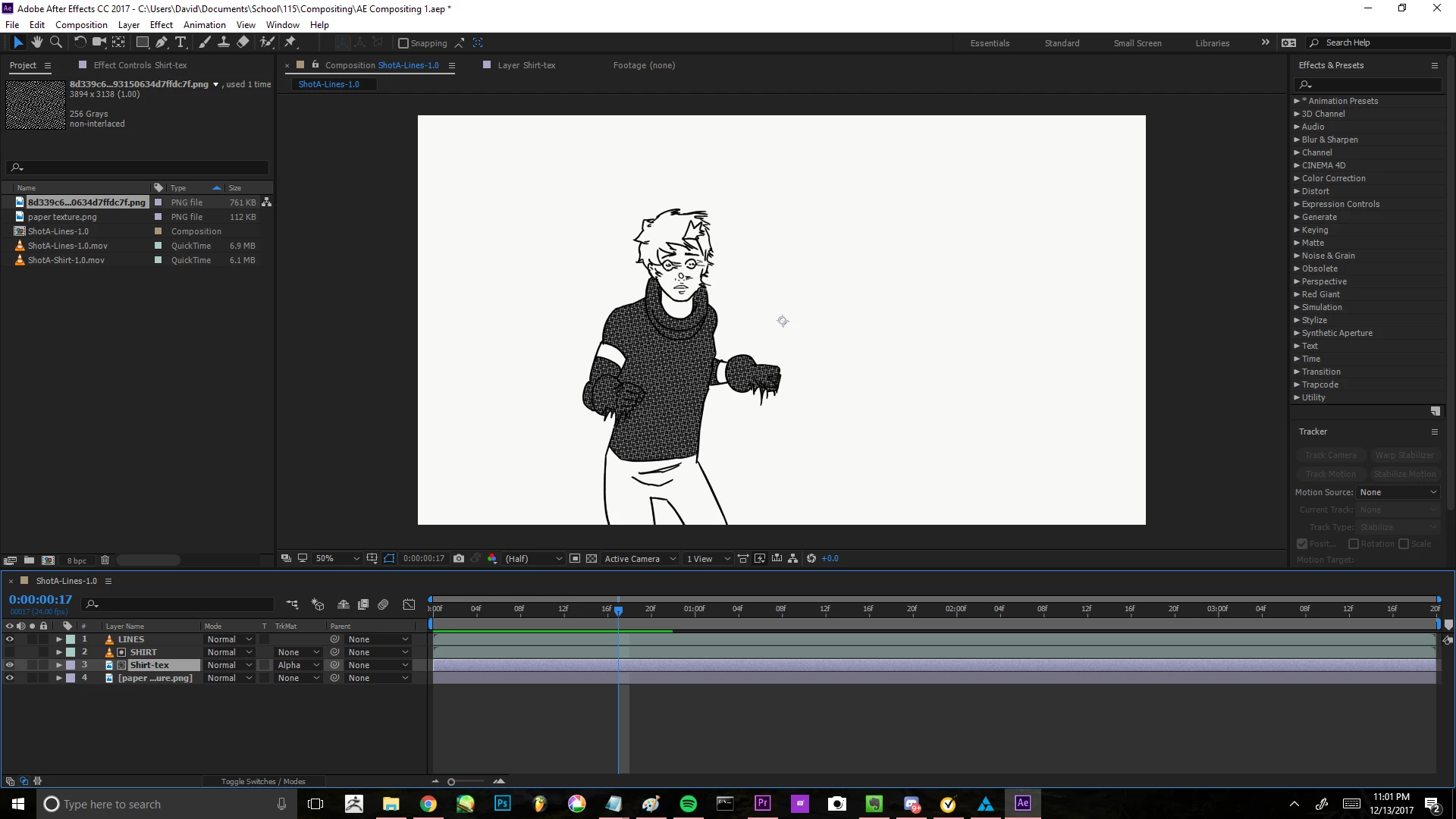
Please help me figure out how to do this! Thank you so much!!!
 AdChoices