최금자
Participant
May 5, 2023
Question

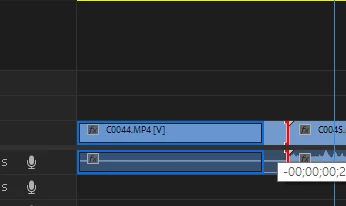
how to disable preview when I change the clip length, causing lag in Premiere
  • May 5, 2023
  • 2 replies
  • 421 views

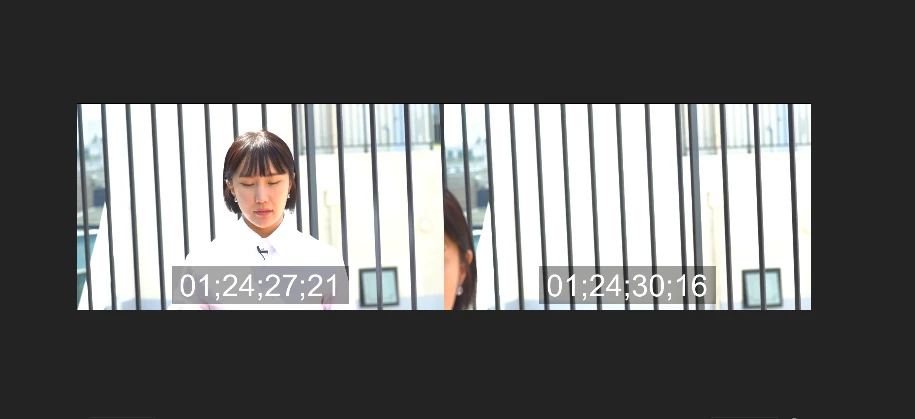
When I adjust the length of a clip, a screen similar to the one shown above (i.e. a screen that compares two lengths) appears, causing lag in Premiere. This phenomenon gets really bad when using more than four tracks in the sequence.

This topic has been closed for replies.

2 replies

Inspiring
May 5, 2023

The real question is why does a fundemental feature like trimming cause premiere to lag. 

Peru Bob
Community Expert
Community Expert
May 5, 2023

I'm not at my video computer right now, so I can't tell you exactly where it is, but there is a setting that allows you to disable that.  It is either in preferences or project settings or sequence settings.