Participant
October 27, 2021
Question

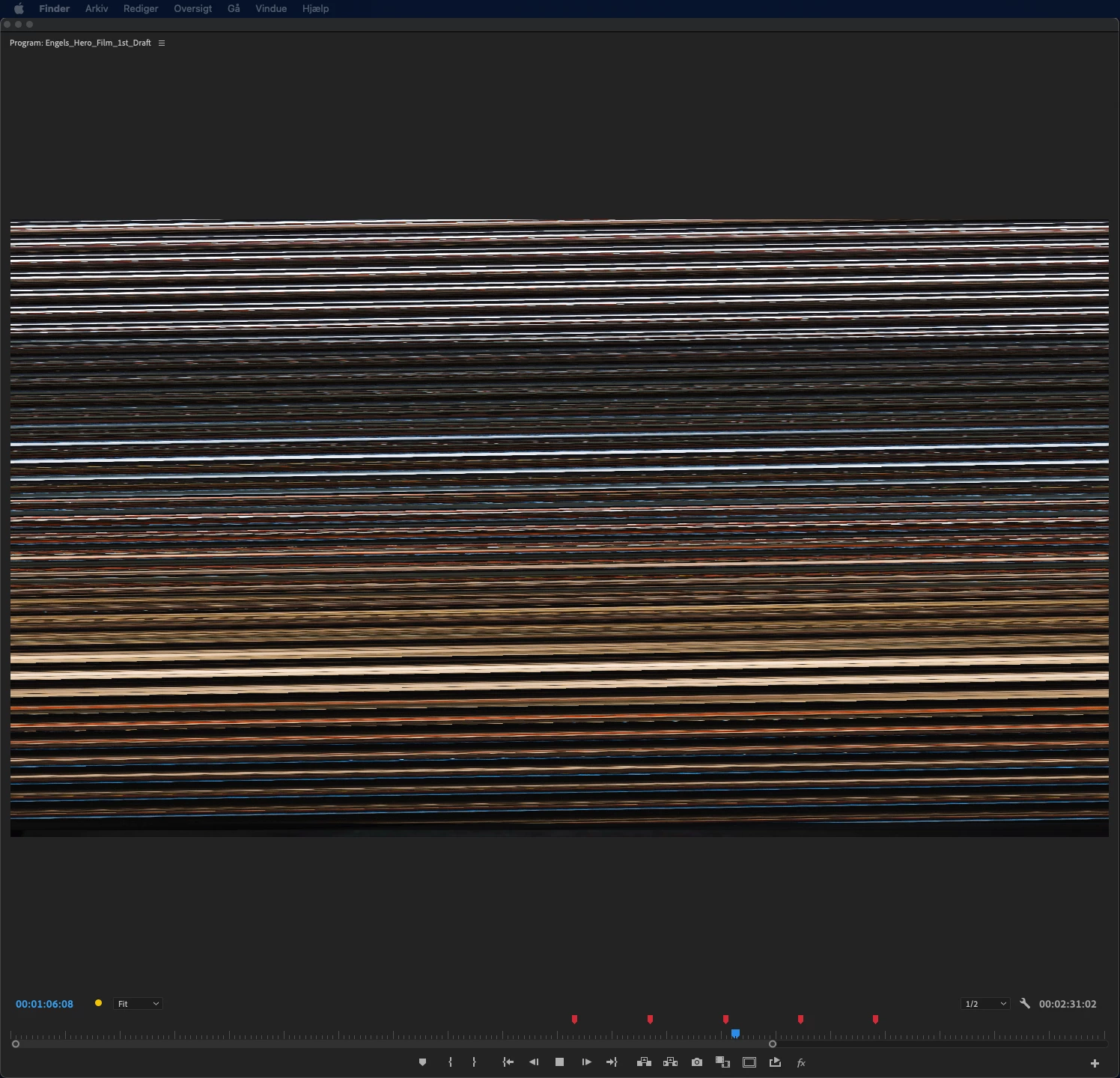
How to fix Horizontal lines when playing colorgraded clips in Premiere Pro
  • October 27, 2021
  • 1 reply
  • 639 views


Hi!


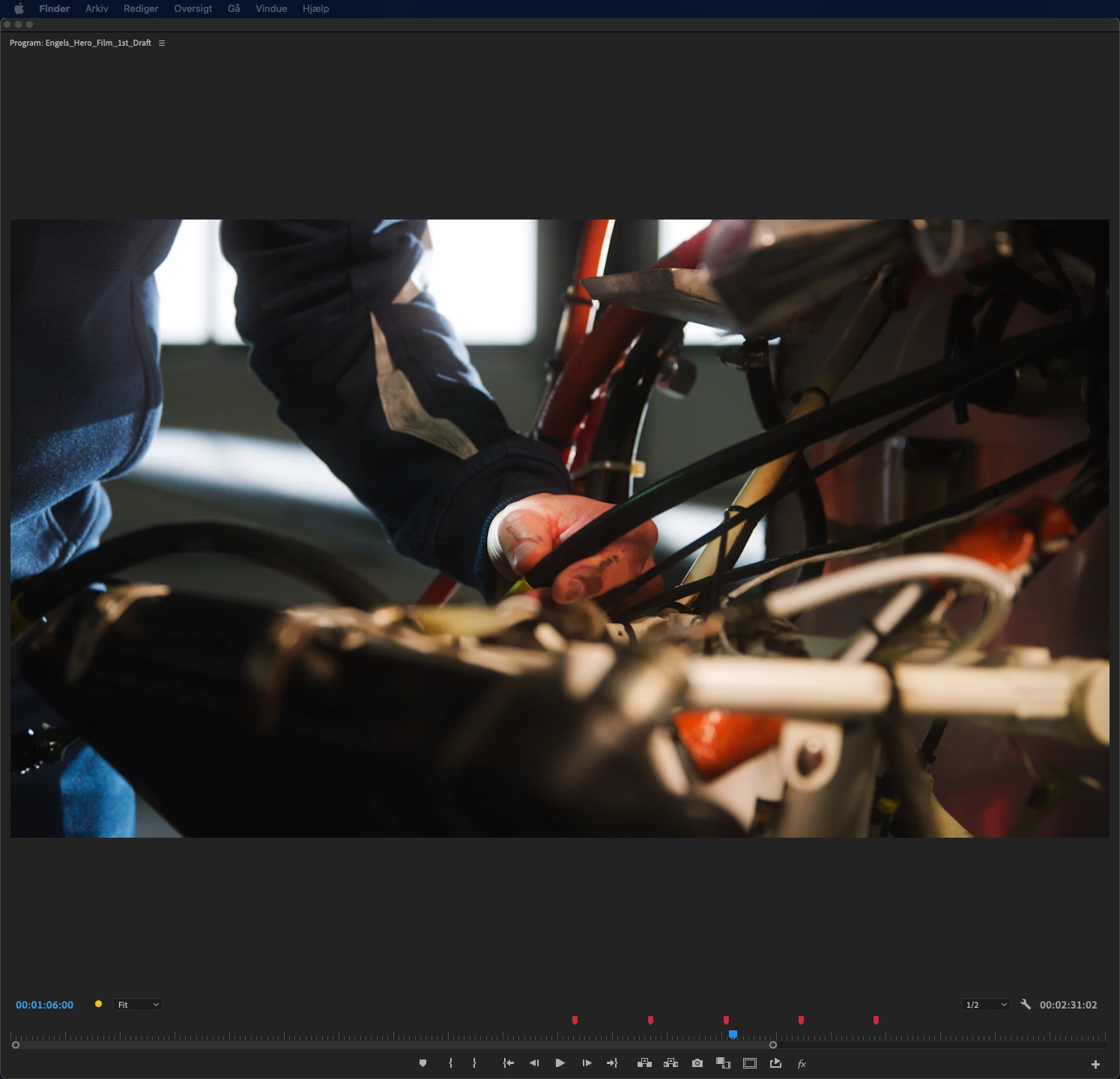
I need help to figure out why this happens when I play my colorgraded clips in Premiere.


It goes away when i render the clips, but comes back as soon as I adjust any color setting. This is a problem because I can't colorgrade when I can´t make even the tiniest adjustments without having to render before I see the effects of my color adjustments.


Has anyone experienced this and even better solved it before?


It happens to everything from downloaded HD stock footage to 6K RED RAW footage when I start to colorgrade. And when I do it on an adjustmentlayer, it just happens to some of the clips, not all, even if it is the exact same colorsettings on all of them.


I hope someone can help me figure this out 🙂

This topic has been closed for replies.

1 reply

Ann Bens
Community Expert
Community Expert
October 27, 2021
elin5D1EAuthor
Participant
October 27, 2021

Hi Ann, thank you for your answer 🙂


Sadly I am working on Mac. So I can´t do that.

But I´ve tried to update to the newest MacOS version, hoping the graphics card driver would be updated aswell. But it didn´t solve the problem.

elin5D1EAuthor
Participant
October 27, 2021

P.P.S.


I am working in


Premier Pro version 22.0.0 (Build 169)


My computer:

MacOS Monterey Version 12.0.1

Mac Pro (Late 2013)


Processor 3,5 GHz 6 core intel xenon E5

Memory 32 GB 1866 MHz DDR3

Macintosh HD

Graphic AMD FirePro D700 6 GB


I am using Mercury Playback Engine GPU Acceleration