


Participating Frequently
April 24, 2025
Answered

How to get Rid of Black Horizontal lines
  • April 24, 2025
  • 1 reply
  • 1248 views

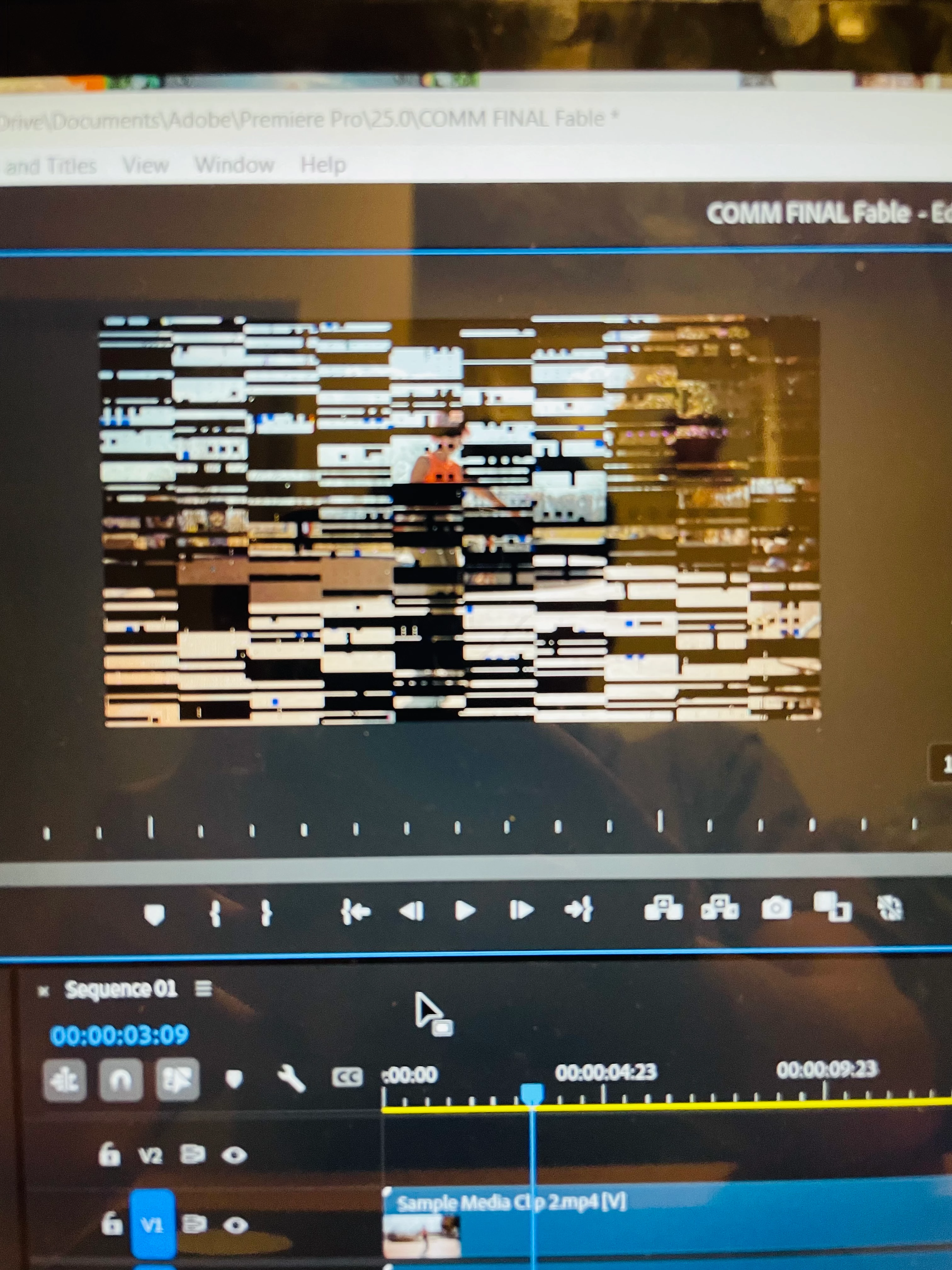
the photo above describes my issue. Every video including the sample given by adobe have these black horizontal lines when paused. Once I start to play the video it goes away. I am so confused what is happening. How do I get rid of it? I am on a HP ENVY 3n1 Laptop with 8gbs of ram

Correct answer Peru Bob

Thank you for the link. My GPU is AMD Radeon (TM). I have not installed or tweaked anything in Adobe Premiere. I have imported an edited video from another software, but I believe that is not the issue, as I still see black horizontal lines through Adobe's sample videos.  My issue began the moment I installed it. I opened Adobe Premiere on a school's PC and it works fine. It has to be something with my laptop, but not sure what it is. 


You probably don't have enough dedicated VRAM.

1 reply

Community Manager
April 24, 2025

Hi there,


We're sorry to hear about this. Could you please confirm the version of Premiere Pro that you are using & the CPU & GPU on your system? Also, have you tried updating the GPU drivers to see if it's fixing the preview?


Thanks,

Sumeet

Participating Frequently
April 24, 2025

I am using 2025 premier pro. My CPU is AMD Ryzen 5 7530U with Ryzen 5 graphics. My GPU is AMD Radeon TM graphics. My GPU drivers are up to date as well 

John T Smith
Community Expert
Community Expert
April 24, 2025

>My GPU drivers are up to date


Did you update via Windows or by going direct to AMD?