
Participant
Jun 25, 2024 10:54 PM UTC
Answered

How to get rid of faint lines after I installed a transition preset.

Hi all,

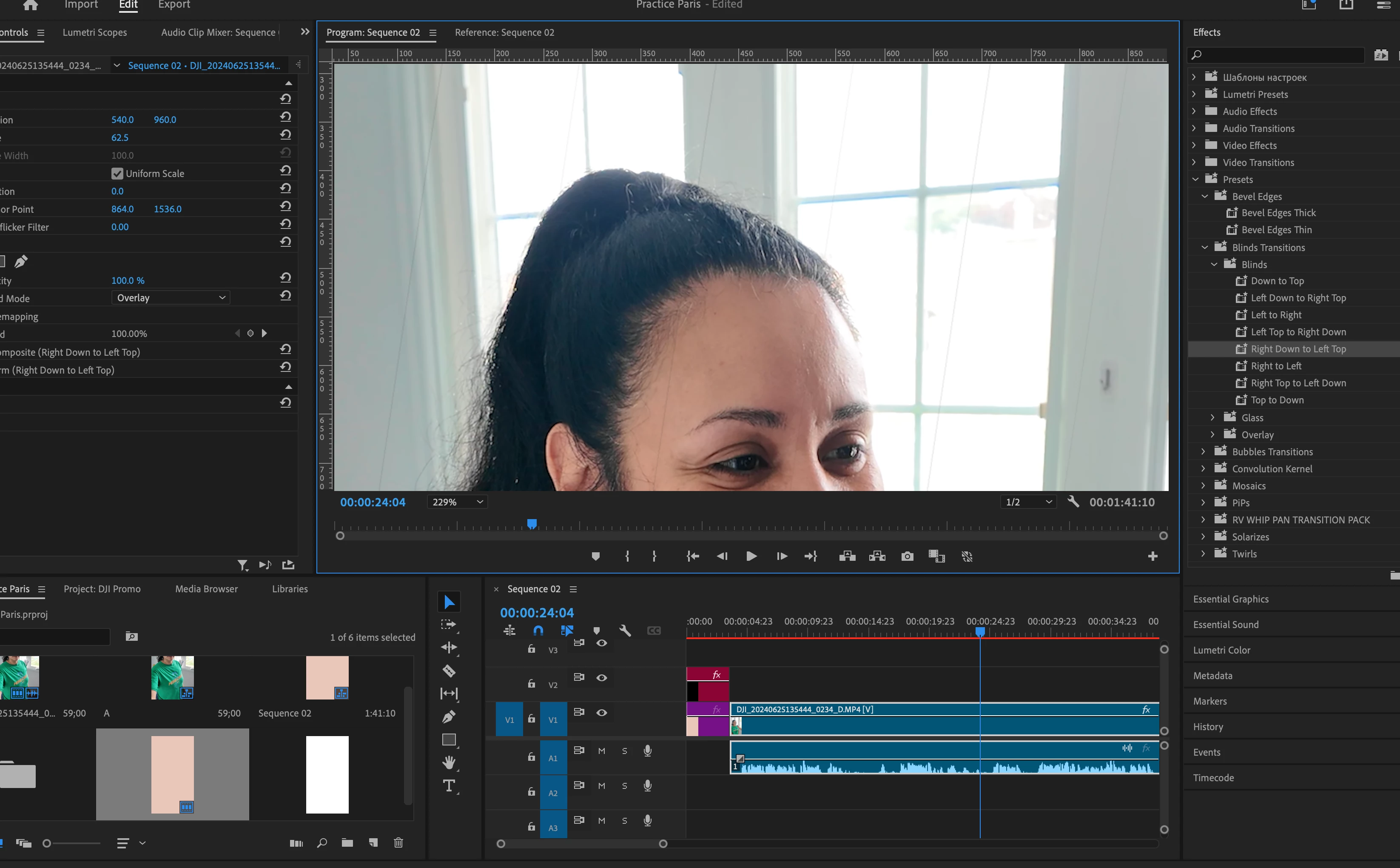
I bought some transition presets and they work just fine. The issue is that when the effects ends there's some faint graphic lines that don't go away. Can anyone help? Thank you!

This topic is closed to new replies. Start a new post to keep the conversation going.
Dulce31206225gkxmCorrect answer
Participant
Jun 26, 2024 12:02 PM UTC

I figured it out! I made a cut to the footage to where I wanted the transition effect to be viewed.

3 replies

Dulce31206225gkxmAuthorCorrect answer
Participant
Jun 26, 2024 12:02 PM UTC

I figured it out! I made a cut to the footage to where I wanted the transition effect to be viewed.

Translate
Community Expert
Jun 26, 2024 11:35 AM UTC

Can you share a screenshot of your Effect Controls panel? This will help us better understand what is causing the faint lines.

Cheers,
Paul

Translate
Peru Bob
Community Expert
Community Expert
Jun 25, 2024 11:33 PM UTC

Delete the Media Cache and Media Cache files:
https://community.adobe.com/t5/premiere-pro/faq-how-to-clear-your-media-cache-in-30-seconds-in-premiere-pro-2020/m-p/11017257/thread-id/260446?page=1


Then try pressing Enter to render the timeline and turn the red line above the timeline to green.

Translate