
Question
How to hide past keyframes in the Program/Viewing window
im a little new to premiere and i have a question
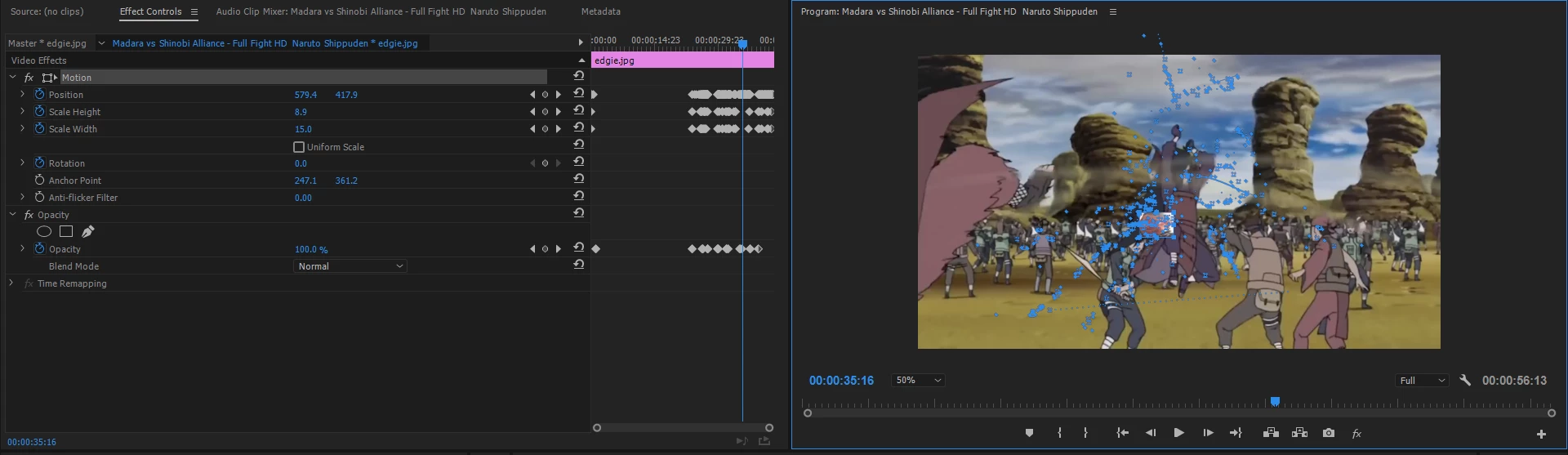
Over on the right side of the screen you see the blue past keyframes? how do i hide them because when im moving the face to track the original face/video they get in the way and i move them and it messes up the video. quick help would be greatly appreciated thank you.


 AdChoices