Original video had it's subtitles on a sort of a "frame":
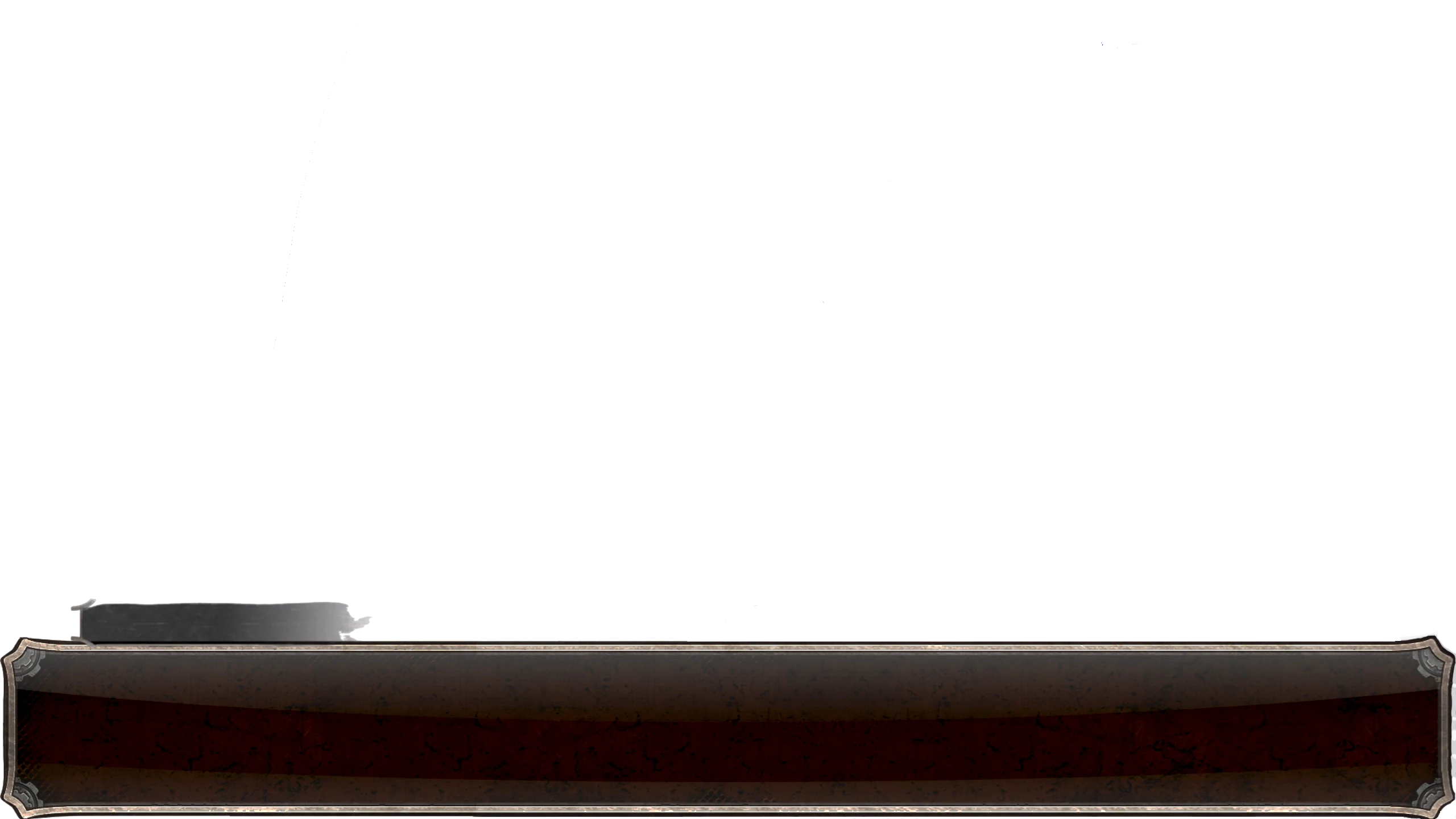
In order to place my own subtitles - i have to cover up the old ones somehow, and cutting out that frame and placing it over the original subtitles seemed as the only option.
I tried converting subtitles to the graphics type, but it's a "text graphics" type, and i couldn't find any option to replace one or all the new "text graphics" with my .png.
If the PNG background is the same clip, you can do the following:
- Add the PNG to a new track (e.g., Track 4) and make sure it spans the length of your edit.
- Duplicate the PNG to the track above (e.g., Track 5).
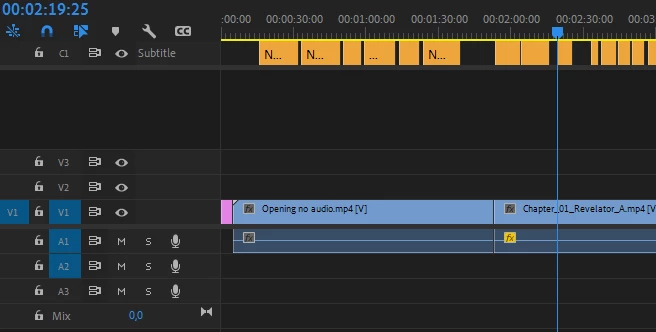
- Copy all your captions and paste them to a new caption track.
- Select these new captions and choose
Captions and Titles > Upgrade Captions to Graphic. This will add a new track (e.g., Track 6) to your sequence with all your captions converted to graphic clips.
- Select all your converted graphic clips on Track 6, and press
Option/Alt + Arrow Down, then Option/Alt + Arrow Up. This will create gaps in the PNG on Track 5 wherever there are captions.
- Now select all these newly made PNG clips on Track 5, and do the same thing again -
Option/Alt + Arrow Down, then Option/Alt + Arrow Up. This will create PNG clips wherever there are captions on Track 4.
- Delete Tracks 5 and 6.



 AdChoices