
Answered
How to make corners of video transparent
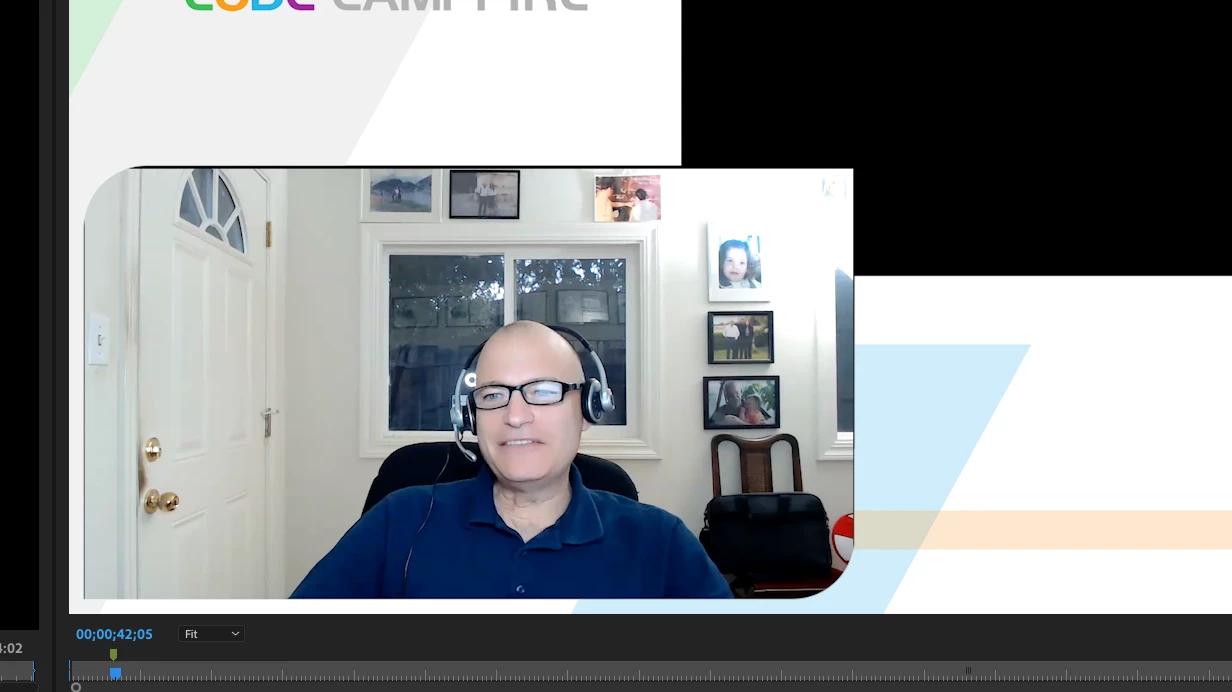
I've been wrestling with masking and can't figure out how to do the effect I'm about to describe and similar to the picture below.
I have a background image that is 1920HD for example. I want to put a smaller video above it on the timeline. When I do that, it works perfect with the video playing on top of the 1920HD image. But, I really want to round off the top left and bottom right corners of the video with round corners. I want the image below to show through on those rounded corners.
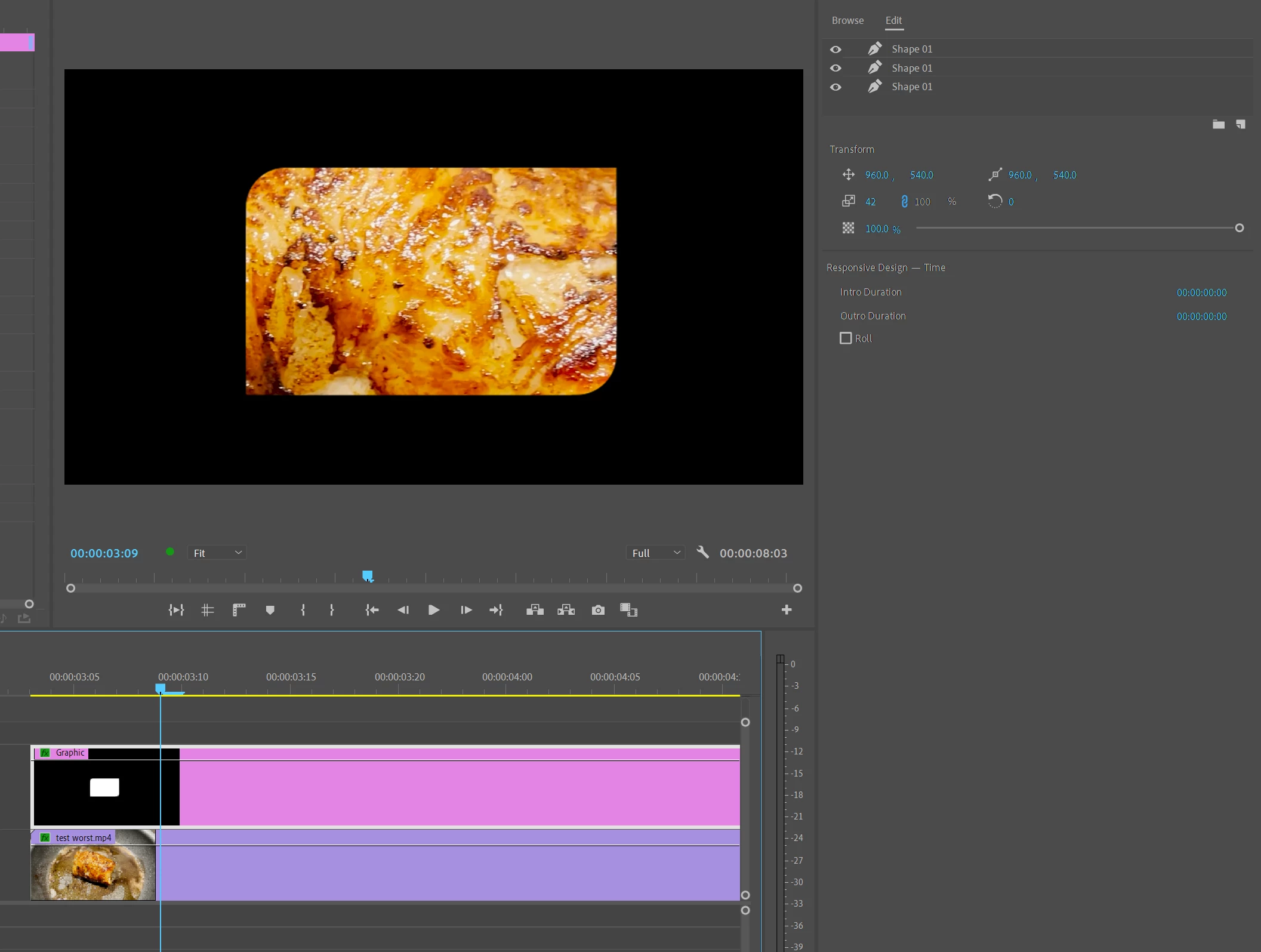
Can I do this somehow in PR directly? I tried creating a photoshop image with a rectangle and made the corners transparent but that did not help me.
(Note: I tried the rectangle/opacity mask but that did all 4 corners, not just the two I want)
Thanks
 AdChoices