
Participant
November 5, 2019
Answered

How to: Paint and draw on video clips with my mouse

  • November 5, 2019
  • 2 replies
  • 8463 views

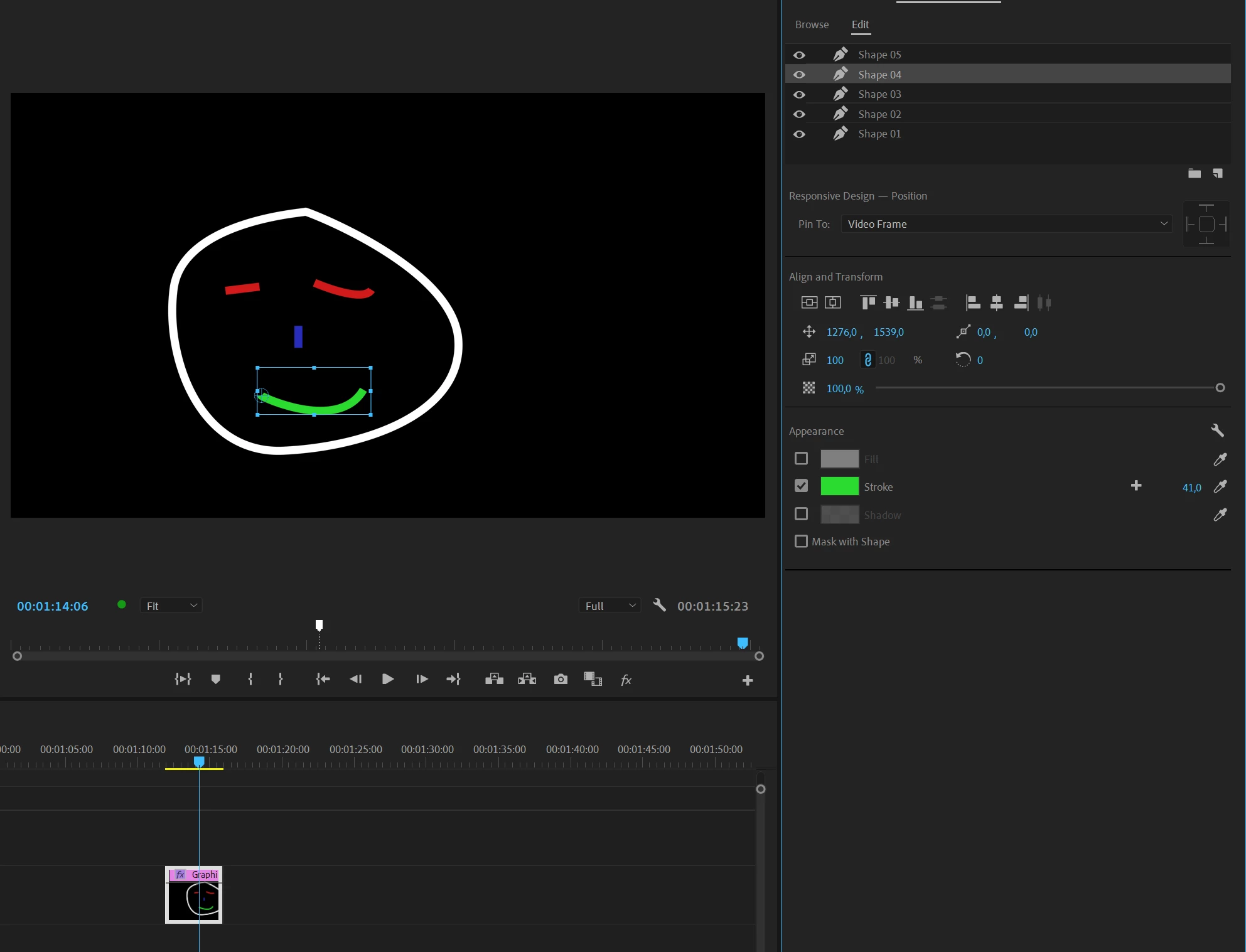
Is there a way to actually draw something on my video with my mouse on Adobe Premiere Pro 2019? I can't find any information on how that may be possible. I just wanted to draw a face on my video and I dont know how. 
This topic has been closed for replies.
Correct answer Ann Bens

I would use the New Essential Graphics tool.

Draw with the pentool and uncheck fill and increase the stroke.

https://helpx.adobe.com/search-results.html?q=essential%20graphics&facets_fields=%5B%22applicable_products%22%5D&post_facet_filters=%7B%22applicable_products%22%3A%5B%22Adobe%20Premiere%20Pro%22%5D%7D


2 replies

Ann Bens
Community Expert
Ann BensCommunity ExpertCorrect answer
Community Expert
November 5, 2019
nishu_kush
Legend
November 5, 2019

Hi milkymuffintop,


Thank you for reaching out. You can use the Pen tool available in tools panel or in Legacy Title (File > New > Legacy Title) to draw the shapes.

Pen Tool is also used to create Masks. Go to the link below to get more information on how Pen Tool works:

https://helpx.adobe.com/in/premiere-pro/using/masking-tracking.html#CreateafreeformshapeusingthePentool


Let us know if it helps.


Thanks,
NKush