
Averdahl
Community Expert
Community Expert
February 24, 2020
Question

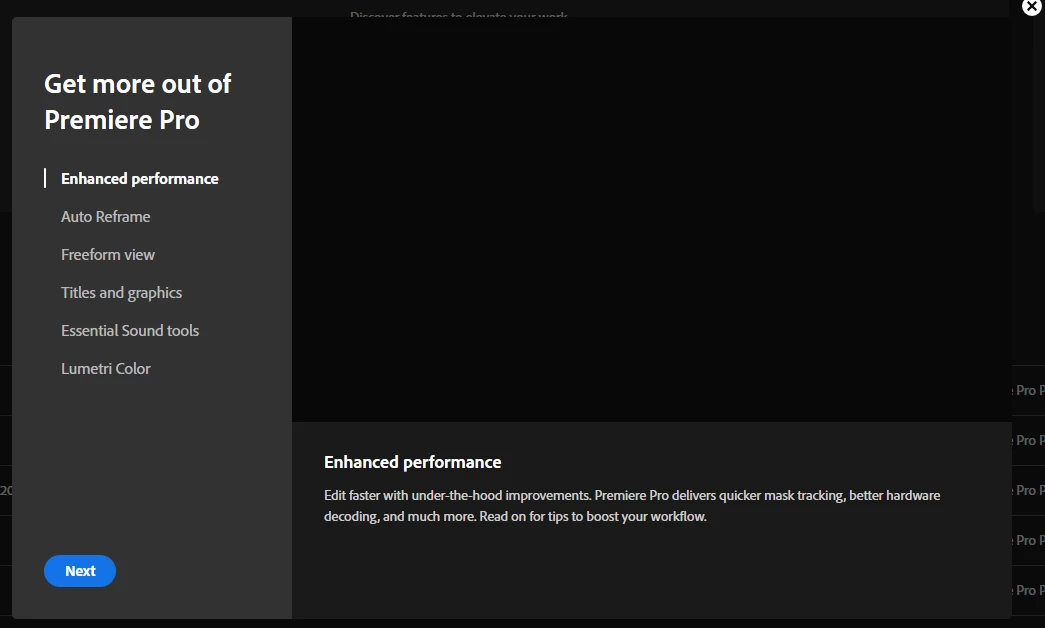
How to permanently get rid of the new features pop-up?

  • February 24, 2020
  • 2 replies
  • 1553 views

Everytime i launch Premiere Pro the "new features" window popup. After a while i got rid of it but when the 14.0.2 were released the window is back, each and every time i open Premiere Pro.


How do i once and for all get rid of that pop-up when i launch Premiere Pro?


Just closing it does not work since it´s back the next time i launch Premiere Pro and i have found no setting in the Preferences.
This topic has been closed for replies.

2 replies

Jeff Bugbee
Community Expert
Community Expert
February 24, 2020

Have you clicked Next all the way through?

Averdahl
Community Expert
AverdahlCommunity ExpertAuthor
Community Expert
February 24, 2020

Yes, i have done that several times. I hoped that the last slide would have some kind of "Don´t show at startup" checkbox but it has not.

Jeff Bugbee
Community Expert
Community Expert
February 24, 2020

You might need to reset your preferences. There's probably an internal "don't show again" flag that isn't getting changed.

Richard TOULON
Legend
February 24, 2020

Hi,

In preferences, General, have you tried the first option ? At startup .

You have two options :

Show Home

Open most recent.


Let us know.


Averdahl
Community Expert
AverdahlCommunity ExpertAuthor
Community Expert
February 24, 2020

I have it always set to Show Home and it has worked before in earlier versions.