
Question
How to Remove Lines when Videoing a Screen
I understand that it's best to do a screen capture and that videographing a screen generally sucks. I also know that there's ways to reduce the lines by adjusting the shutter speed. But, sometimes it just happens...
I noticed that when my video is not moving the video looks perfect!
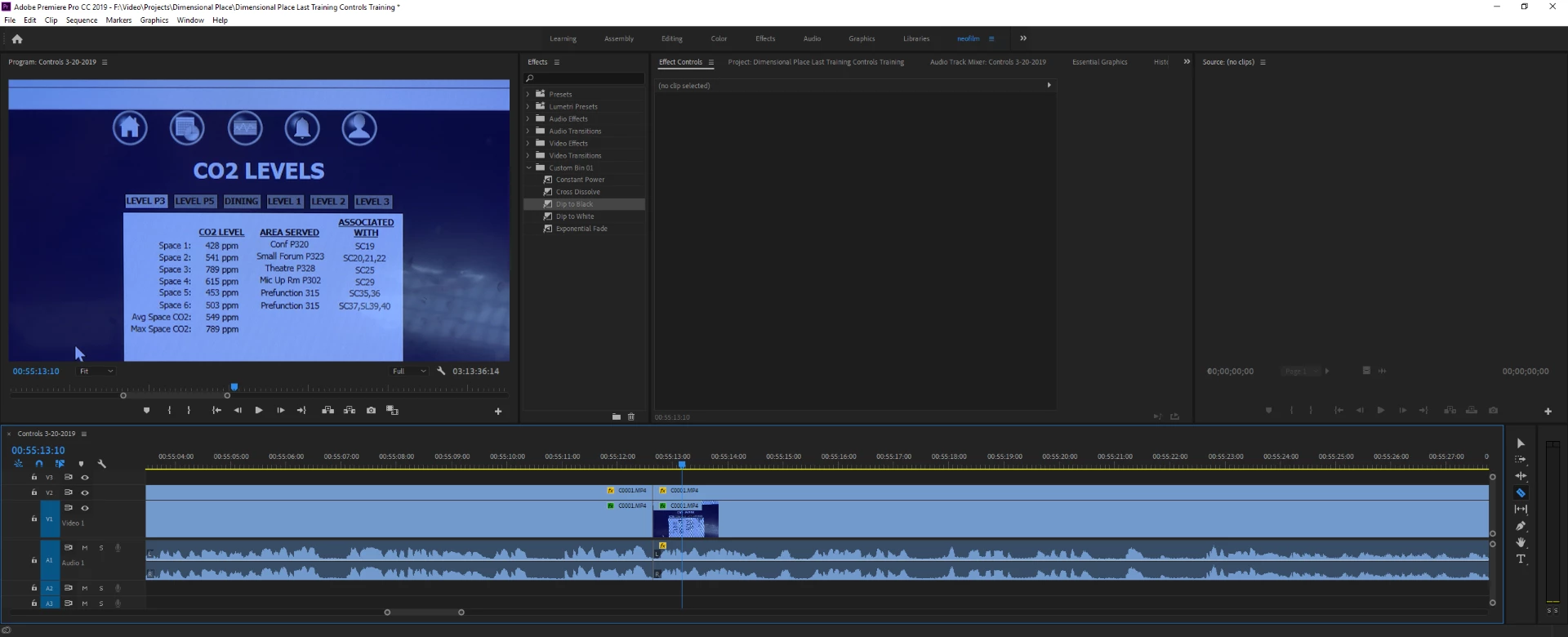
But as soon as I start playing the video the dreaded lines appear.
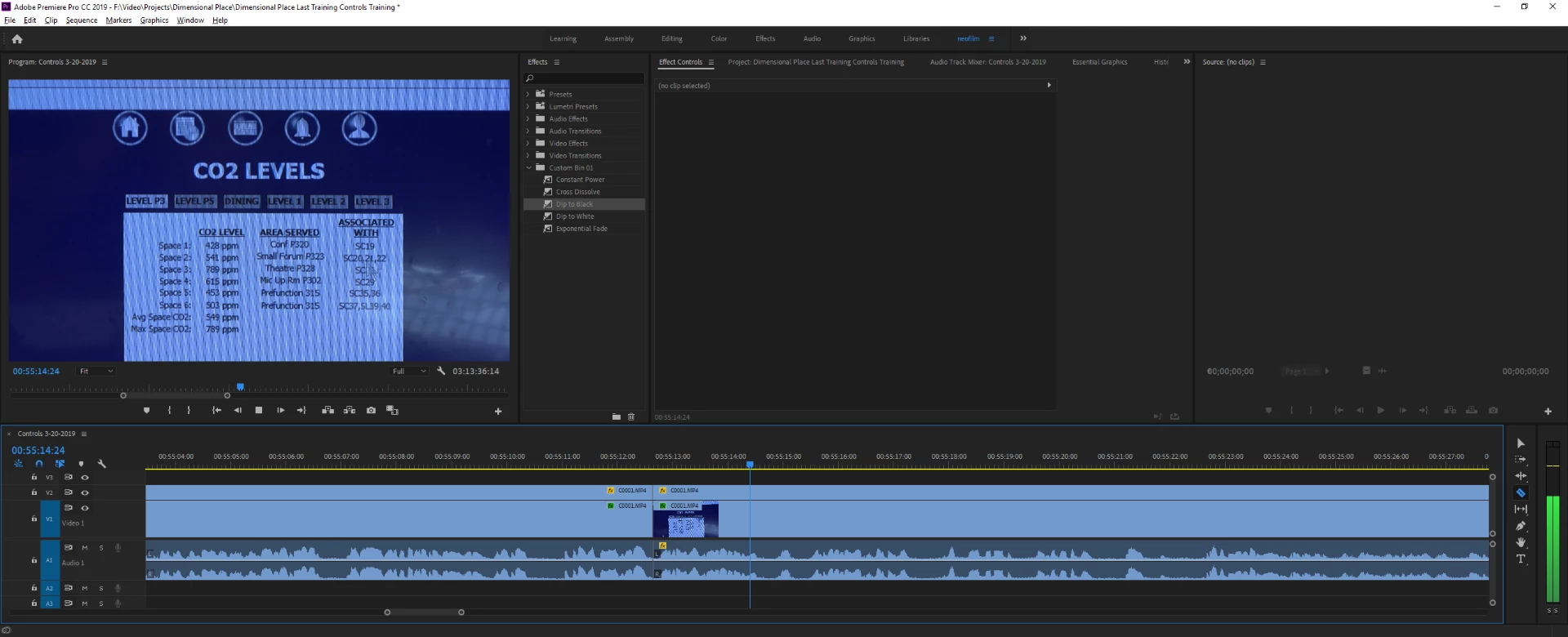
So, I'm wondering two things:
1.) is there something I can apply to fix this in post/premiere so that the video playing is more like the video not playing?
2.) is there some sort of filter for my camera lens that could prevent this (I know, not a premiere question, but maybe you know  )?
)?
Thanks!


 AdChoices