
Participant
August 11, 2023
Question

How to remove static, black horizontal lines from footage

  • August 11, 2023
  • 2 replies
  • 3349 views

I've been combing the internet trying to find a fix for this type of flicker issue, but can only find fixes for rolling, broad bands on footage, but the issue I have is with thin, static dark lines across my footage which I can't find any solution for. See image for example:
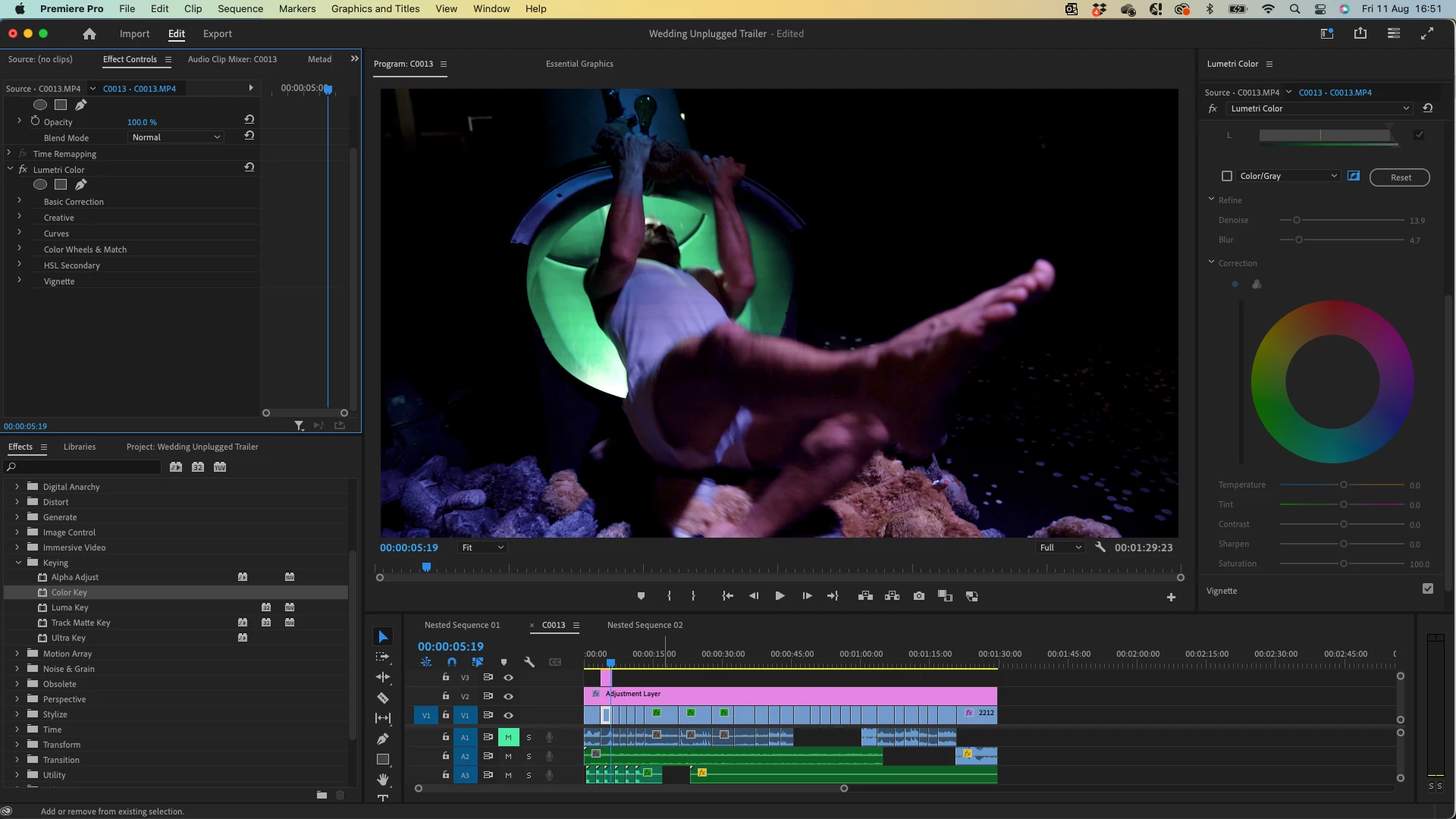
 

Is there any way to fix this without having to create a tonne of masks and lift up the levels of a duplicated clip behind them?? I've tried finding solutions for Premiere Pro and After Effects so any help is much appreciated if there is an effect or method I've not been able to find. 


Thanks in advance!

This topic has been closed for replies.

2 replies

Participant
December 18, 2023

Hi, did you ever find a solution to this problem? I'm having the excact same problem with all of my footage of 1 camera. 

Kevin-Monahan
Community Manager
Community Manager
December 22, 2023

Hi @Ishbel34327348fs7l,

Have you tried what @Mike Dziennik suggested? Let us know.


Thanks,
Kevin

Kevin Monahan - Sr. Community and Engagement Strategist – Adobe Pro Video and Audio
Mike Dziennik
Community Expert
Community Expert
August 13, 2023

Does it roll or stay in place?

One option: Instead of creating lots of masks, you could use the Grid effect and play around with the settings to get rid of the vertical bars and adjust the distance between the horizontal bars until it lines up with your issue. Then use this a track matte to make your Lumetri adjustment. Bodge bodge bodge!

Participant
August 14, 2023

This is a great idea, I'll give it a go. Thanks Mike!