

How to resize clips on a different aspect ratio sequence in Premiere?
I am trying to make a Facebook video with the requirements of it being 720x720p
I made a new sequence in Premiere for 720x720. However, the footage I have received does not fit with this size. It zooms in way too much and when I scaled it down it would not fit that square shape. Instead, it would continue on being a wide screen video where i can see black bars on the top and bottom.
When I tried to export it with the size 720x720 under Basic Video Settings, it would just make it smaller but still keep the wide screen videos and black borders.
Is there a way that i can make this footage smaller so that it could fit the 720x720 size?
Heres an example. I would like to fill in the size without the footage being stretched too obviously. When do i scale it larger, it is way to zoomed in to see every content in the footage.
Any help is appreciated! thank you!
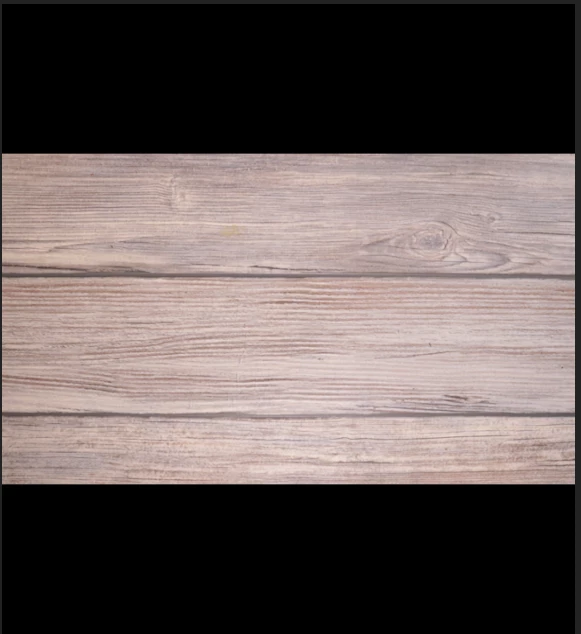
This is my ideal layout output
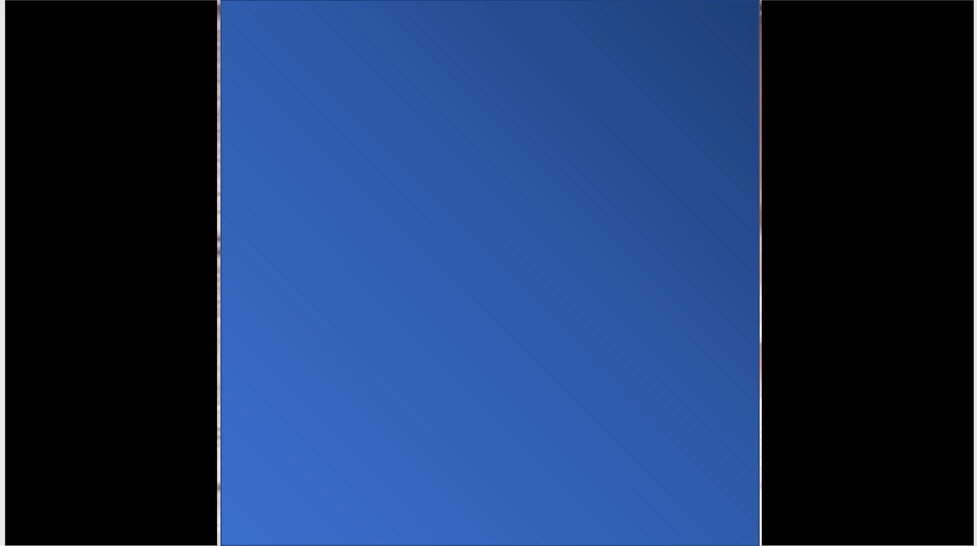
But this is what i get when exported:
 AdChoices