Question
How to setup/interpret 5.1 + Stereo in Premiere Pro?
Hi There,
We haven't dealt with multiple mono track clips for cinema before and the info we've found doesn't quite deal with this situation, so sorry if this is easy.
We have an ad with the following settings:
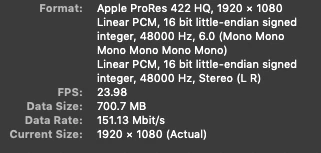
We've setup the sequence using multiple mono tracks and when we drag the clip to the timeline we see 8 audio tracks.
QUESTIONS:
1.
Does the way we've setup the sequence audio seem correct?
2.
Do we need to pan any tracks or leave as is? We've just making an edit but the file will be converted to DCP (not by us) for viewing in cinemas.
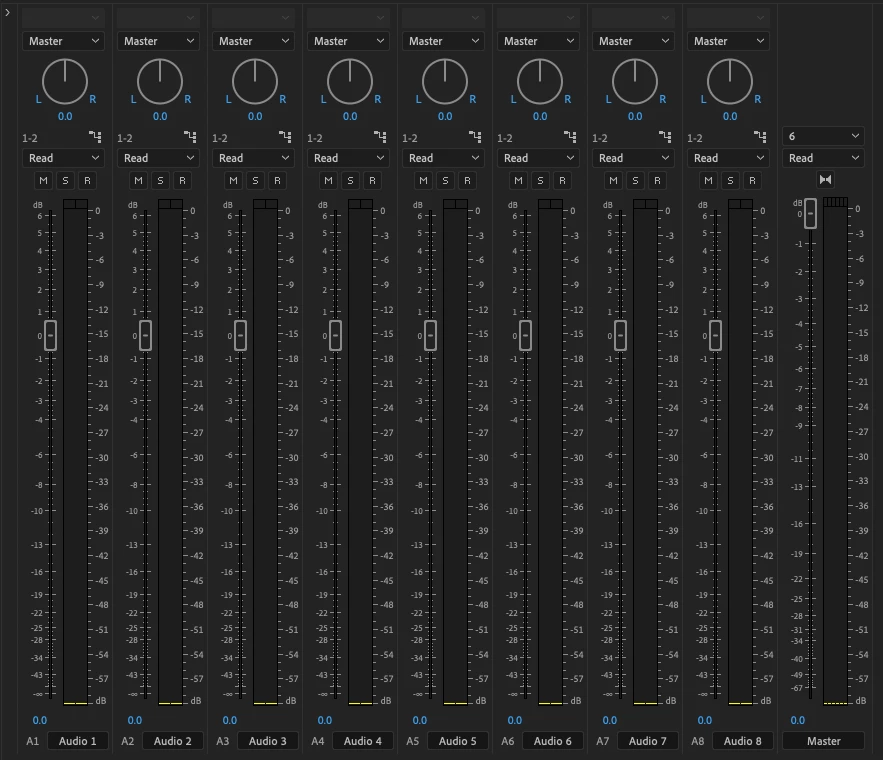
3.
Which settings do we use for Audio? We were planning on using 8 mono tracks like the way it come in...
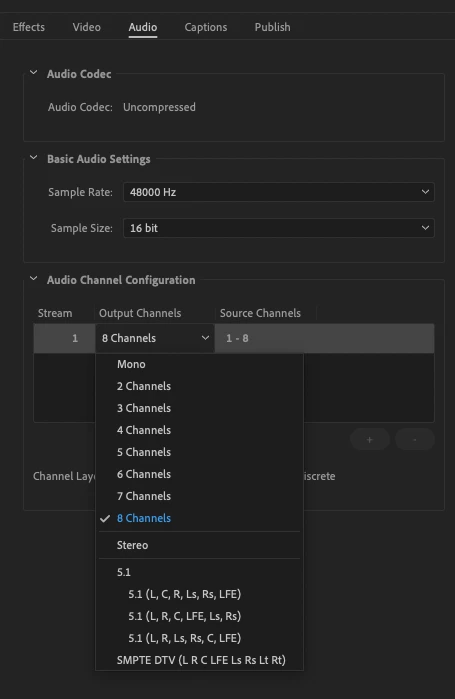
Any pointers in the right direction would be much appreciated.
Cheers
 AdChoices