
Question
How to turn off Auto Colour Correct? - Premiere Pro 2021
Hi,
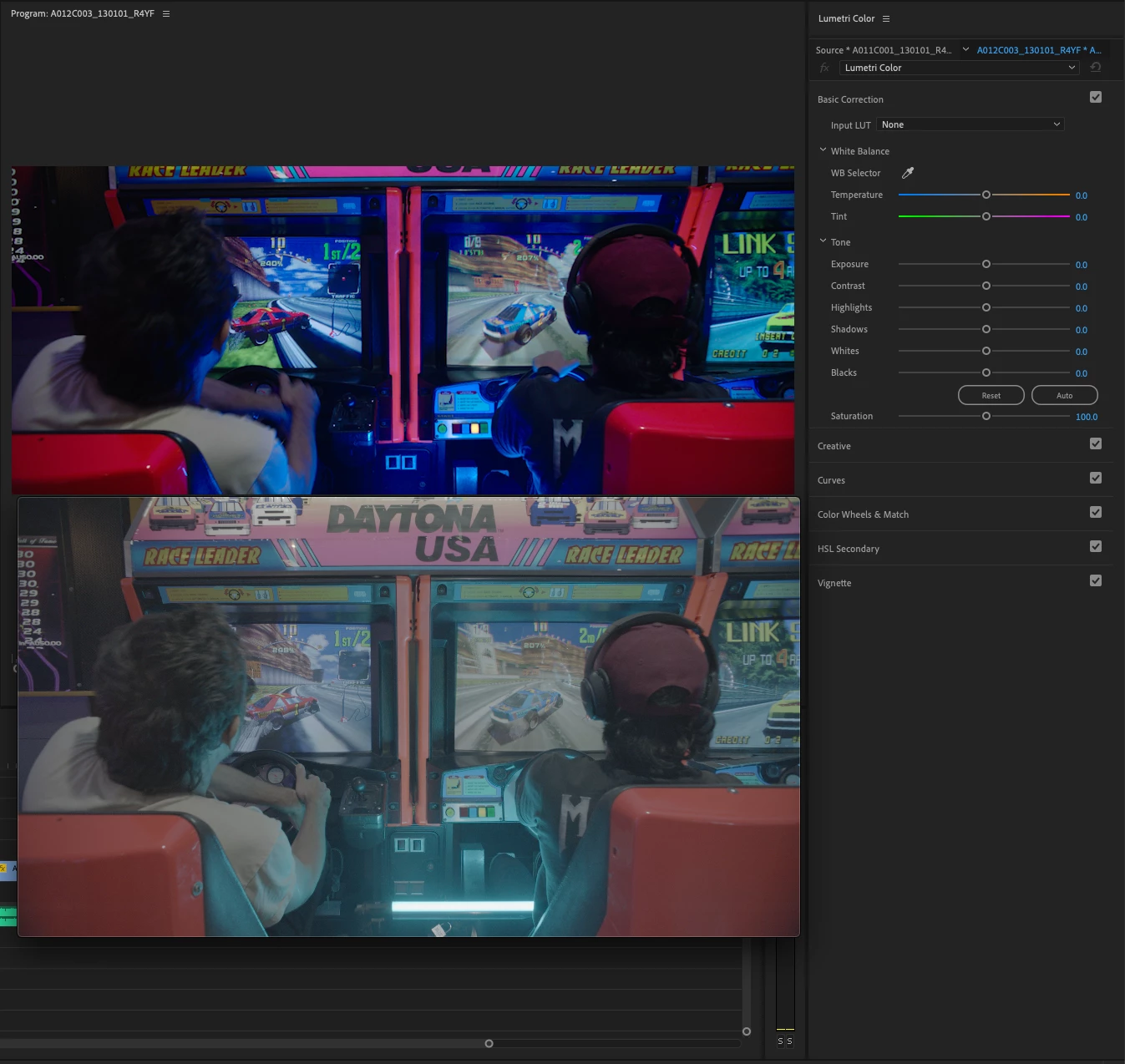
I am editing footage shot on an Alexa Amira (2k ProRes 4444) and some of the clips have been auto colour corrected, but not all of them. I have no intrest in having these corrections and cant turn them off. When i click on the effected clip in my timeline it says there are no colour effects on it and no LUT's. I even tried going back to the bin the file is from and selecting (Disbale Source Clip Effects) as somone suggested that on a previous forum, but still no luck. Help would be very appreciated!


 AdChoices