

How to turn off auto mask tracking?
I am currently manually masking my clip frame by frame with the Mask Path tool.
The really annyothing thing is, everytime I move my manual mask, Premiere auto tracks it and ruins everything I've done. I'm doing this on an adjustment layer- does it have to be done on the actual clip for it to retain the edited shape I've made? I've tried going frame by frame, only to find my work 'undone' by premiere and it is driving me up the wall. How can I retain the manual masks I've made for each frame? Is there a way to turn off auto tracking the mask?
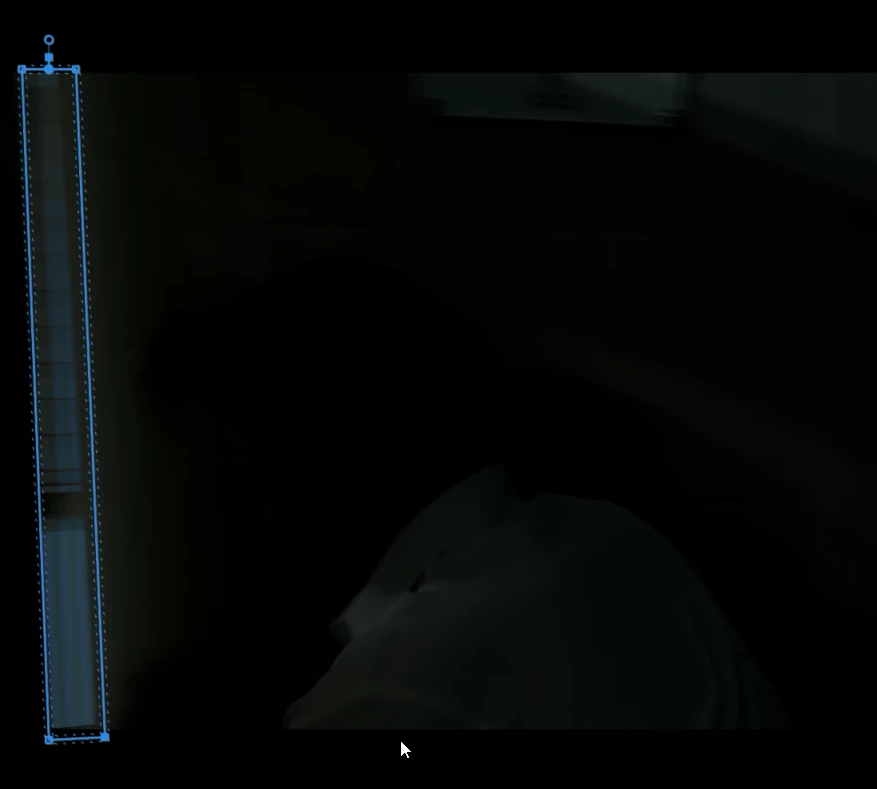
This is how it's supposed to look (and how I originally set it as)
THIS is Premiere 'undoing' the above after I made several keyframes after it and I went back:
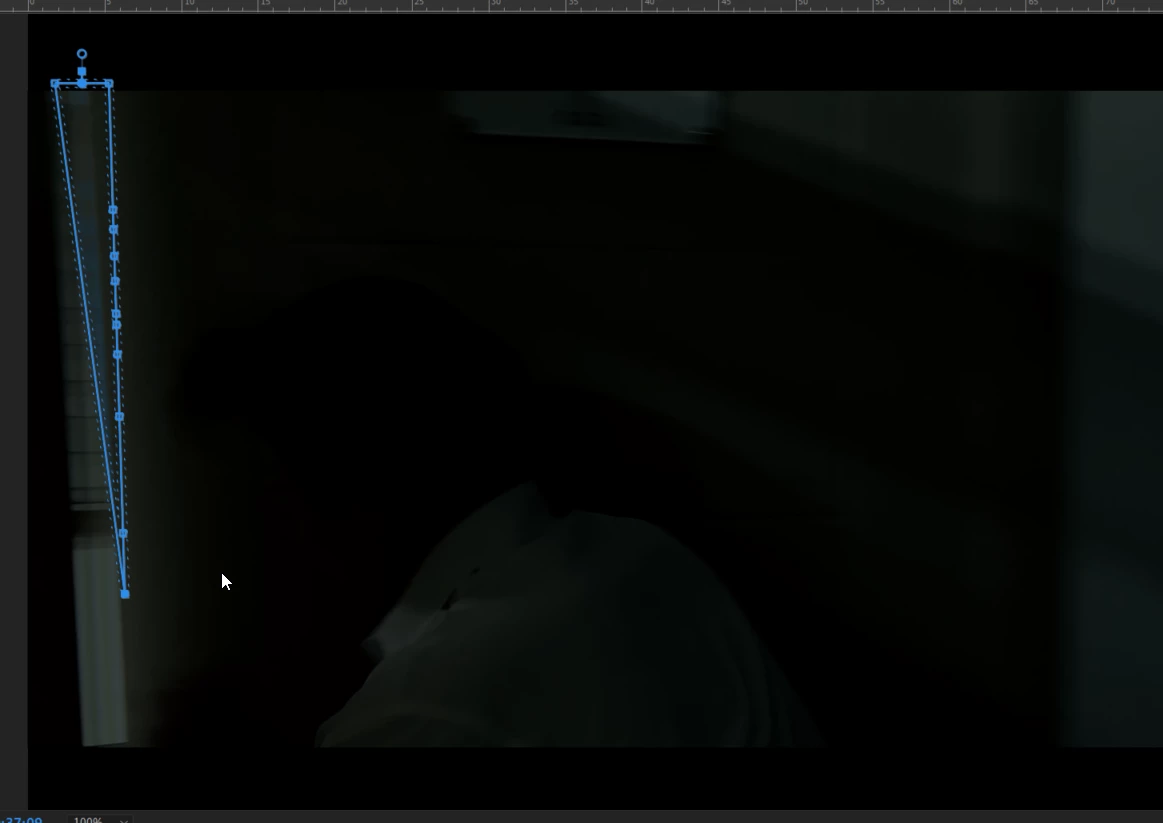
Honestly I don't understand why this keeps happening. I spent hours by manually masking each frame!! Gone!!
 AdChoices