



Mountain Panther
Inspiring
Apr 24, 2024 2:12 PM UTC
Answered

How to Zoom In and Out in Premiere Pro's Timeline on Windows like on Mac

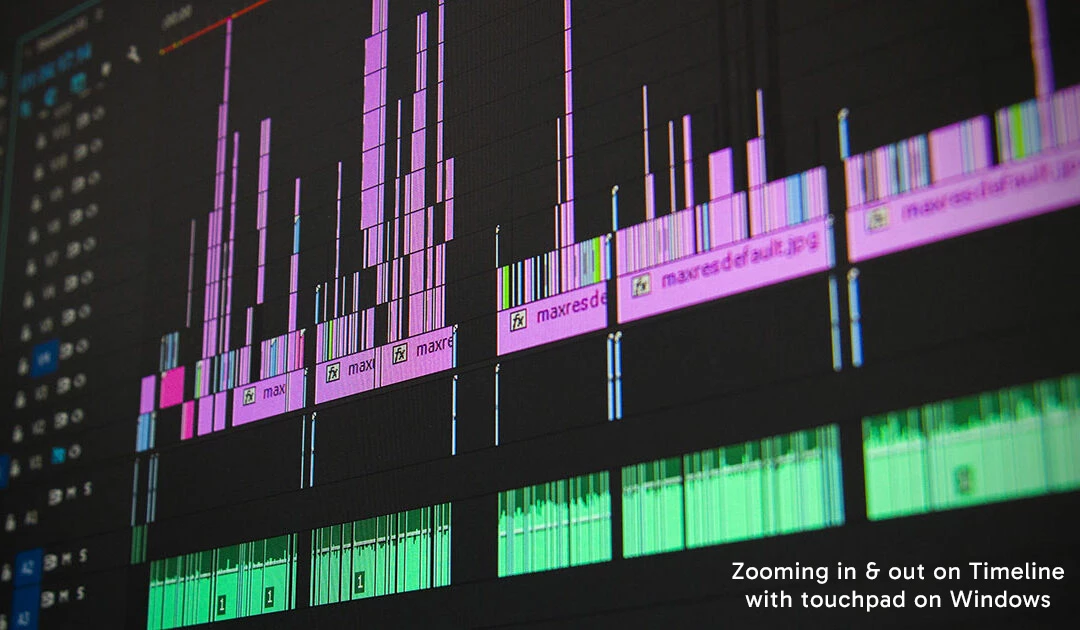
Hello, I use a MacBook to video edit in Premiere Pro and one feature I like is zooming in and out in the Timeline using the touchpad. It makes it easy to naviagte inside the Timeline to see the entire project and get up close to make refined edits. 


Recently I've also been using Windows to video edit and when I try the same gesture on the touchpad, nothing happens. I did find holding the 'Alt' key while scrolling up/down or left/right on the touchpad or mouse will do the zoom gesture I wanted, but is there a way in settings to change it so I don't have to rely on using the 'Alt' key to perform the same gesture like on a Mac? Perhaps shortcut keys are the only option?


Any feedback would be appreciated as I'm sure many Windows users may have the same issue.
 

Mountain Panther
Mountain PantherCorrect answer
Inspiring
Oct 7, 2024 1:50 PM UTC

Hi there! I was finally able to figure out how to use the touchpad to zoom in and out of the timeline in Premiere Pro with any WIndows 11 device. Click and hold the alt key while pinching in and out with two fingers on the touchpad. If you're using a Windows 11 device with a mouse, click and hold the alt key would scrolling with the mouse scroll. I wish there was a way in Premiere Pro's setting to remove having to use the alt key, but at least this is a workaround. Hope this helps!

7 replies

Participant
Oct 7, 2024 10:51 AM UTC

Excatly what I want to, transitionning from mac to win laptop I want the same touchpad actions. (And I think we are not alone 🙂 )

Can you please show us without asking which brand is the laptop (it has no importance)

Thanks!

Translate
Mountain Panther
Mountain PantherAuthorCorrect answer
Inspiring
Oct 7, 2024 1:50 PM UTC

Hi there! I was finally able to figure out how to use the touchpad to zoom in and out of the timeline in Premiere Pro with any WIndows 11 device. Click and hold the alt key while pinching in and out with two fingers on the touchpad. If you're using a Windows 11 device with a mouse, click and hold the alt key would scrolling with the mouse scroll. I wish there was a way in Premiere Pro's setting to remove having to use the alt key, but at least this is a workaround. Hope this helps!

Translate
Participant
Oct 7, 2024 2:01 PM UTC

Thanks!! 🙂 

(Yes without alt would be nice! I 've no idea why it would differ from mac especially everybody loves this UI...)

Translate
T - Sal
Community Expert
Community Expert
Apr 24, 2024 2:38 PM UTC

Hello,

Could you please let me know which touchpad you are using?

Additionally, you can refer to the following link for potential assistance: Adobe Premiere Pro Touch and Gesture Controls.

Thank you.

Translate
T-Sal
Mountain Panther
Inspiring
Apr 24, 2024 2:58 PM UTC

I'm use a Dell Latitude laptop touchpad. After reviewing the link you provided, it doesn't provide a soloution to the problem.

Translate
T - Sal
Community Expert
Community Expert
Apr 24, 2024 3:59 PM UTC

Can you check which version you have, 

Windows:

  1. Open Premiere Pro.
  2. Click on the Help menu at the top of the screen.
  3. Select "About Premiere Pro" from the dropdown menu.
  4. A pop-up window will display the Premiere Pro version and build number at the top, similar to the example shown.


Please take a look at this link as well. It may contain information related to adjusting touchpad settings on a Dell laptop, specifically instructions for disabling or enabling the touchpad: Disabling or Enabling the Touchpad on a Dell Laptop
Translate
T-Sal