ConsfusedUser
Inspiring
July 5, 2024
Answered

How would I make a long, slow transition, blending the lighter parts of a shot in first?

  • July 5, 2024
  • 1 reply
  • 489 views

I've got two shots that I need to slowly blend together over the course of a few seconds. Currently, I'm envisioning a transition where the lighter parts of the second shot are slowly blended in while the first shot slowly dims to reveal the darker parts.

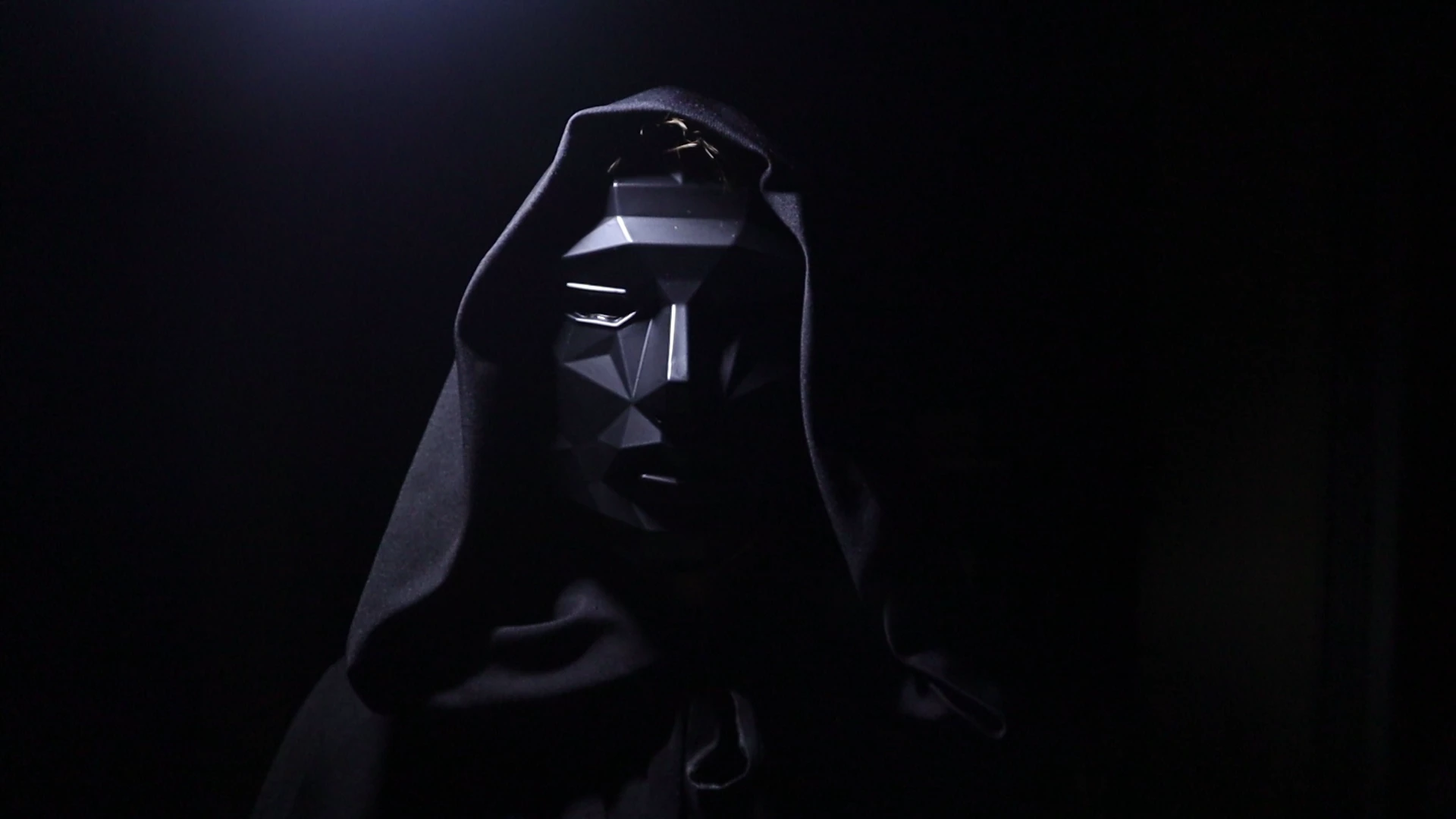
Here's the two different shots:
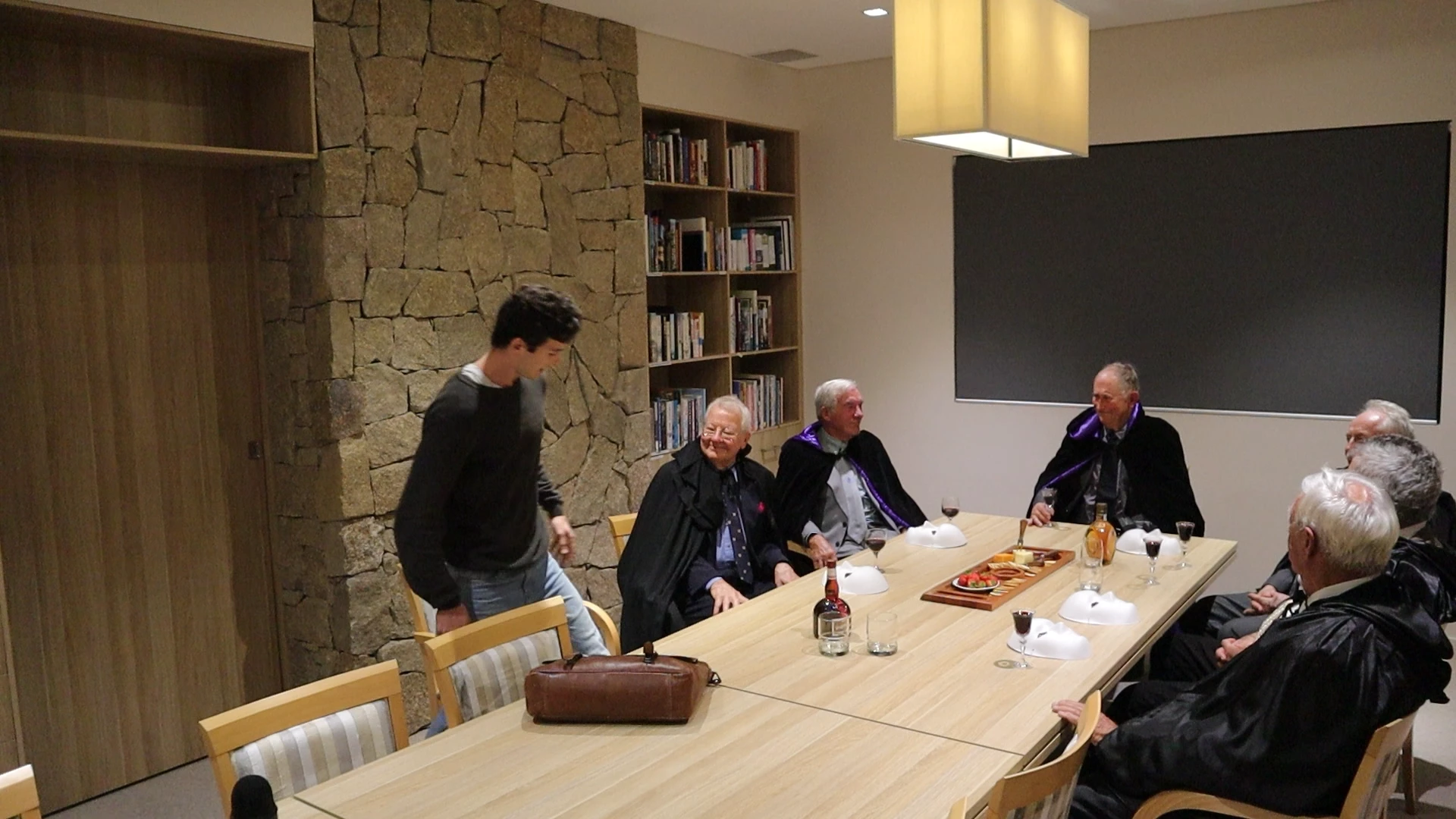
I've also got After Effects, if need be. Any suggestions are appreciated.

This topic has been closed for replies.
Correct answer PaulMurphy

You can create a long, slow transition by using the Film Dissolve transition, which automatically blends the lighter parts of the shot first.

For more control over the transition, try using the Gradient Wipe effect found in the Video Effects > Transition folder. This effect allows you to fine-tune how the transition progresses.

Cheers,
Paul

1 reply

PaulMurphyCommunity ExpertCorrect answer
Community Expert
July 5, 2024

You can create a long, slow transition by using the Film Dissolve transition, which automatically blends the lighter parts of the shot first.

For more control over the transition, try using the Gradient Wipe effect found in the Video Effects > Transition folder. This effect allows you to fine-tune how the transition progresses.

Cheers,
Paul

ConsfusedUser
Inspiring
July 7, 2024

Thanks Paul, I'll give this a try