Maximas200
Participating Frequently
October 15, 2019
Question

Huge number of Premiere Errors/crashes without any fix...

  • October 15, 2019
  • 18 replies
  • 1294 views

Hi there,


I've been having a huge number of Premiere Pro issues since i bought my new machine, with every project i've worked on. It is becoming impossible to work but no fix i've found online or with Dell Support has helped me so far.


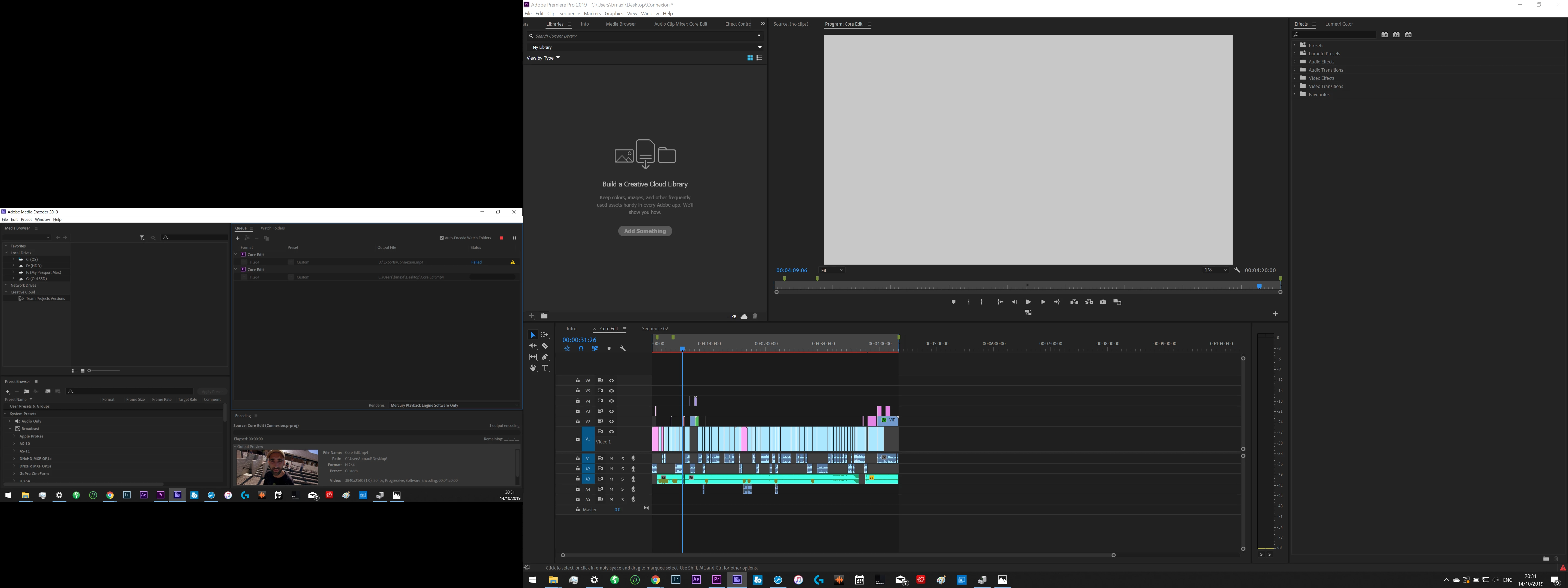
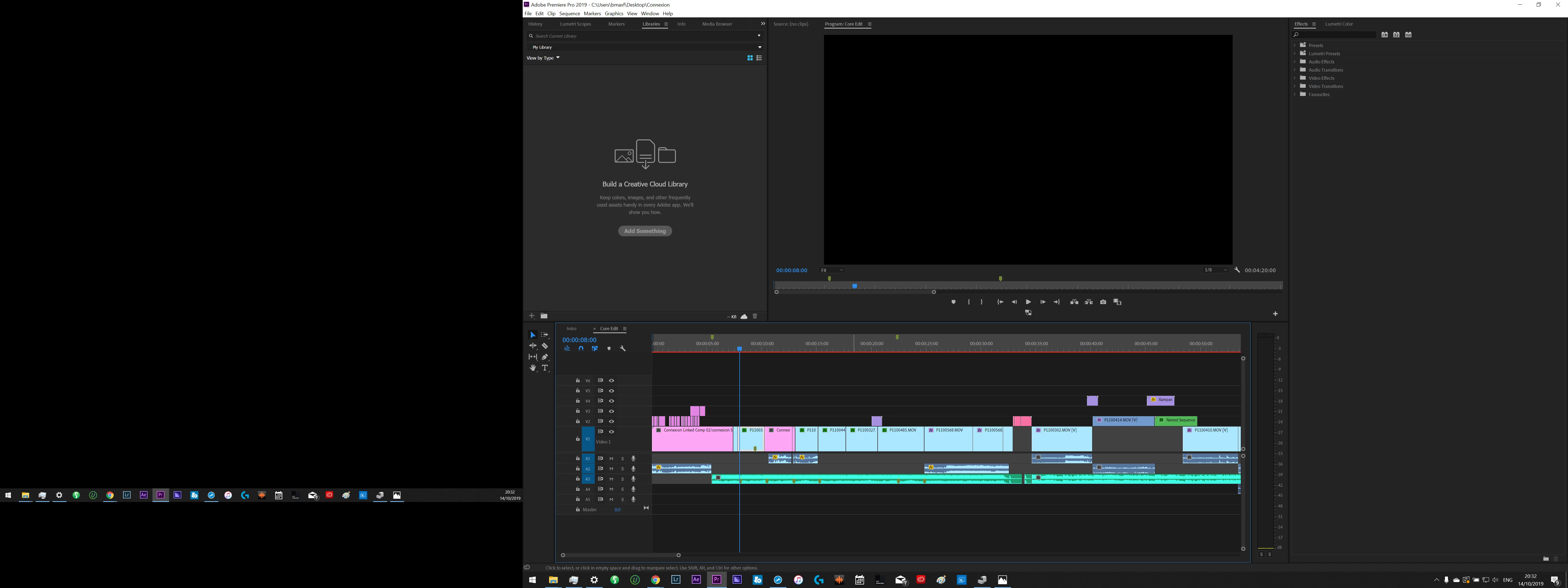
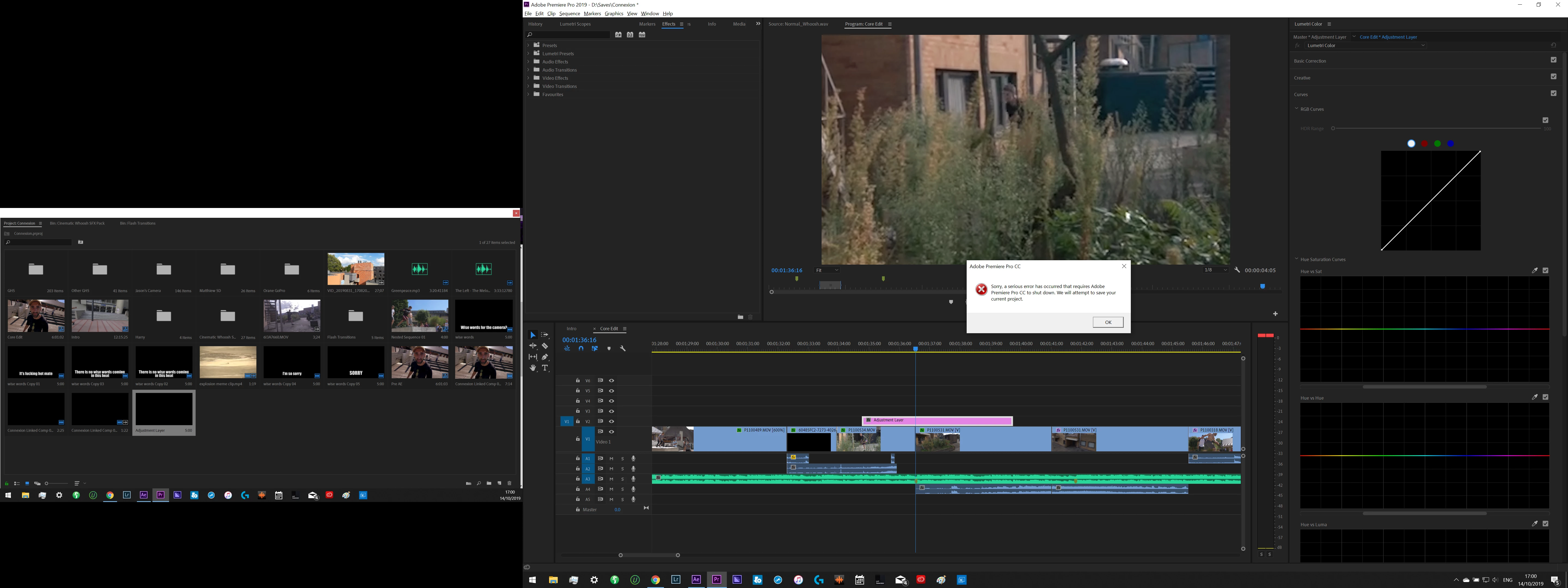
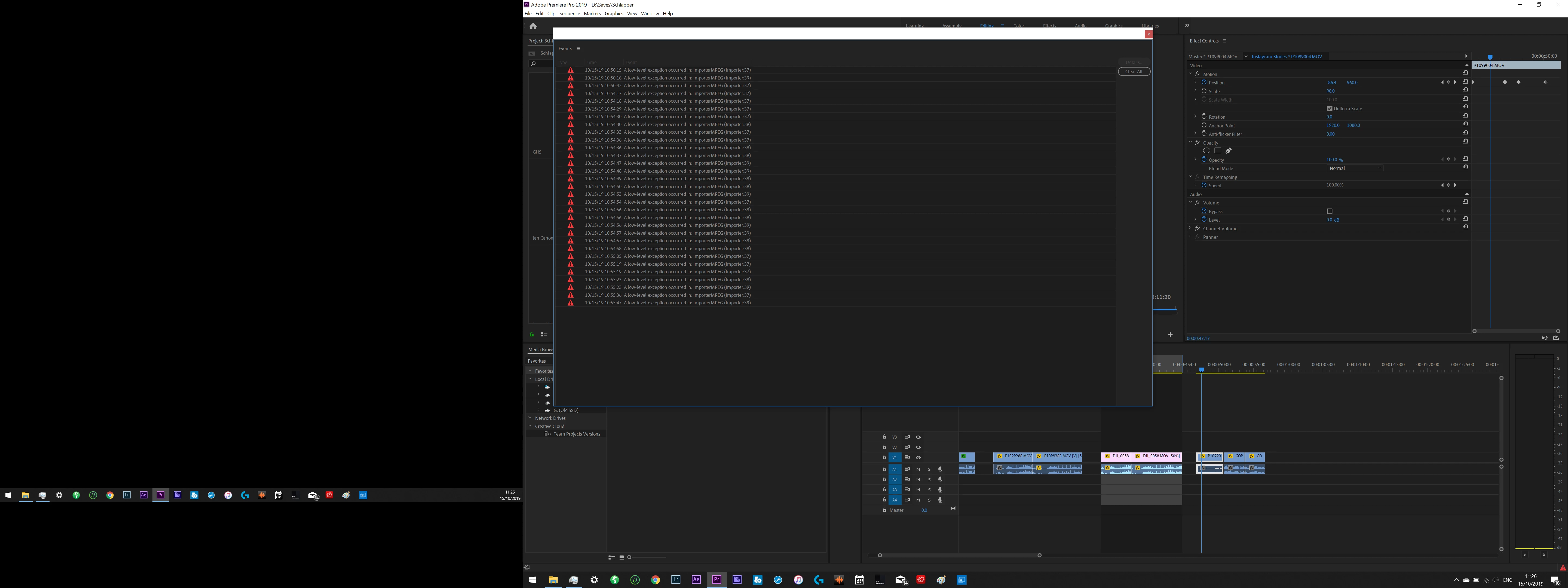
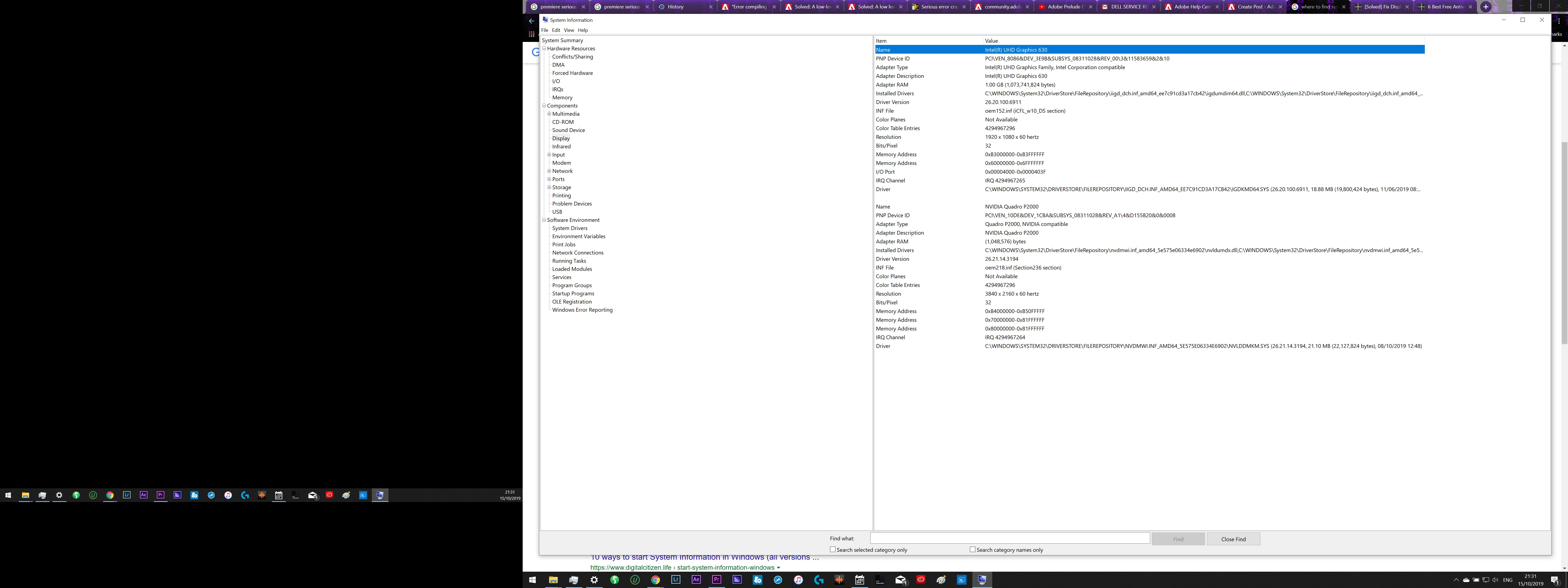
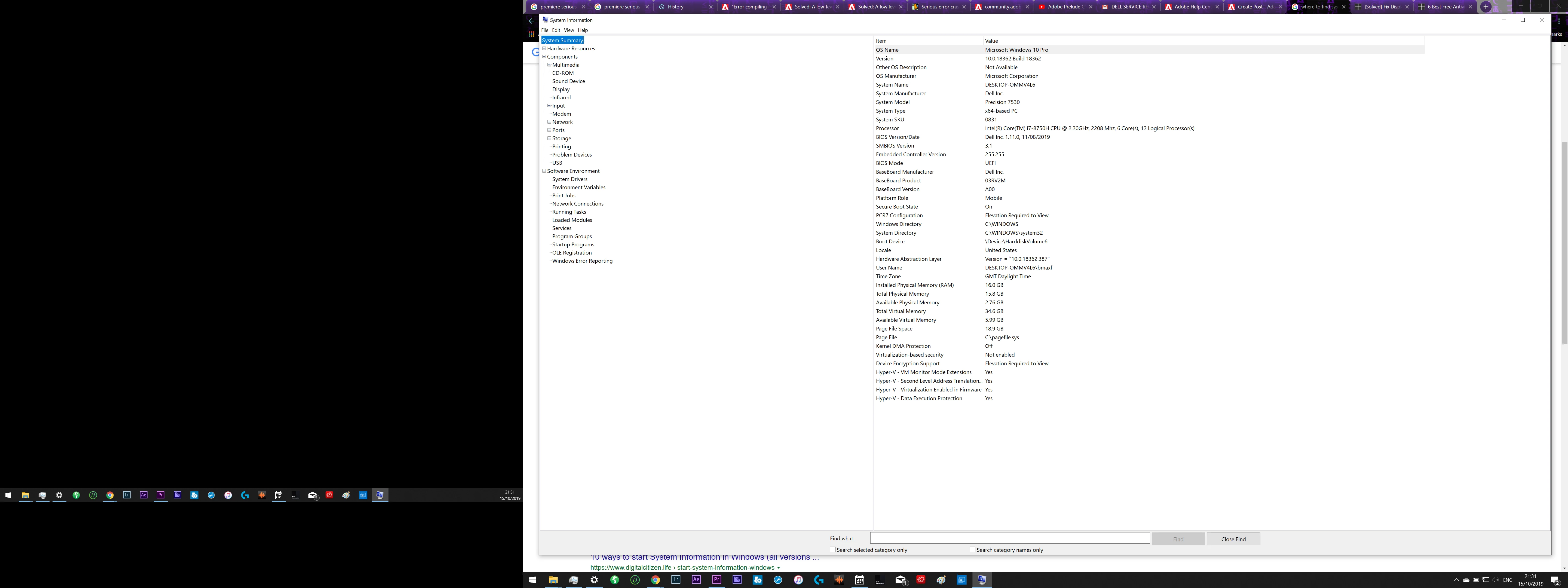
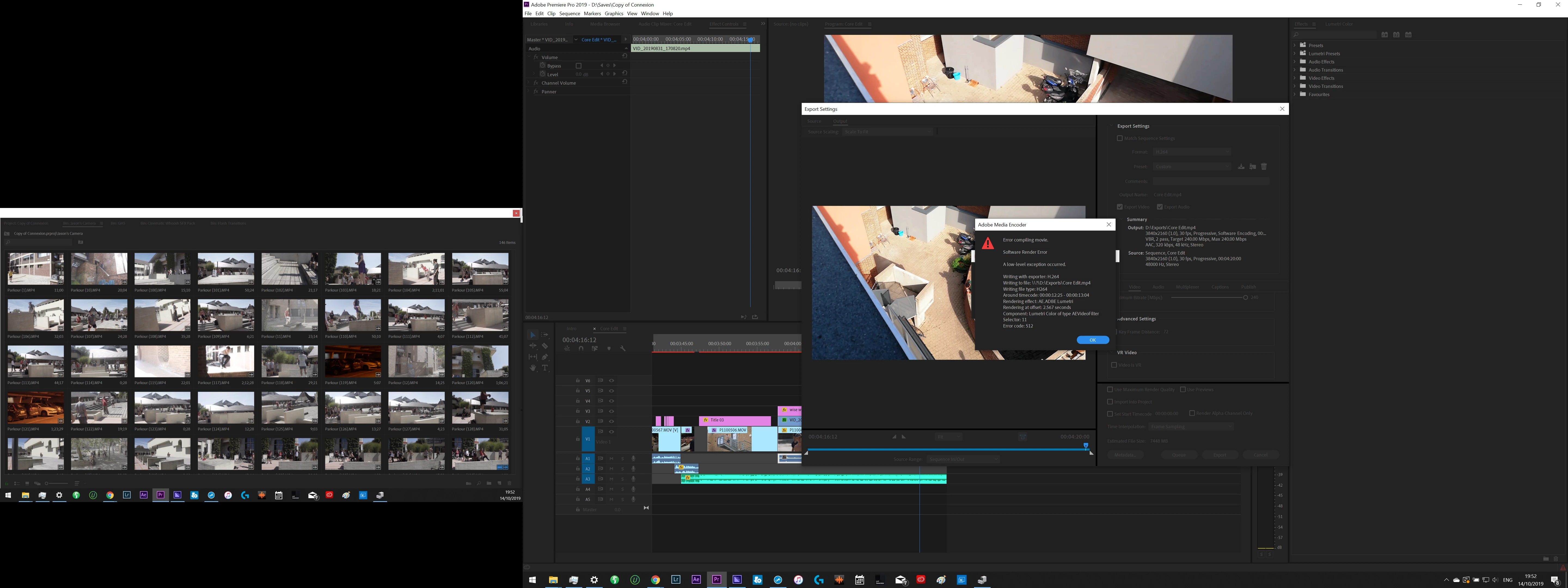
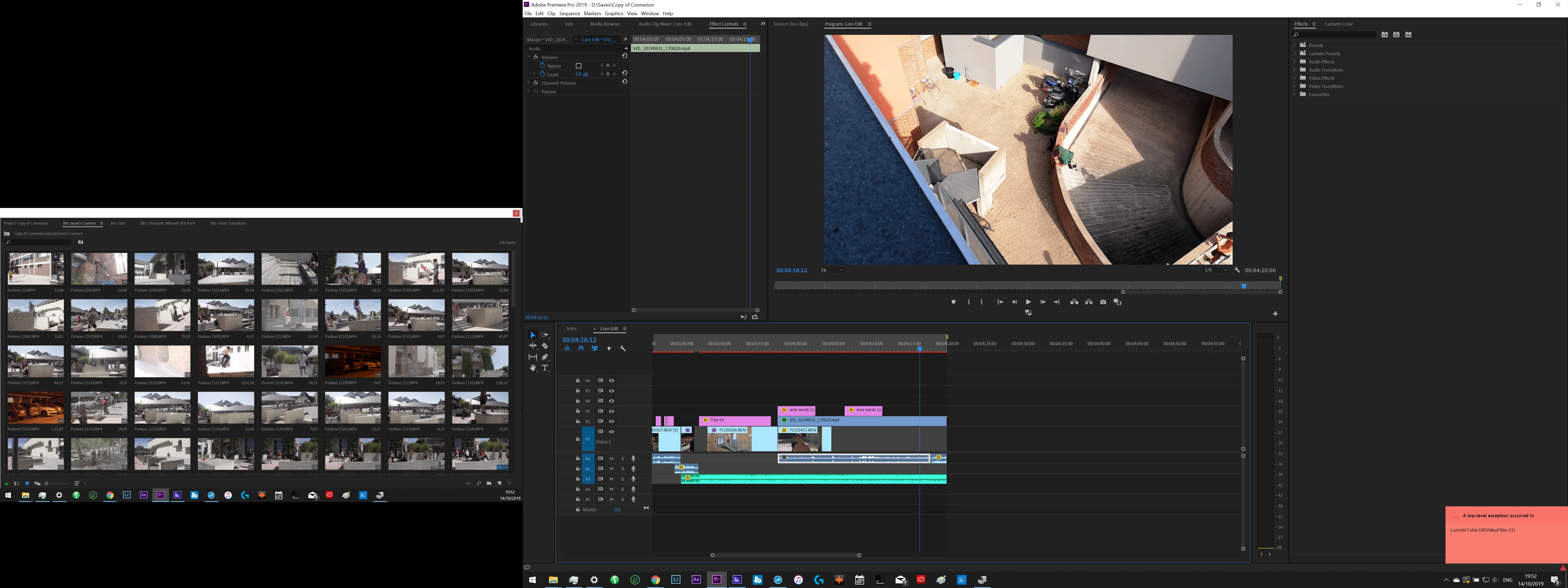
Screenshots of several of the errors i recieved + my system information is below. Sometimes the crashes happen with no error message at all but all these errors tend to lead to crashes. 


I have been trying fixes for months and I will list here what i already tried:

  • Re-install Premiere several times (including using CC Cleaner)

  • Deleting Cache
  • Deleting Preferences
  • Disabiling CUDA/Open CL
  • Changing preview settings (quicktime, mpeg ect.)
  • Changing Seqence settings/ making new sequences
  • Re-installing/updating/rolling back GPU Drivers several times
  • Updating all drivers
  • performing SFS scan
  • Running Diagnostics on my Machine
  • Re-installing windows
  • Replacing SSD + re-installing windows
  • Updating Windows
  • Contacting Dell Hardware support several times to perform tests (but they just tell me it's a software issue)
  • I am of course working in the latest version of Premiere


It feels like a GPU Issue but i've also had crashes and failed renders when using only CPU so i'm at a loss...


Any ideas would be greatly appreciated, I have so much work to do and these constant crashes are killing me!


    This topic has been closed for replies.

    18 replies

    MyerPj
    Community Expert
    Community Expert
    October 16, 2019

    One other thing you can try before a clean reinstall of Windows. A clean install of Premiere Pro. Use the Adobe Creative Cloud Cleaner tool, and then reinstall. Here's a link:

    https://helpx.adobe.com/creative-cloud/kb/cc-cleaner-tool-installation-problems.html


    MyerPj
    Community Expert
    Community Expert
    October 15, 2019


    My 2011 machine (desktop) had 16Gb, but I doubt that is the problem. You might want to test the memory. I did have a bad chip on my current build I found via MemTest:  https://www.memtest86.com/

    Did you upgrade your video card directly from the nvidia site?


    Don't forget this guy: (This is just a picture, use the one under your original post)

    MyerPj
    Community Expert
    Community Expert
    October 15, 2019

    I'm not sure. Maybe someone else might have an answer. Your computer will run alot better with less processes running. Especially as you are on the lower end of memory. You're original list of all the things you've tried is fairly extensive, so what else is the answer? I don't know much about Quadro's other than they seemed to be the standard at one time, but I think the regular GeForce's have caught up and there is a lot more data available for them, as there are so many users out there. So, rather than concluding your hardware is incompatible, I was thiking about your OS.

    Maximas200
    Participating Frequently
    October 15, 2019
    Ok fair enough. Yeah i was working with the GPU options they had for the laptop model. I am also considering upgrading my RAM but i doubt that would affect the issue?
    MyerPj
    Community Expert
    Community Expert
    October 15, 2019

    That is a lot! That SSD sounds new, so you might not mind trying another Windows CLEAN install, that's what I would suggest. Of course you need backups of all your data, etc.


    I would try with MS image. Here's the page: https://www.microsoft.com/en-us/software-download/windows10


    You can create a bootable USB drive. Install the bare minimum to get things working, and use the Microsoft drivers where you can.


    Don't install any dell software. People have reported generic / strange issues and it turns out to be the audio driver, or some audio program the manufacture installs. Dell, Asus, etc... Start as light and generic as you can get, then install PP and see what you have. If it works you can start installing other things you may want, constantly going back to PP and make sure it still works. That's all I can think of at the moment.


    Maximas200
    Participating Frequently
    October 15, 2019
    Hmmm, ok. But do you really think that if i've already had the same issue across multiple instances of windows that this would solve it? It's a lot of time and effort that's all
    Maximas200
    Participating Frequently
    October 15, 2019

    I often monitor the task manager tab to see how my PC is doing. The only thing that usually gets up quite high is RAM and CPU when rendering. But yeah there are a lot of processes


    MyerPj
    Community Expert
    Community Expert
    October 15, 2019

    Just curious, what does your Task Manager screen / Performance Tab look like. Dell typically adds tons of processes to their OS. Here's what mine looks like shortly after booting. (Each process steals a little bit (or more) processor time reducing overall performance)


    MyerPj
    Community Expert
    Community Expert
    October 15, 2019

    The continuing audio could be a performance issue. What media is involved? Are you using proxies? I was asking about the Windows media you 'reinstalled' from because Dell used to load up a bunch of undesireable software and applications on their delievered operating systems. It's been a long time since I purchased a Dell, but a clean install, and loading as few as possible Dell drivers and software would be a good thing.

    Maximas200
    Participating Frequently
    October 15, 2019

    Yes i am using proxies, often working iwth 4k media. Performance is always fine until one of these errors pops up or a crash happens

    Maximas200
    Participating Frequently
    October 15, 2019

    These issues have been occuring in every project including new ones. Anytime the project gets even a bit demanding for my computer i get one. My prgram monitor often freezes or is grey/black

    MyerPj
    Community Expert
    Community Expert
    October 15, 2019

    Did you try a new project? Is it an ongoing project you need to work on? If so, try importing that into a new project and testing it out.

    How about some of the other problem. It looks like your Program Monitor was displaying grey in one of the pictures?


    You may need to remove and reapply that Lumetri effect at the noted timecode.

    Maximas200
    Participating Frequently
    October 15, 2019

    Further issue where i have paused the sequence, the program screen is frozen and the audio is continuing to play