Maximas200
Participating Frequently
October 15, 2019
Question

Huge number of Premiere Errors/crashes without any fix...

  • October 15, 2019
  • 18 replies
  • 1294 views

Hi there,


I've been having a huge number of Premiere Pro issues since i bought my new machine, with every project i've worked on. It is becoming impossible to work but no fix i've found online or with Dell Support has helped me so far.


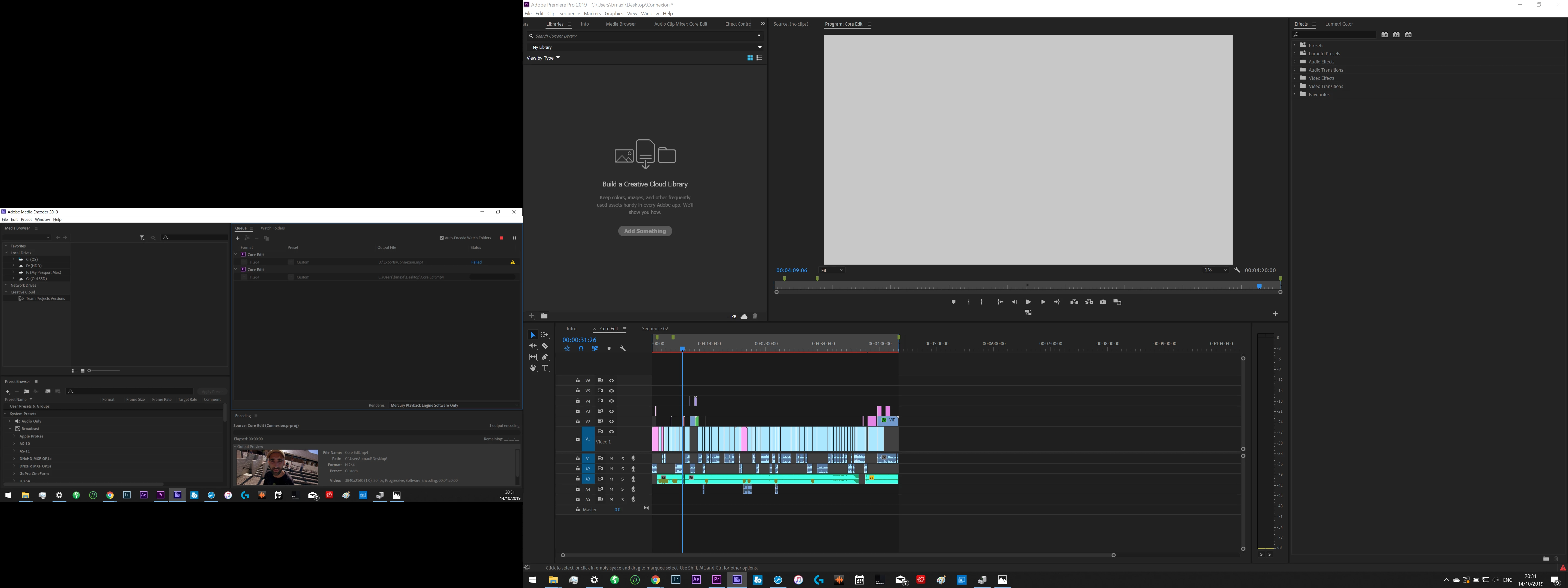
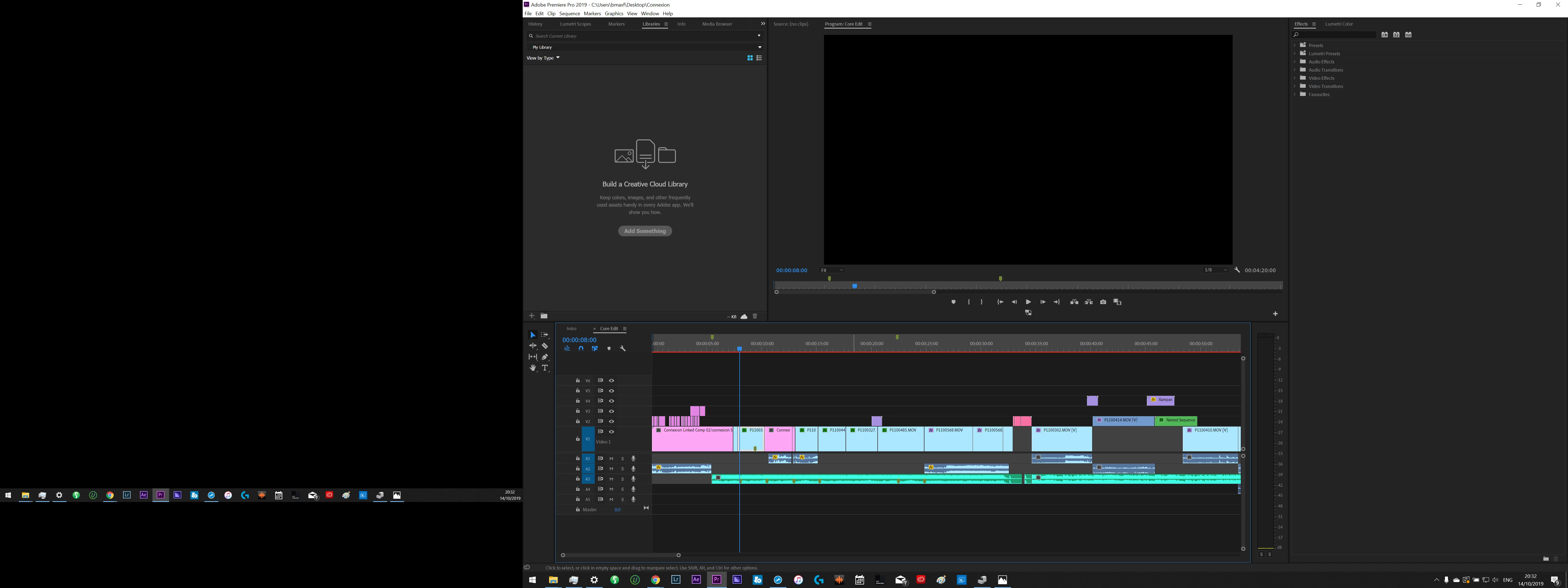
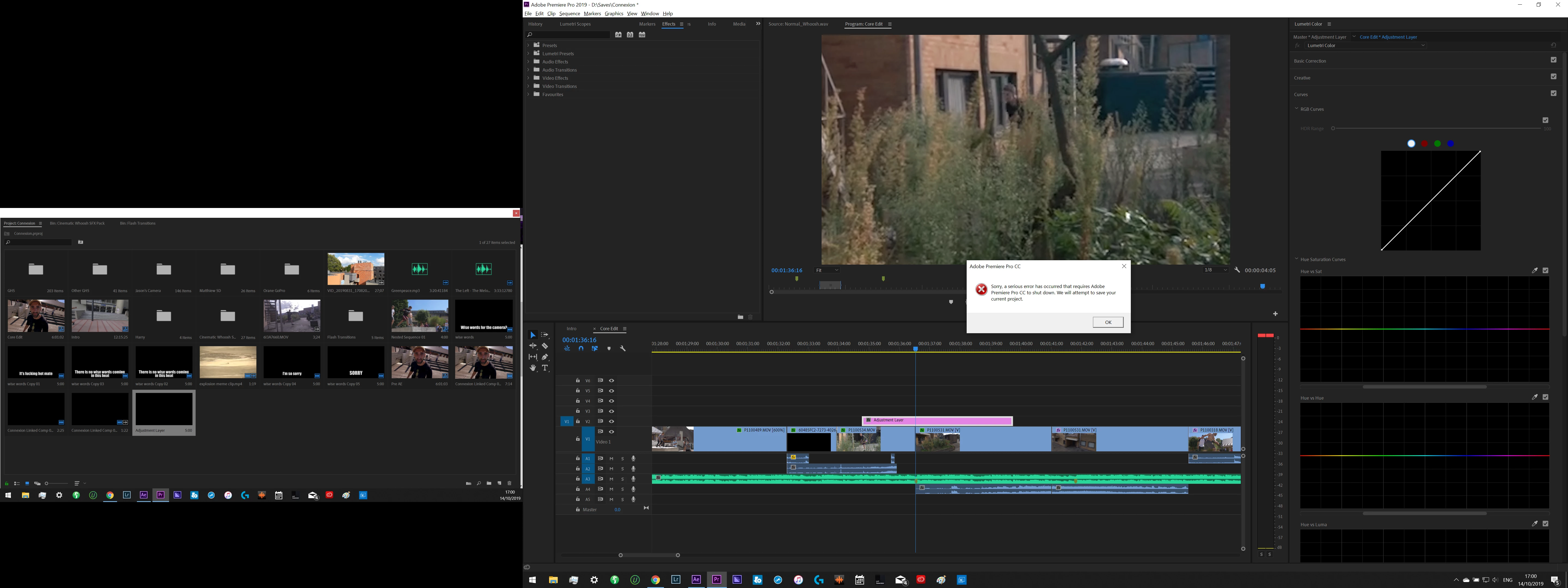
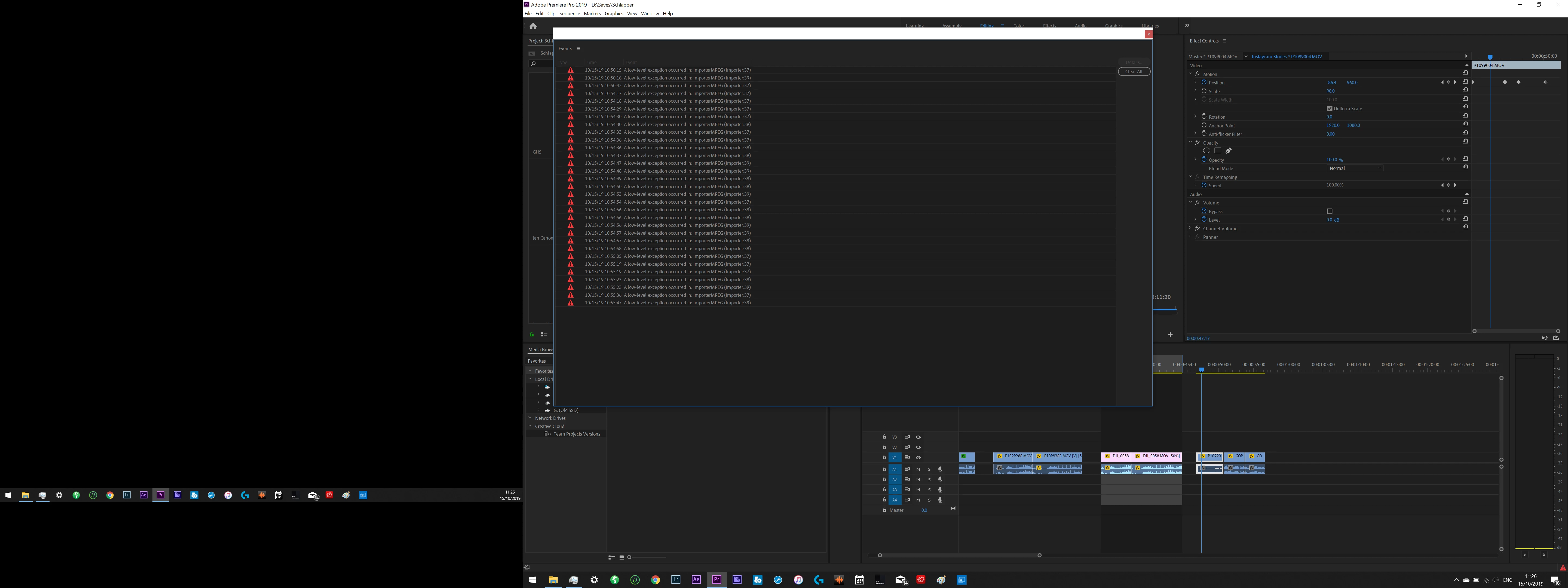
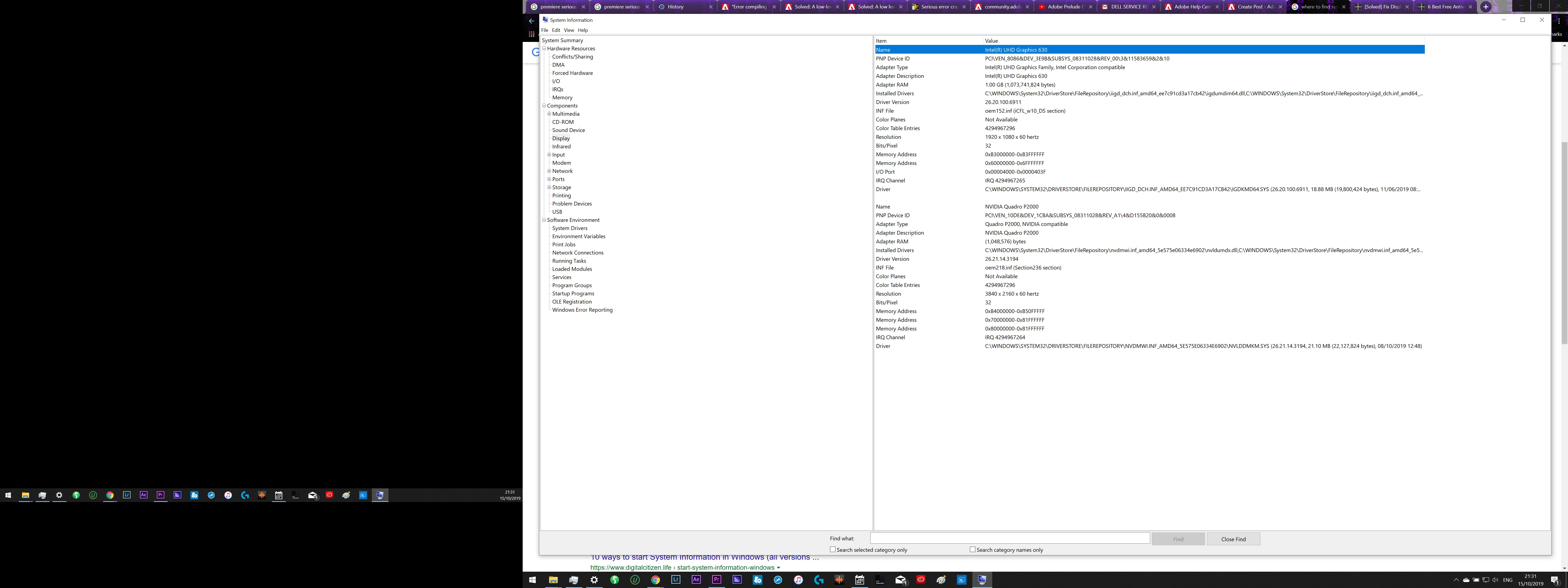
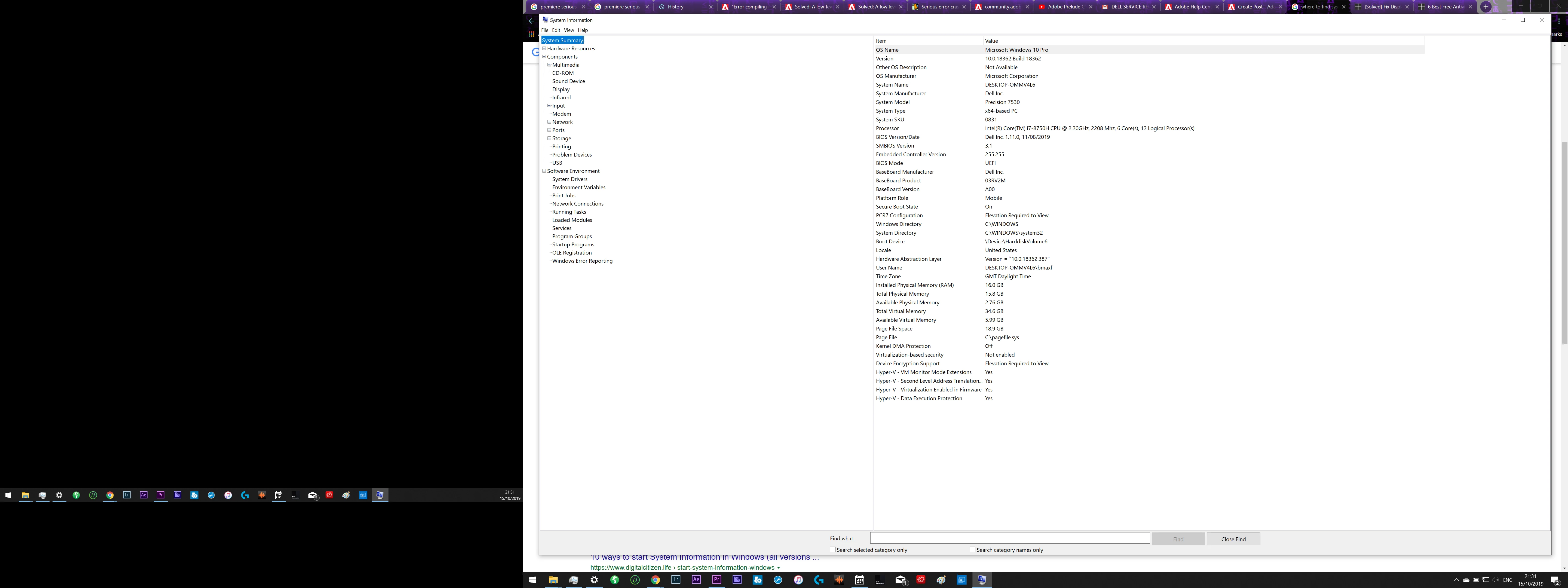
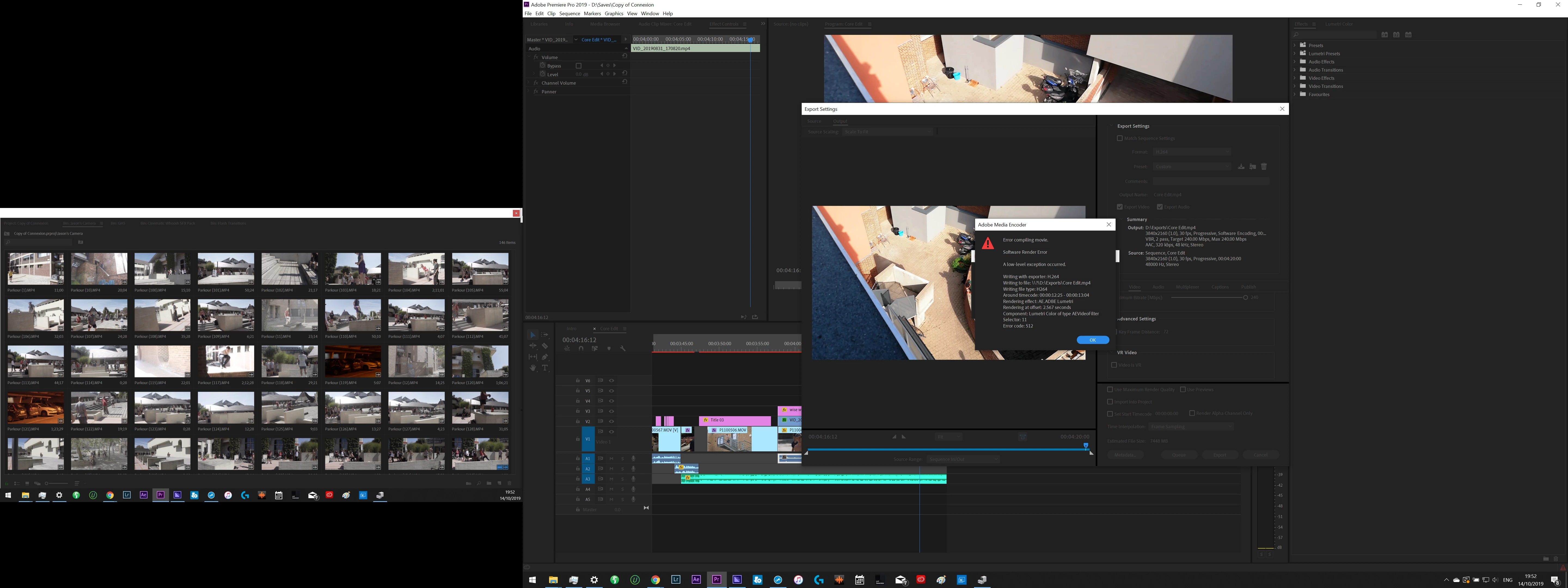
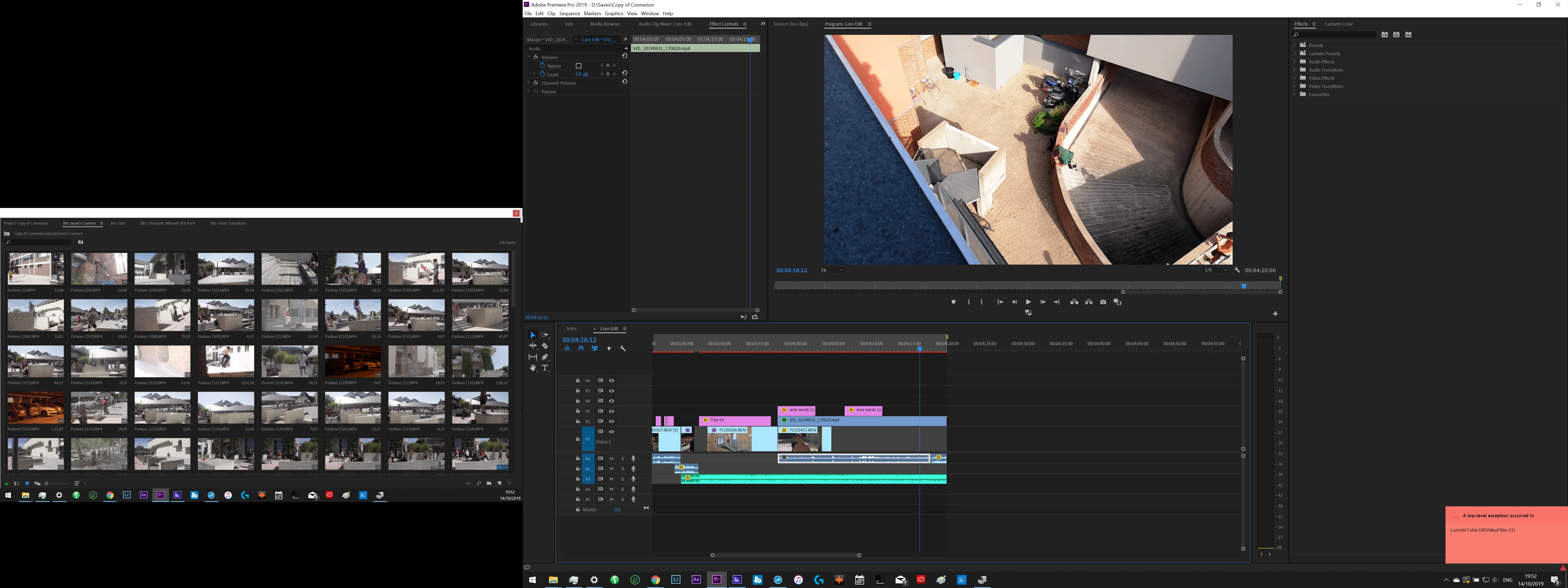
Screenshots of several of the errors i recieved + my system information is below. Sometimes the crashes happen with no error message at all but all these errors tend to lead to crashes. 


I have been trying fixes for months and I will list here what i already tried:

  • Re-install Premiere several times (including using CC Cleaner)

  • Deleting Cache
  • Deleting Preferences
  • Disabiling CUDA/Open CL
  • Changing preview settings (quicktime, mpeg ect.)
  • Changing Seqence settings/ making new sequences
  • Re-installing/updating/rolling back GPU Drivers several times
  • Updating all drivers
  • performing SFS scan
  • Running Diagnostics on my Machine
  • Re-installing windows
  • Replacing SSD + re-installing windows
  • Updating Windows
  • Contacting Dell Hardware support several times to perform tests (but they just tell me it's a software issue)
  • I am of course working in the latest version of Premiere


It feels like a GPU Issue but i've also had crashes and failed renders when using only CPU so i'm at a loss...


Any ideas would be greatly appreciated, I have so much work to do and these constant crashes are killing me!


    This topic has been closed for replies.

    18 replies

    Maximas200
    Participating Frequently
    October 15, 2019

    I disabled the onboard graphics card in my BIOS and was hopeful it worked but fired up Premiere again and after not long got this error 

    MyerPj
    Community Expert
    Community Expert
    October 15, 2019

    Those are much easier to read, thanks.


    Can you turn off the Intel graphics via the Bios?

    Maximas200
    Participating Frequently
    October 15, 2019
    ooooh that's a good idea. Let me try
    Maximas200
    Participating Frequently
    October 15, 2019

    A few of the Errors, but here are a huge number of different ones i get


    MyerPj
    Community Expert
    Community Expert
    October 15, 2019

    Use the Blue REPLY button from your original post.

    MyerPj
    Community Expert
    Community Expert
    October 15, 2019

    Keep using the big blue Reply button under your original post, don't use the little 'Reply' text next to each message.


    I still can't see your screenshots clearly enough to see what problems you are having. Maybe focus in on the part with the error message or explain what the problem is - most important one first. Oh, when you said 'reinstalling windows' was that a clean install? Did you install it from Dell media, or get it from Microsoft direct?

    Maximas200
    Participating Frequently
    October 15, 2019
    I did it as a clean install but then Dell sent someone out to replace my SSD with a preinstalled one with windows already on it. In every case the issues persisted. I'll try zoom in on the screenshots
    Maximas200
    Participating Frequently
    October 15, 2019

    Current Specs: 


    System Manufacturer Dell Inc.

    System Model Precision 7530

    OS Name Microsoft Windows 10 Pro
    Version 10.0.18362 Build 18362

    Processor Intel(R) Core(TM) i7-8750H CPU @ 2.20GHz, 2208 Mhz, 6 Core(s), 12 Logical Processor(s)

    Installed Physical Memory (RAM) 16.0 GB

    Adapter Description Intel(R) UHD Graphics 630
    Adapter RAM 1.00 GB (1,073,741,824 bytes)
    Adapter Description NVIDIA Quadro P2000
    Adapter RAM (1,048,576) bytes


    If there are anymore imporant specs please tell me!

    Maximas200
    Participating Frequently
    October 15, 2019

    Current Specs: 


    System Manufacturer Dell Inc.

    System Model Precision 7530

    OS Name Microsoft Windows 10 Pro
    Version 10.0.18362 Build 18362

    Processor Intel(R) Core(TM) i7-8750H CPU @ 2.20GHz, 2208 Mhz, 6 Core(s), 12 Logical Processor(s)

    Installed Physical Memory (RAM) 16.0 GB

    Adapter Description Intel(R) UHD Graphics 630
    Adapter RAM 1.00 GB (1,073,741,824 bytes)
    Adapter Description NVIDIA Quadro P2000
    Adapter RAM (1,048,576) bytes


    If there are anymore imporant specs please tell me!


    MyerPj
    Community Expert
    Community Expert
    October 15, 2019

    Sorry if I've missed it, it's an impressive list. But where are your hardware specs?

    This new website doesn't help, but your screenshots are unreadable to me, they are too small.

    And was there a description of the errors or were the screenshot supposed to tell all?


    Maximas200
    Participating Frequently
    October 15, 2019
    Oh yeah the screenshots are useless, i thought you could Zoom in on them! There are a number of errors i recieve
    Maximas200
    Participating Frequently
    October 15, 2019
    A low level exception occured in: Lumetri Colour (AEvideofilter), ImporterMPEG and a few more of those