Participant
July 11, 2023
Question

I can't connect my vintage Sony DV camera to premier pro

  • July 11, 2023
  • 2 replies
  • 557 views

If anyone can help with this would be most appreciative as no-one seems to know anything about this these connections and old DV
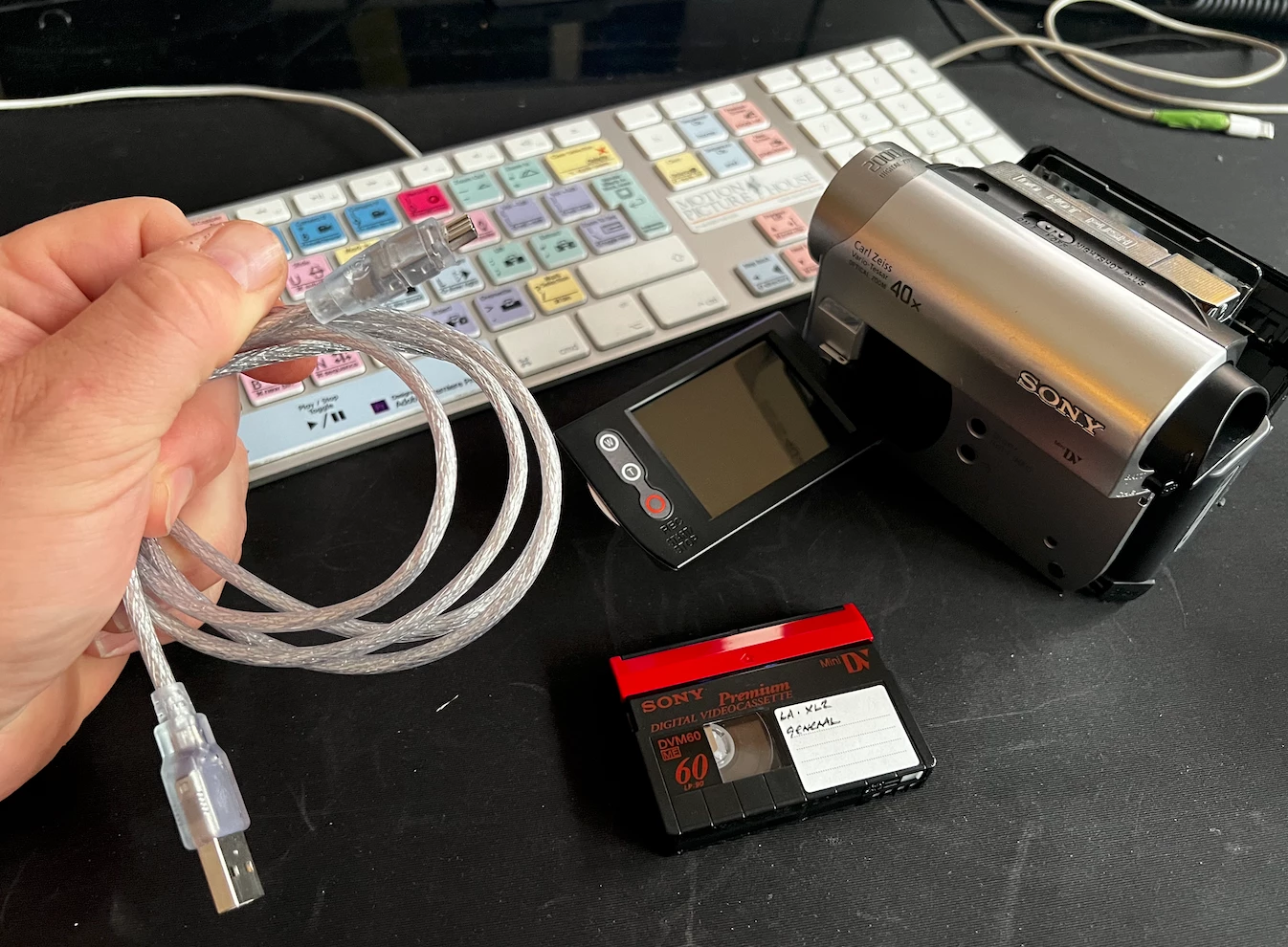
cameras days...yes I'm that old!! 


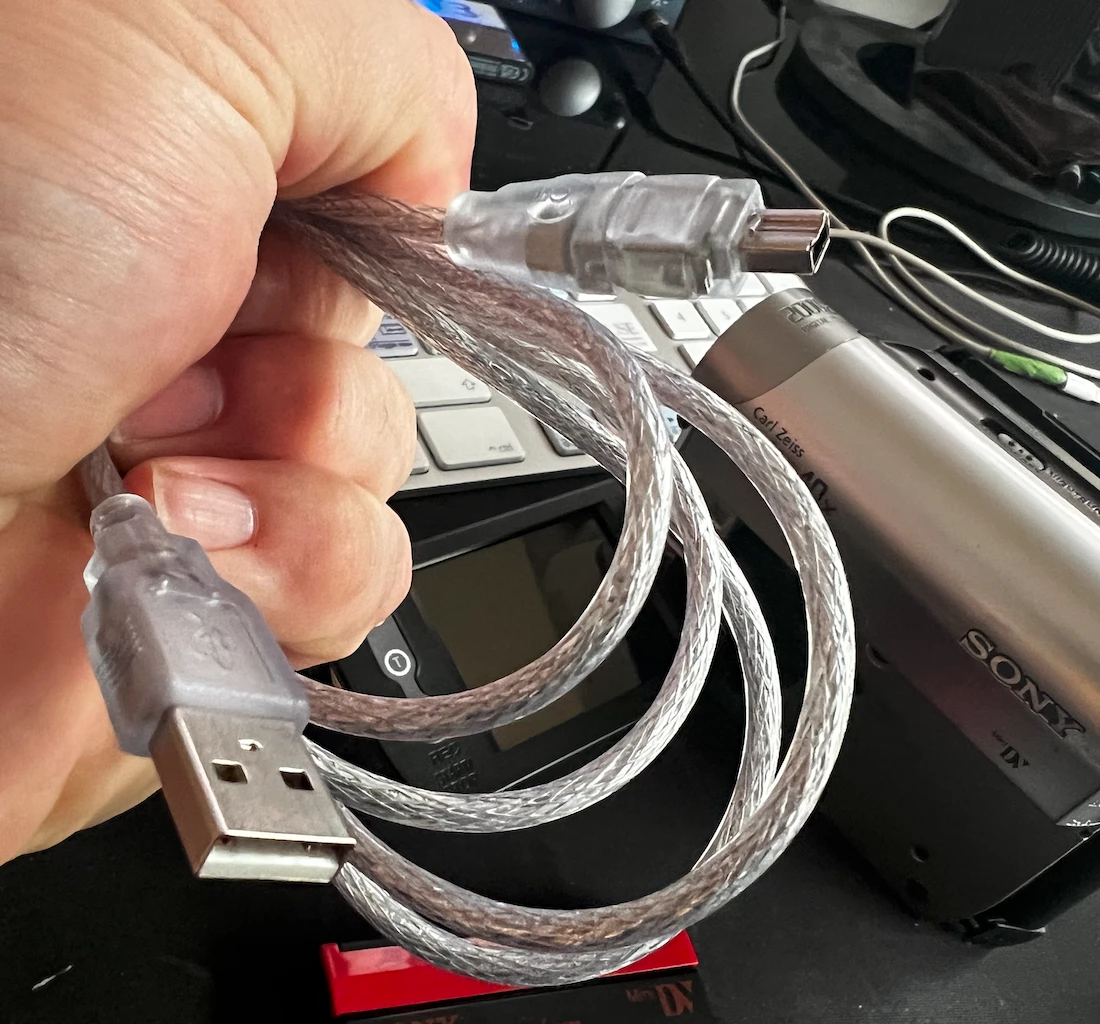
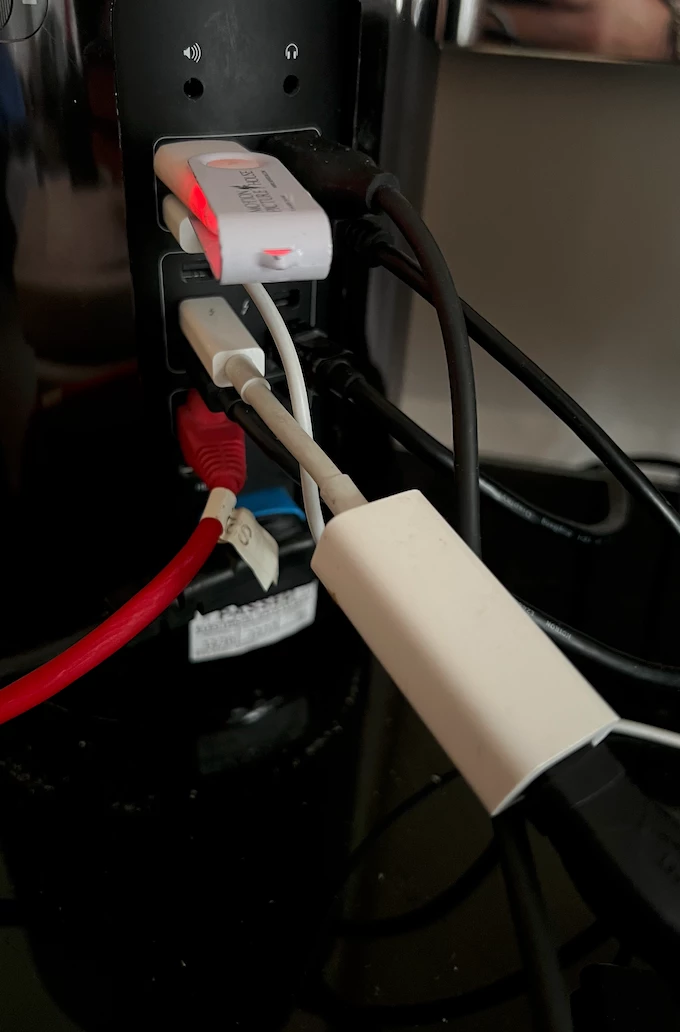
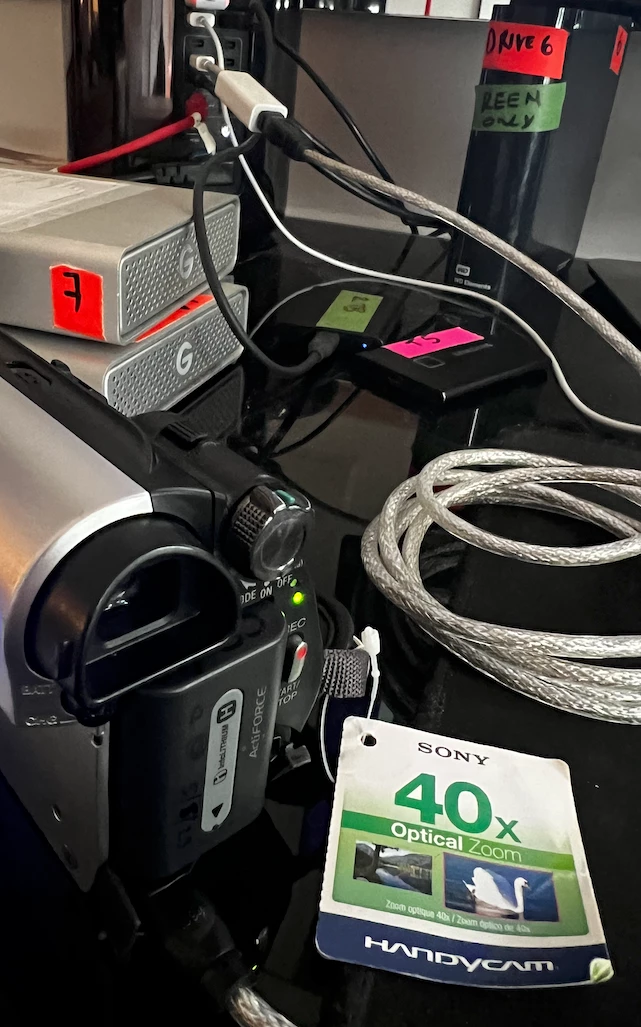
I'm trying to digitise some old DV tapes using a SONY MINI DV DCR-HC51E through my mac pro using Montgomery 12.2.1 (late 2013 bin) via the FIREWIRE CABLE to THUNDERBOLT ADAPTER  but the mac / premier (V23.5)  not capturing. I go to capture it can see the device in DEVICE CONTROL and I can start and stop the camera with premier but i can't seem to capture  /digisitse any content.  says CAPTURE DEVICE OFFLINE. 


Anyone has this issue before?

Do I need a specific cable?


The Firewire / Thunderbolt adapter cable gets the connection but the USB cable doesnt even show the device control in premier .  

This topic has been closed for replies.

2 replies

Legend
July 12, 2023

I'd hate to tell you this, but Adobe has already begun to depreciate all tape-based captures.


In addition, newer Macs and newer versions of MacOS now either no longer support DV capturing at all or their tape-based capture support no longer works properly. If you do have such a newer Mac, or a Mac that has a newer version of MacOS (11.0 Big Sur or newer), then you're very much out of luck. And even if you do find an older Mac that's running Mojave (10.14) or older, the supported older version of Premiere Pro is now no longer available at all via the Creative Cloud app.

Ann Bens
Community Expert
Community Expert
July 12, 2023

ProDesigntools still offers CS6, could capture all tapes during 30? days trial on an old Mac.

Ann Bens
Community Expert
Community Expert
July 11, 2023

Premiere will capture only over FireWire. USB is not compatible.

rupertrbAuthor
Participant
July 11, 2023

Thanks . Ok, good to know the USB won't connect. I'm using the FireWire to thunderbolt adapter, should that be able to capture footage?

Ann Bens
Community Expert
Community Expert
July 11, 2023

I have no idea as I am a windows person.