


Inspiring
September 25, 2023
Answered

I can't import most files anymore. I'm extremely desperate, I need to work and I can't.

  • September 25, 2023
  • 18 replies
  • 6794 views

Hi. I'm supposed to work on a video edit that I shot with my Sony a7siii. The MP4 videos are readable with VLC but most of them won't get imported in Premiere, it just crashes. I'm using Premier 2023, I tried installing Premiere 2021 to no avail, Media Encoder has the same bug, I just can't import the files, I can't work and I'm gonna lose my job. I'm on 2023 Macbook Pro M2 Max with 96gb ram.


It stays like this then I have to force quit:
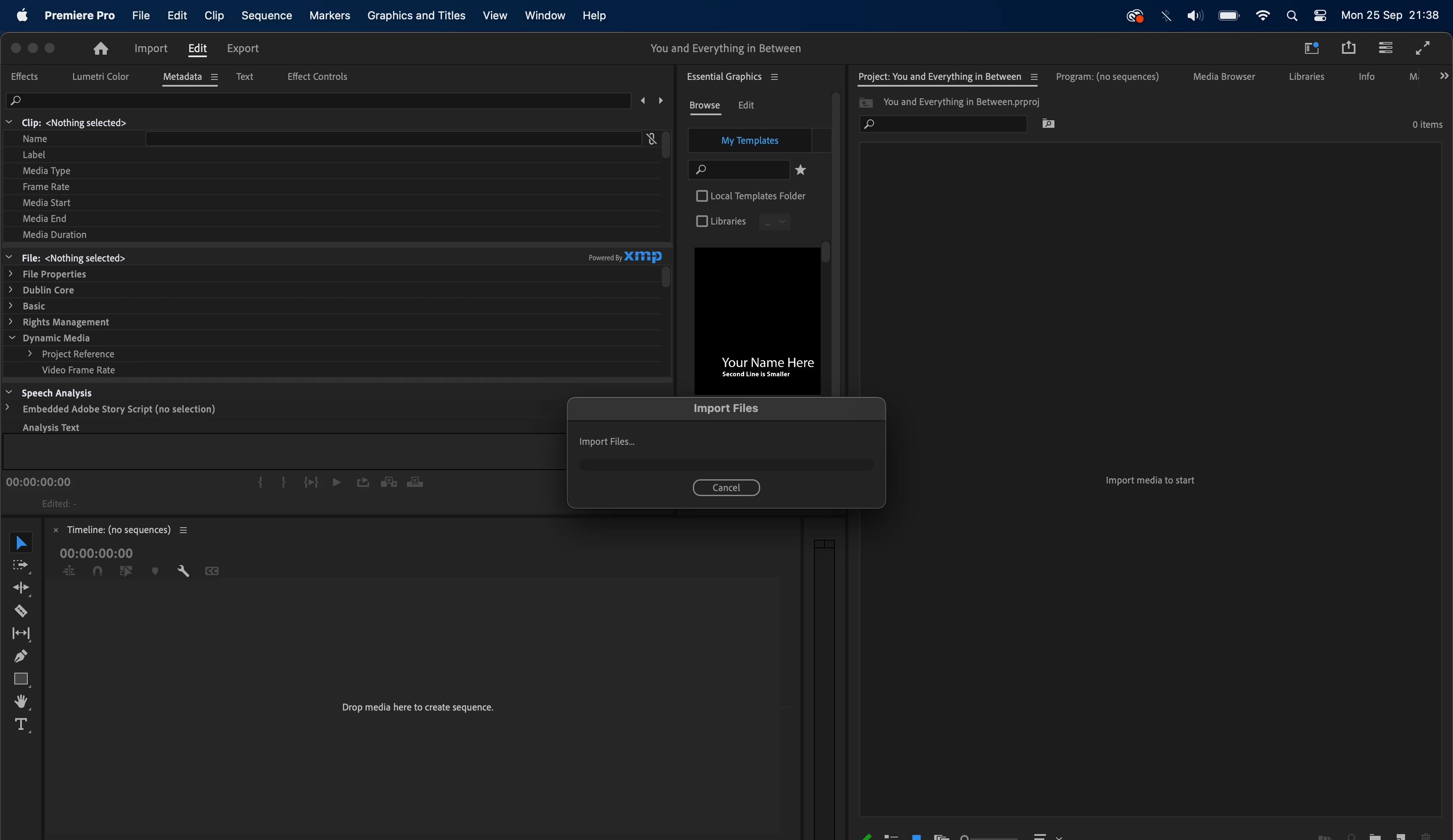
 

I've said it already but I'm desperate, this is ruining my life.

This topic has been closed for replies.
Correct answer gordond25919850

I've finally fixed it.... I can't believe this. I had bought the Sony Catalyst Prepare plugin and that's what completely broke everything. That's not ok from them. Anyway sorry for the wasted time and have a good day.

18 replies

mattchristensen
Legend
September 26, 2023

@gordond25919850 I sent you a DM on the forums with instructions to upload. Sorry I didn't realize you couldn't attach a file directly.

Rag and Bone
Community Expert
Community Expert
September 26, 2023

Can you use Quicktime to export the files as MOVs and see if that works?

Inspiring
September 26, 2023

I can't attach files on this forum, please I need to be able to work. What do I do? Is there a direct e-mail I can use for this?

Inspiring
September 26, 2023

Hello,


I have the sample from the activity monitor but there no option to attach a file here, only photos or videos.


Thank you,

Gordon

mattchristensen
Legend
September 25, 2023

@gordond25919850 Thanks for that information, this is definitely strange. If you are able to, could you capture a sample of the Premiere Pro process for me, and send it? You can attach it here or send it to me in a DM on these forums if you'd prefer. A sample is when macOS records everything Premiere Pro is doing so we can take a look step by step at what is getting stuck.


Here's how to do it:

  1. Get Premiere Pro stuck importing a file, just like in your screenshot. Leave it open, with the "Import Files" window just sitting there
  2. Open Activity Monitor, which is found in /Applications/Utilities
  3. Search for Premiere Pro in the search box to filter out all other applications
  4. Double click the line for Premiere Pro
  5. In the window that opens, click "Sample"
  6. The sample window will open and after a few seconds it will fill up with text
  7. Click Save and save it as a text file
  8. Attach the text file here or DM it to me via the forums (please do not copy/paste the whole text here – save it as a file and share the file)


Thanks,

Matt

Inspiring
September 25, 2023

Unfortunately I have already cleared the cache and also I've tried with the files natively on the macbook's hard drive and on an external hard drive to no avail. I've dug up an old macbook and the files got imported just fine on there so the files aren't corrupted. I've uninstalled and re-installed Premiere, I'm so lost.

mattchristensen
Legend
September 25, 2023

@gordond25919850 I'm sorry this is happening. Do any files of other types import okay?


Things to try:

  1. Clear your Media Cache completely. You can do this by closing all open projects, then going to Preferences > Media Cache and clicking the "Delete..." button. Choose the second option then click OK. Premiere Pro will then quit as it clears the media cache. Restart Premiere Pro, create a new project, and try to import your files.
  2. Move the media files to a different type of storage. For example if they are on a network share, move them (or at least some of them) to your Desktop and try importing from there. This can rule out if it's an issue with your current storage device.