
Participant
October 15, 2024
Answered

I can't import text style files (.prtextstyle)

  • October 15, 2024
  • 7 replies
  • 2150 views

I can't import text style files (.prtextstyle)

When I import it stays in "importing files"
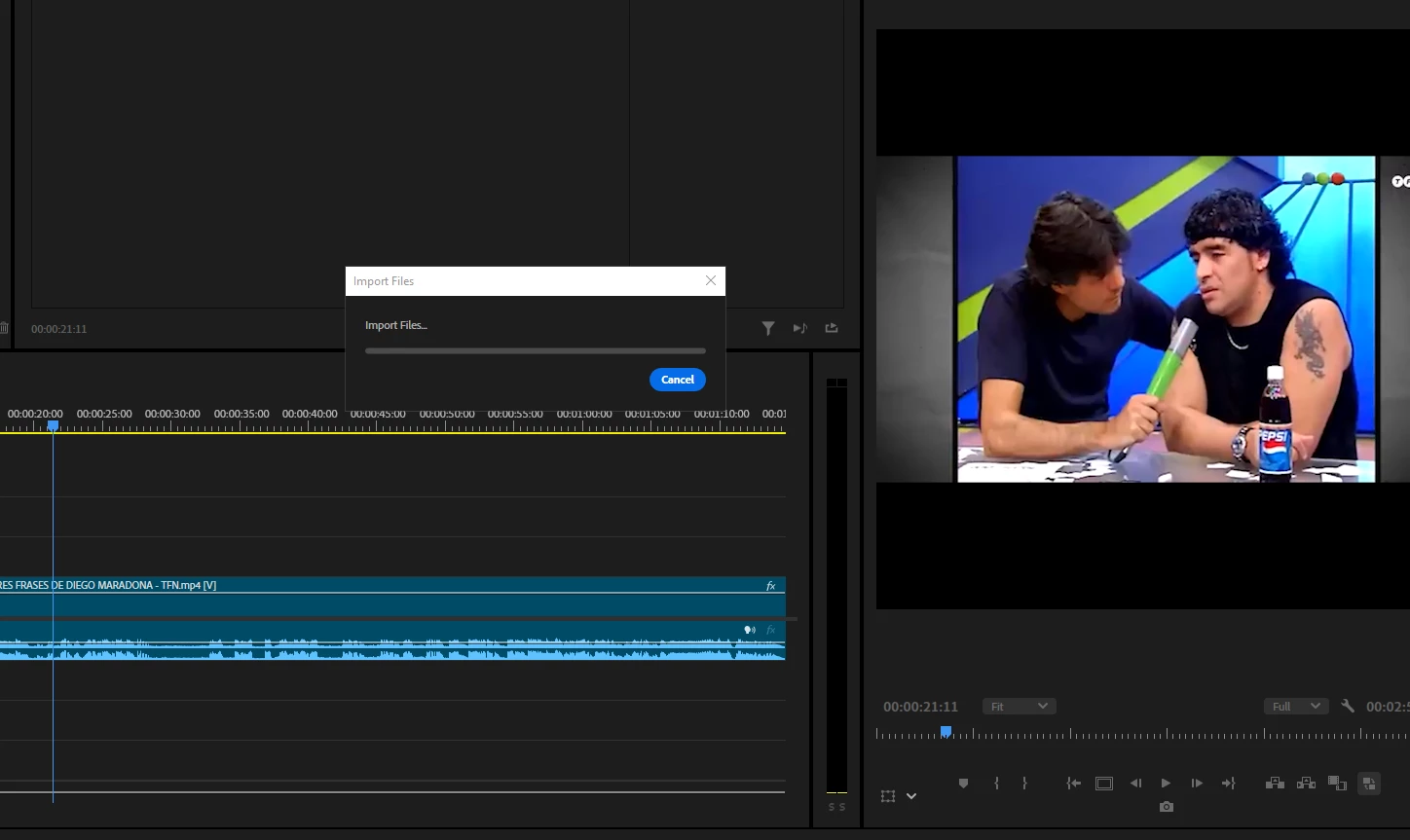
 

I tried to create a new one and import it again and nothing, same error.


As another piece of information, at my work we have 8 more computers, and the same error occurs on all of them.


This topic has been closed for replies.
Correct answer J_Pisciotta

I've found a work-around for this for anyone who isn't able to access the beta version of PP.

Open your file explorer, locate the file for your prtextstyle file, click and drag into the "project" panel (rather than attempting to import via properties panel), and  now the prtextstyle will be available to select under the "track style" drop down.

7 replies

J_Pisciotta
J_PisciottaCorrect answer
Inspiring
November 8, 2024

I've found a work-around for this for anyone who isn't able to access the beta version of PP.

Open your file explorer, locate the file for your prtextstyle file, click and drag into the "project" panel (rather than attempting to import via properties panel), and  now the prtextstyle will be available to select under the "track style" drop down.

Participating Frequently
October 15, 2024
Bruce Bullis
Legend
October 15, 2024

Adobe cannot provide dates for unannounced releases. 

Participating Frequently
October 15, 2024

Could you tell us when it will come out of BETA and be updated in the stable version?

Bruce Bullis
Legend
October 15, 2024

Thanks for letting us know!


Participant
October 15, 2024

Fixed in Pro beta!

Bruce Bullis
Legend
October 15, 2024

Hello Kuroneko, 

We think we've fixed this problem; could you try the latest PPro beta, and see whether you agree?