



I can't show both tracks in the multicamera monitor
OK...This is going to be long and I’m probably missing describing a step, so fire away.
I can’t show both cameras in the monitor. I shot with 2 cameras. Both of them have an audio track that I want to use to sync the multicamera view.
I put them both on the timeline. In the image below, my main track/main camera is shown in blue and my secondary camera is shown in brown.

I select all the clips from the clip list, then select Multicamera source sequence. It shows the clips being processed. This creates the Sequence 01 file. However, I get a Processin error message, that it couldn’t find some clips.
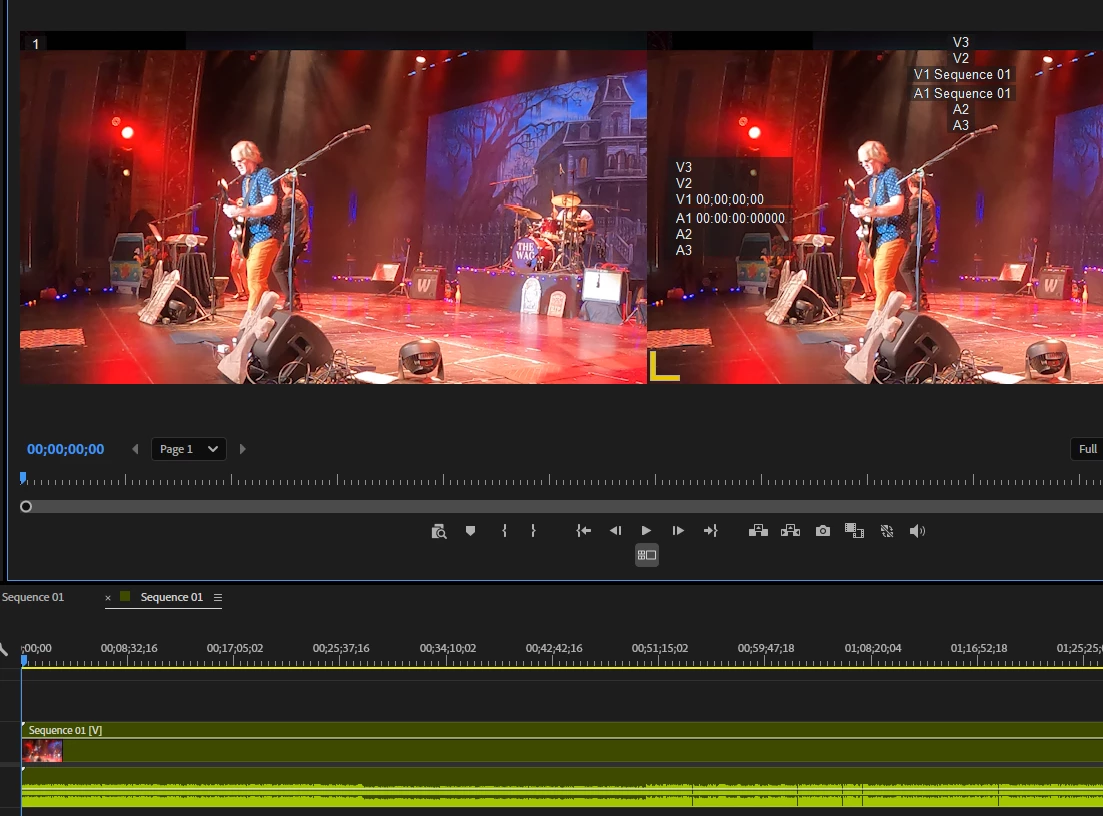
However, if I still click the Toggle Multicamera view button, I get the two views but both are of the same clip.
I know I must be missing something, anything obvious?
Thank you.
 AdChoices