Participant
December 22, 2017
Answered

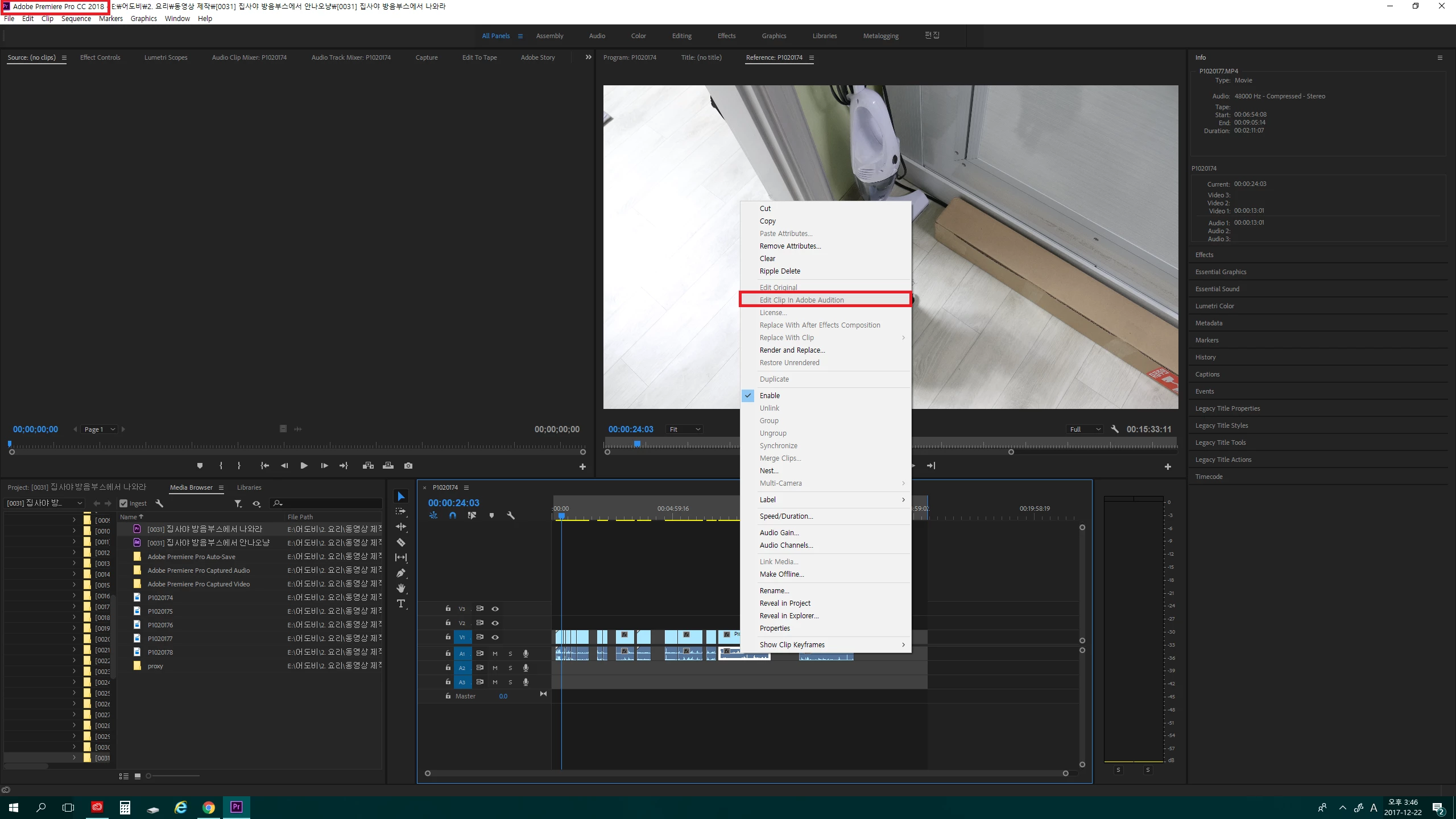
I can't use edit clip in audition in premiere pro CC 2018
  • December 22, 2017
  • 2 replies
  • 3954 views

I can't use edit clip in audition

I have used this feature well.

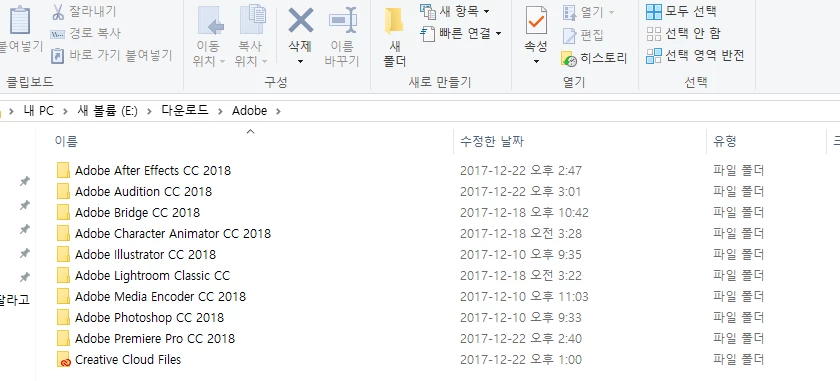
I deleted it and installed it all again.

What happened?

This topic has been closed for replies.
Correct answer Ann Bens

Or reinstall Audition first then Premiere.

2 replies

Participant
December 23, 2017

The problem is solved. !!!!!!!

(I'm very happy! haha..)

Thank you for reply.

Legend
December 22, 2017

I don't know if this is an issue, but one thing you might try is installing the same language version as your OS.  If you want an English Premiere Pro, install it on a copy of English Windows.  If you want Korean(?) Windows, install a Korean version of Premiere Pro.

Ann Bens
Community Expert
Ann BensCommunity ExpertCorrect answer
Community Expert
December 22, 2017

Or reinstall Audition first then Premiere.

Participating Frequently
December 22, 2017

I had the same issue recently. Click on Render and Replace, after which Edit in Audition should then become available. I don't know the proper fix, but this solution worked for me when I needed it.

Thank you

Jeff