
I cannot see certain shapes on preview
I was edditing interview and working on this projects for about a month
basically I copied sequance and adjust it to next interviewee, and it worked totally fine till the last one.
Yesterday I was working on editing, and suddenly error accured.
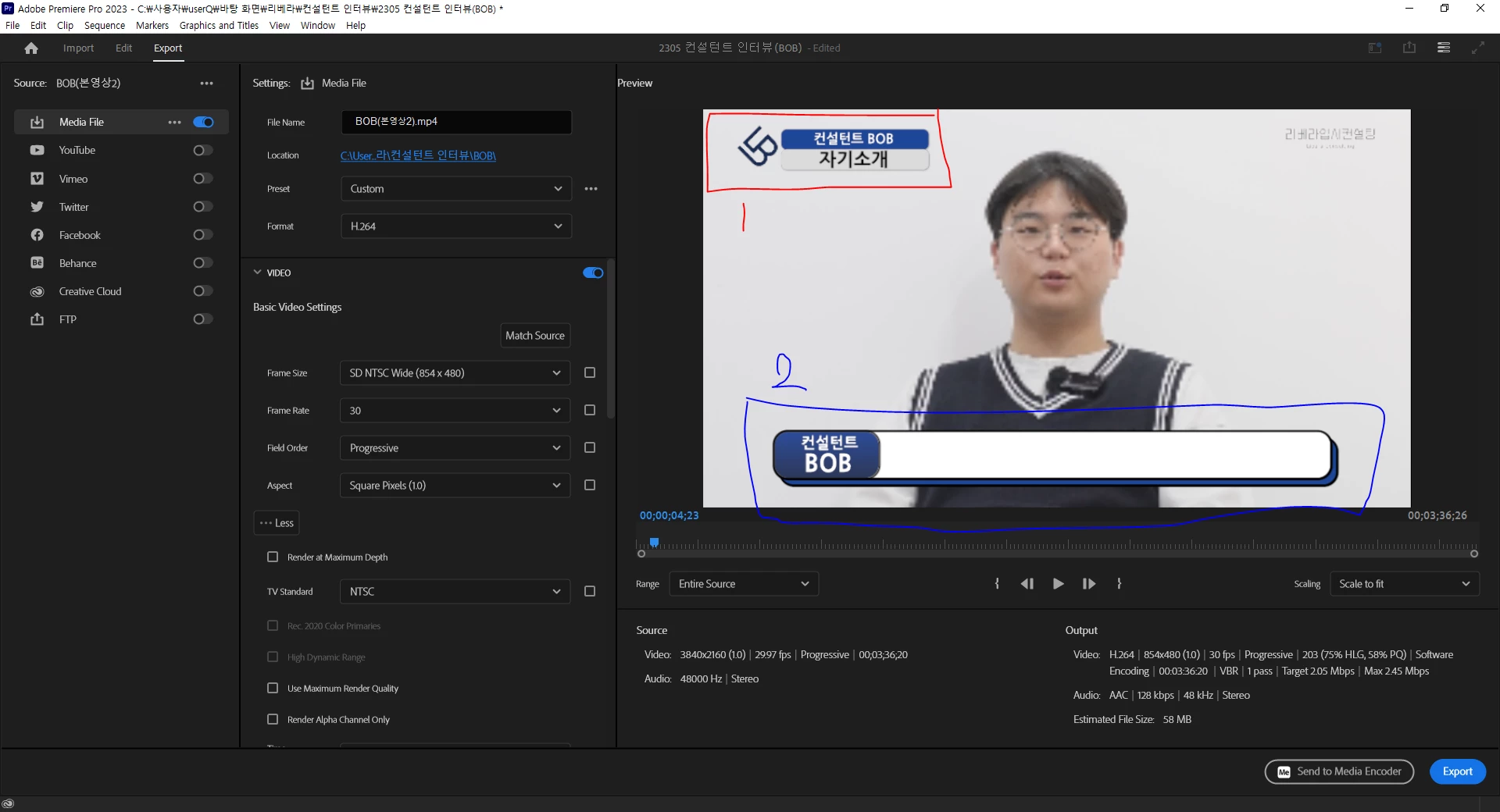
this is the preview from export, but when i check Edit section preview...
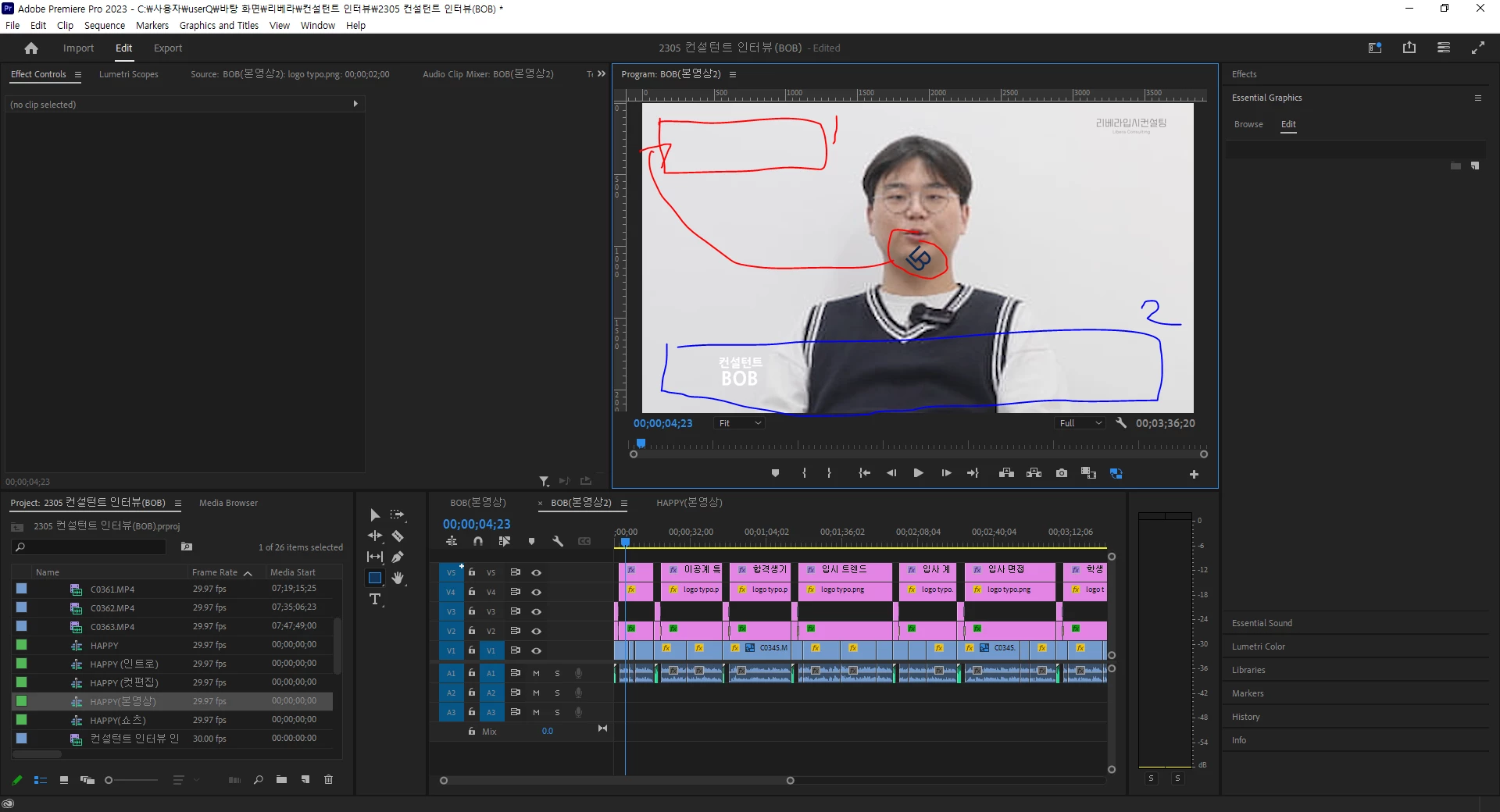
all the shapes dissapear
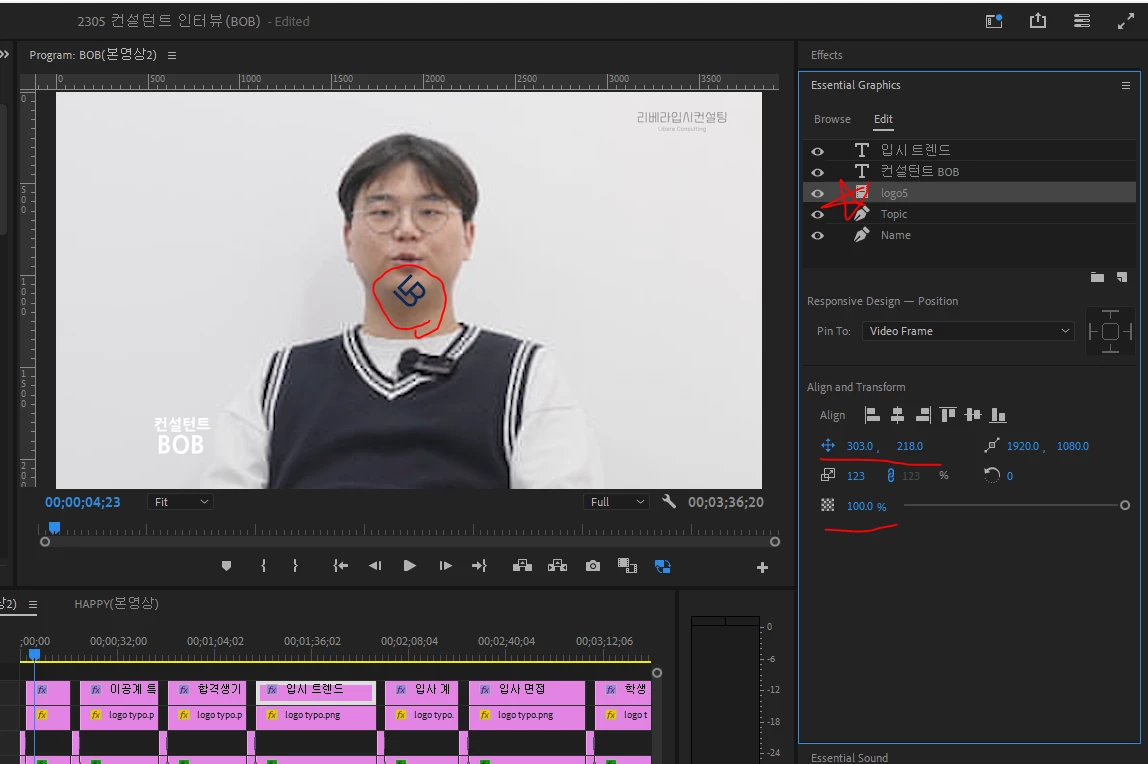
opacities are 100%,
and I don't know why logo locatd at the centre, even though it's position is 303, 218
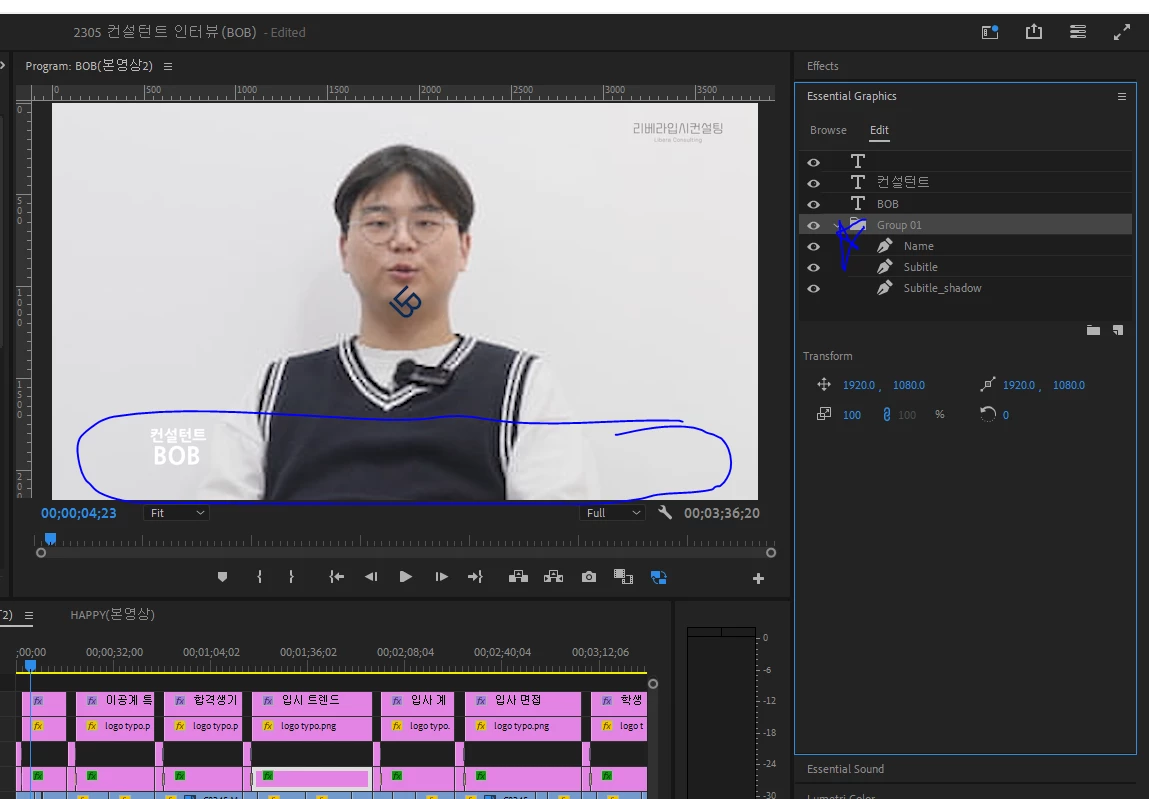
when I degrouped the subtitle layout, it occured again for short, but I grouped it again and it's gone...
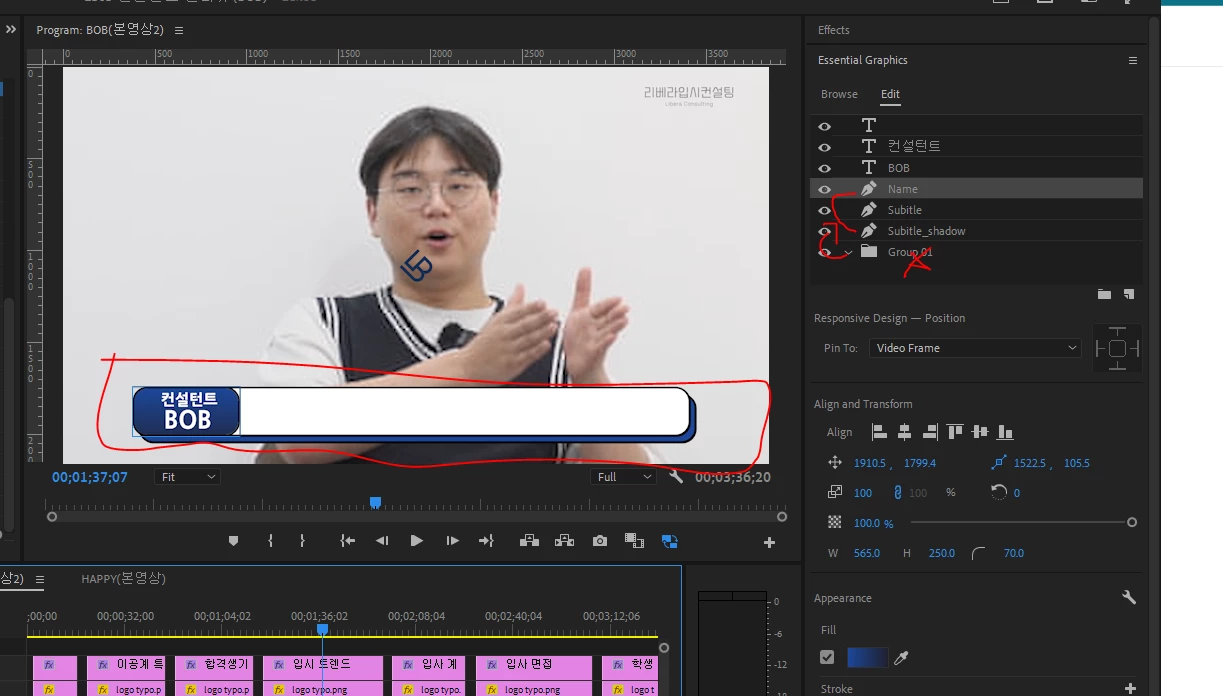
I reallly cannot understand why it is happening,
searched all the preview error fixing video on Youtube,
and followed every single method I found but nothing worked.
Here are few I tried
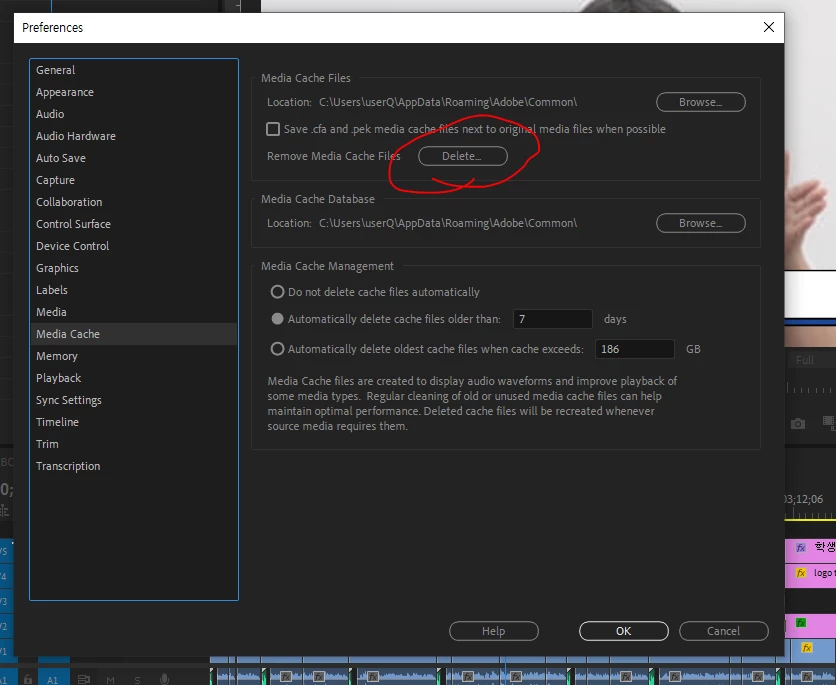
1. tried deleting media cache 10 times,
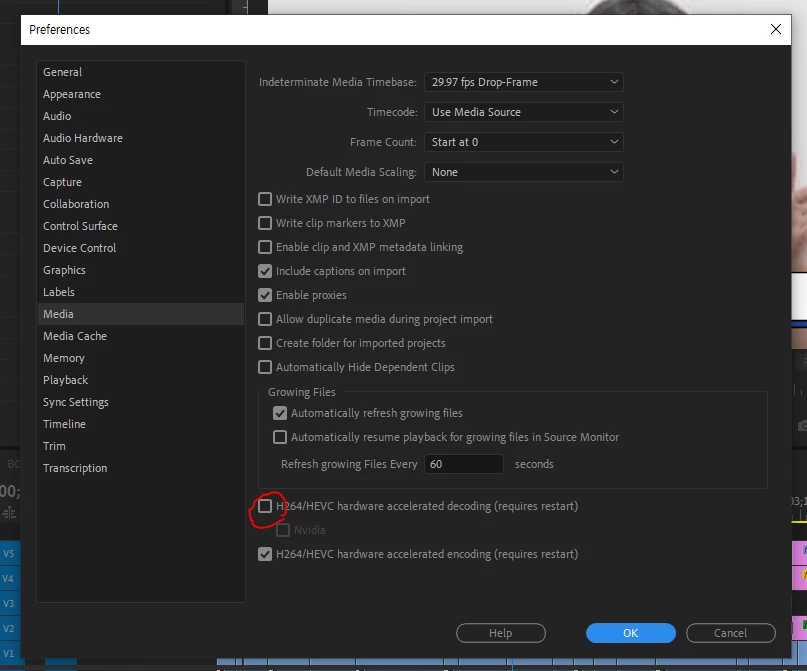
2. some ppl said deactivate H264.HEVC hadware accelerated decoding (requires restart)
Nvidia
so tried it and turn the computer off and on
also others said turn both on or off, i tried all the combination but nothing worked....
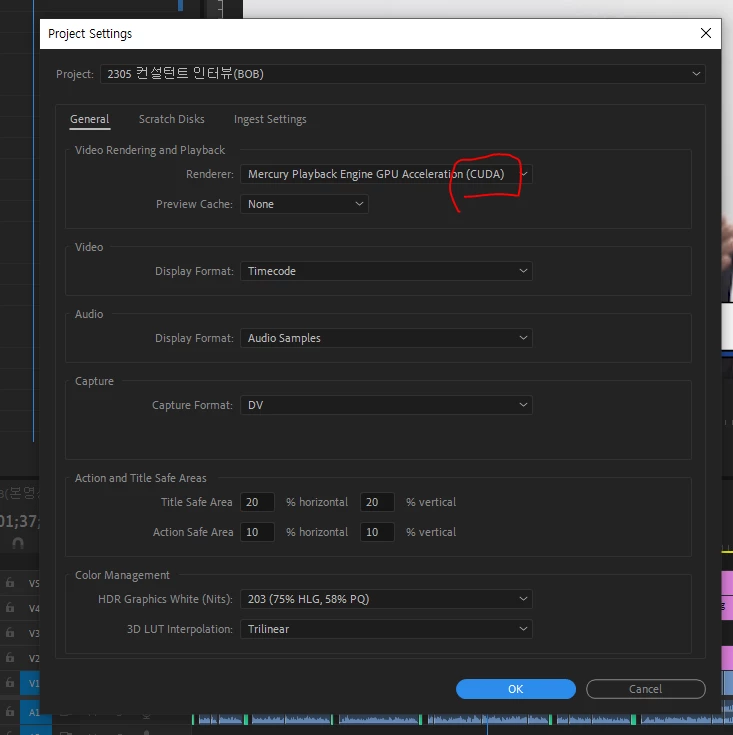
3. tried to change File>Project Settings > General > Video Rendering and Playback > renderer into CUDA as well
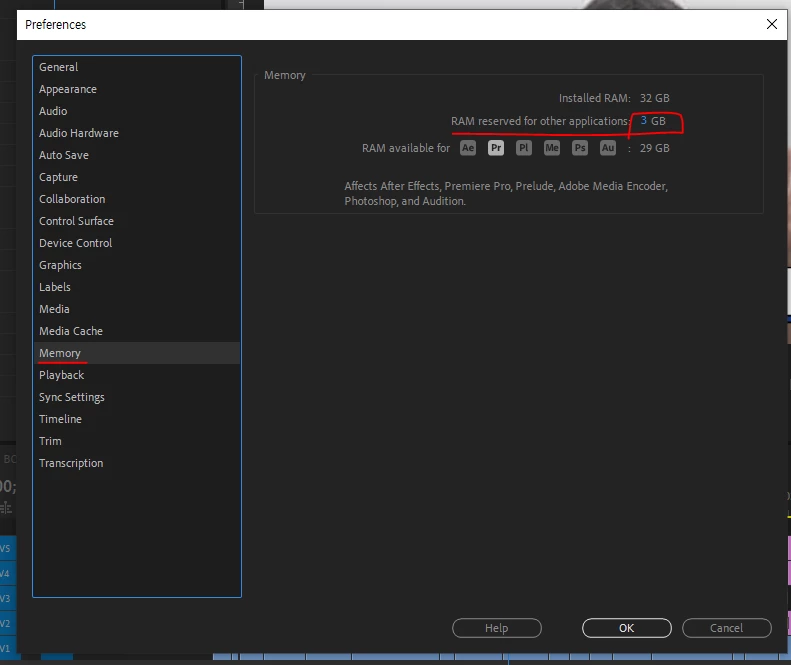
4. tried minimum Ram size for other Adobe programme
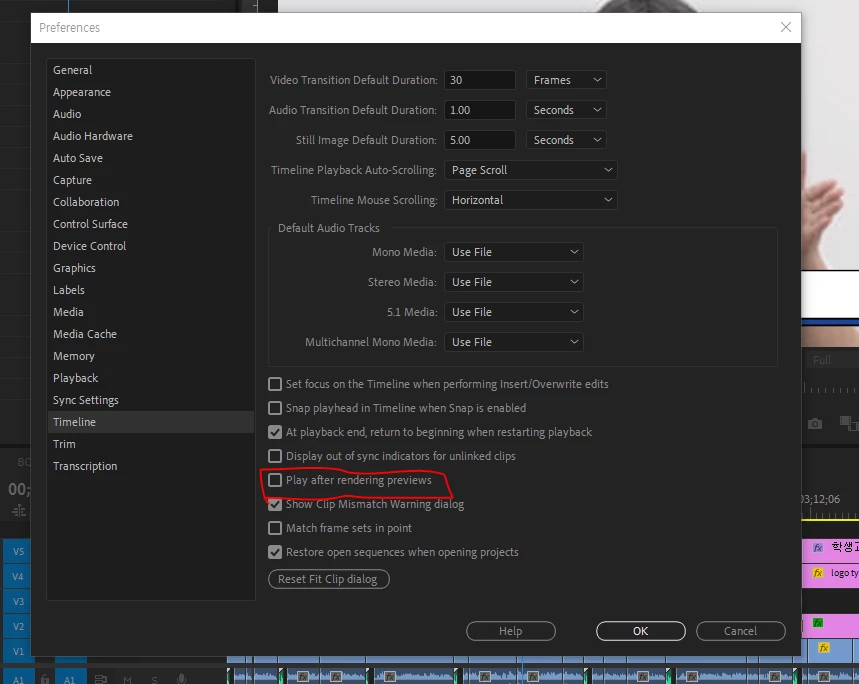
5. deactivated Preferences -> Timeline -> play after rendering previews
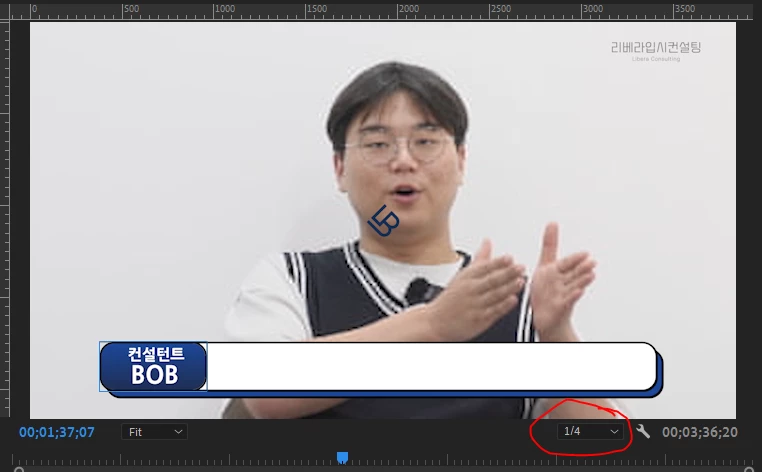
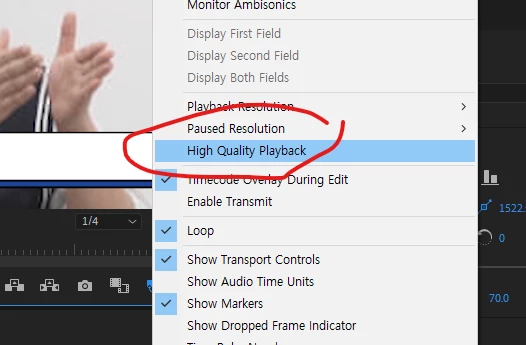
5. lower the preview quality into 1/4 of course, and deacitave High Quatliy Playback as well
6. Turn computer off for 15 hours and turn it on again but still the same ^^................
* the video is 4K, and I tried proxy editing as well, but think it is totally not related.
except the shape missing part, actually preview played smooth and well
7. even upgrade my window desktop last week
My formal computer was
- CPU i5 9th generation / Ram 16GB / NVIDIA GeForce RTX 2060
and had problem when I render the video (black screen with no sound)
so changed into
- CPU i5 10th generation / Ram 32GB / NVDIA GeForce RTX 3060
Rendering problem was solved for a week, but yesterday when I render the video after preview error occured, it exported all the shapes that were missing in preview screen..
however this balck screen error occured again.
Honestly have no idea why premiere pro is becoming a pain in the ass...
is my desktop upgrade was not enough? or am I totally using premier wrong??
Please help me to solve this problem so I can keep working on this interview editing..
it is due till this Friday TT


 AdChoices