
Participant
June 26, 2025
Question

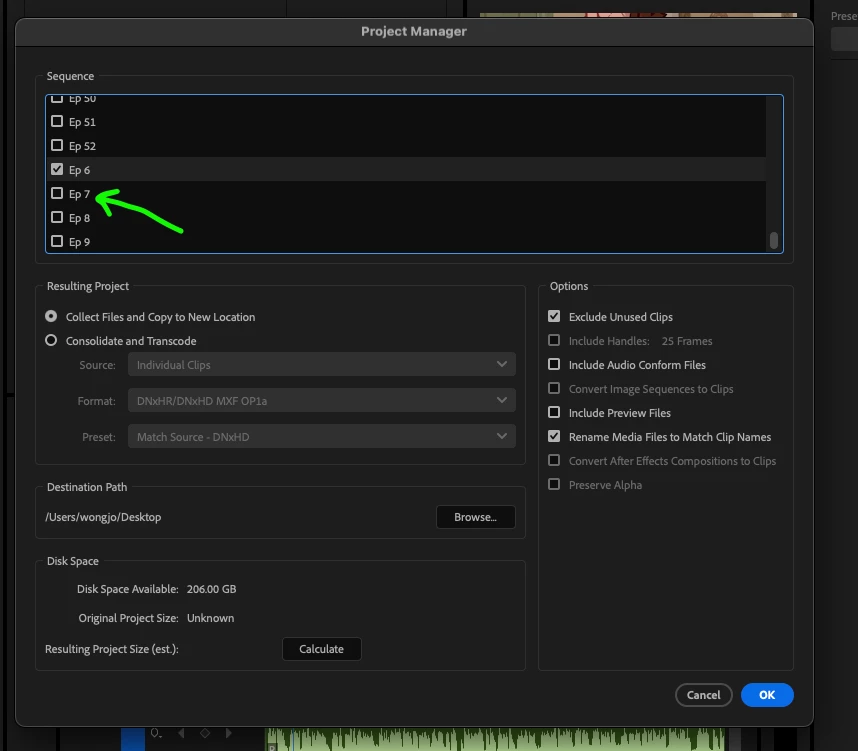
I cannot select more than one sequence in Project Manager

  • June 26, 2025
  • 1 reply
  • 118 views

I about the archive the whole project with many sequences, and when I open the Project manager window. It will not let me select more than one sequence to backup. As soon as you check more, it will uncheck the previous one. Any suggestion or solution to this? 
1 reply

Community Expert
June 26, 2025

You may want to try resetting preferences: To reset Adobe Premiere Pro to its default settings, you need to reset the preferences. You can do this by holding down the Alt (Windows) or Option (macOS) key while launching Premiere ProThis will prompt a dialog box asking if you want to reset your preferences. Click "OK" to reset to factory settings,