
Participant
May 17, 2023
Question

I cant change specific text

  • May 17, 2023
  • 4 replies
  • 250 views

Hello,


I am using Premiere Pro 2023 and i am suffering from some sort of text editing problem.


I want to edit specific area of text but it changes all text.


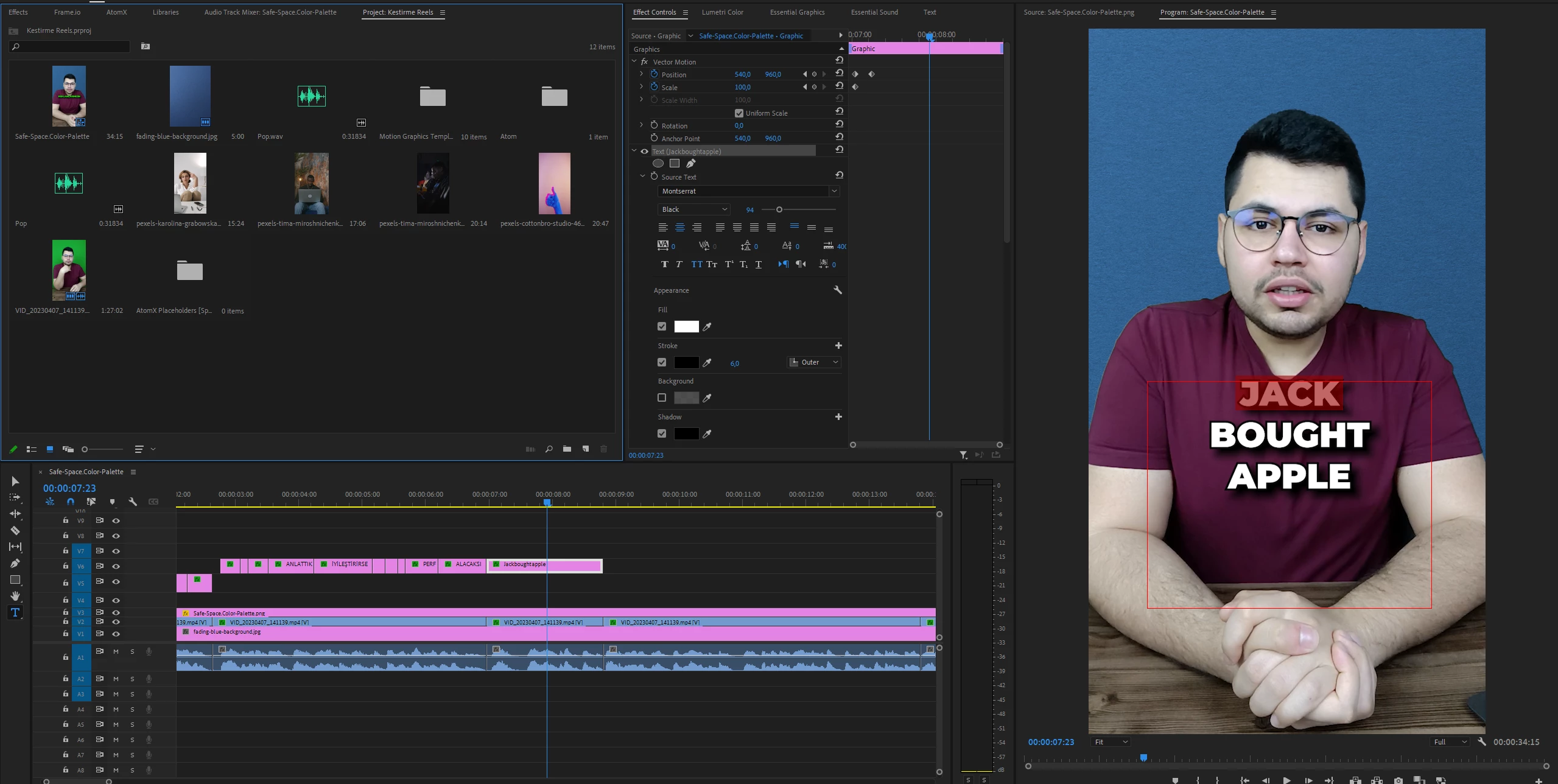
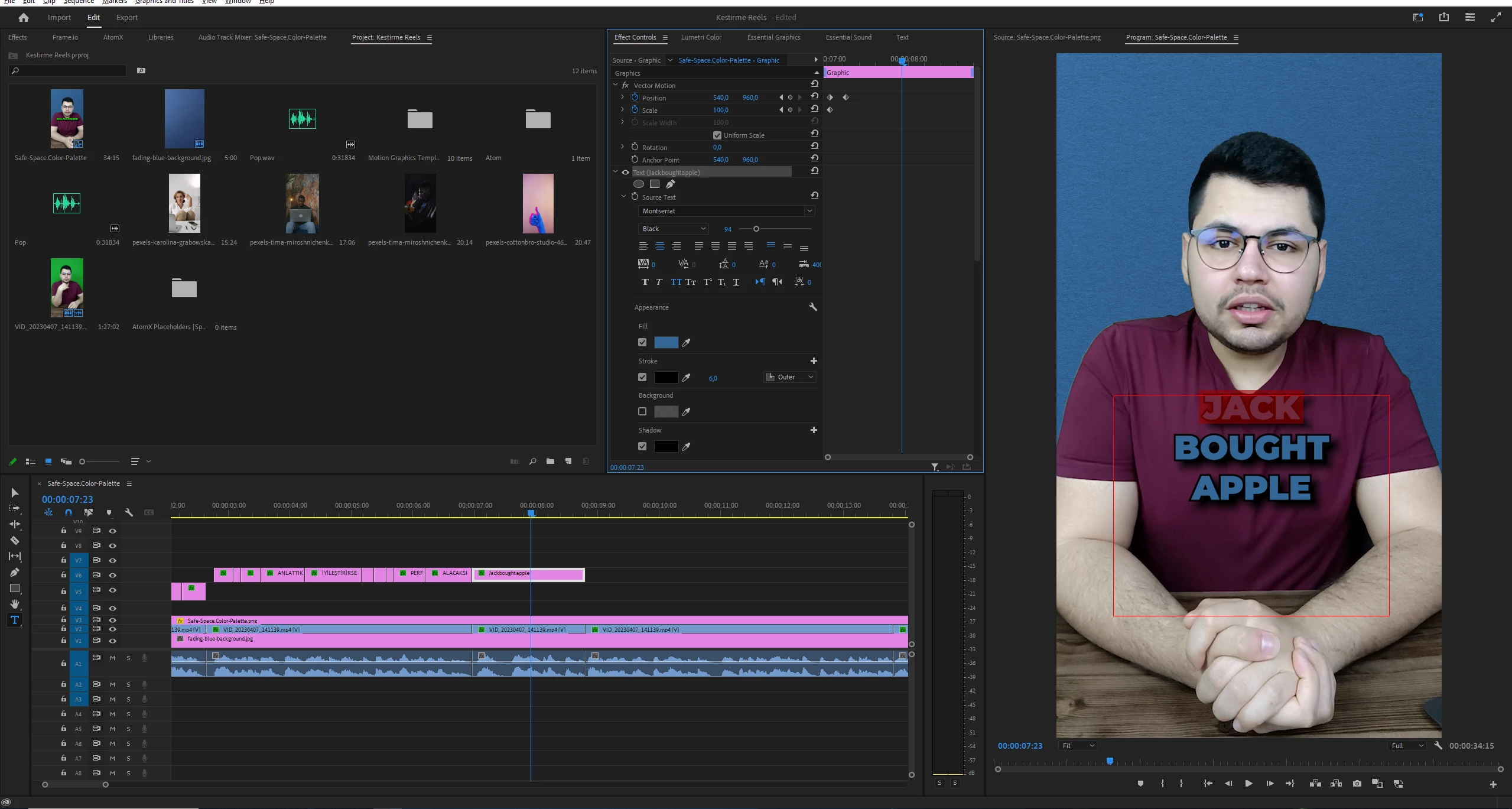
For example i type "Jack bought apple" and I want to change text color of "jack" to Green. I choose it specificly and change it to green color.


But even though I choose "Jack" specifically it changes all the text color to Green

How can i fix it?
Before

After
 

This topic has been closed for replies.

4 replies

Stan Jones
Community Expert
Community Expert
May 18, 2023

That should get the job done. I can change only part of the text, for either regular graphics text or source graphic,  in both effect controls and EGP. Odd.


Stan


Participant
May 18, 2023

Hello Again,

I figured out something. If i change color or text size by effect controls panel, all text changes. If i change it by Essential Graphics panel only selected text changes.

Participant
May 18, 2023

Hello Stan

I dont know why but i guess it is fixed by itself.

Guess it happened after update latest version of Premire Pro 2023. I am using mogrt for some things like transtions but not text. Here it is my Essential Graphics panel.

Stan Jones
Community Expert
Community Expert
May 17, 2023

It is working correctly for me in 23.4, Win 10. I suspect you are using a mogrt? A screenshot of the Essential Graphics Panel might help.


Stan