Known Participant
Aug 30, 2025 12:38 PM UTC
Question

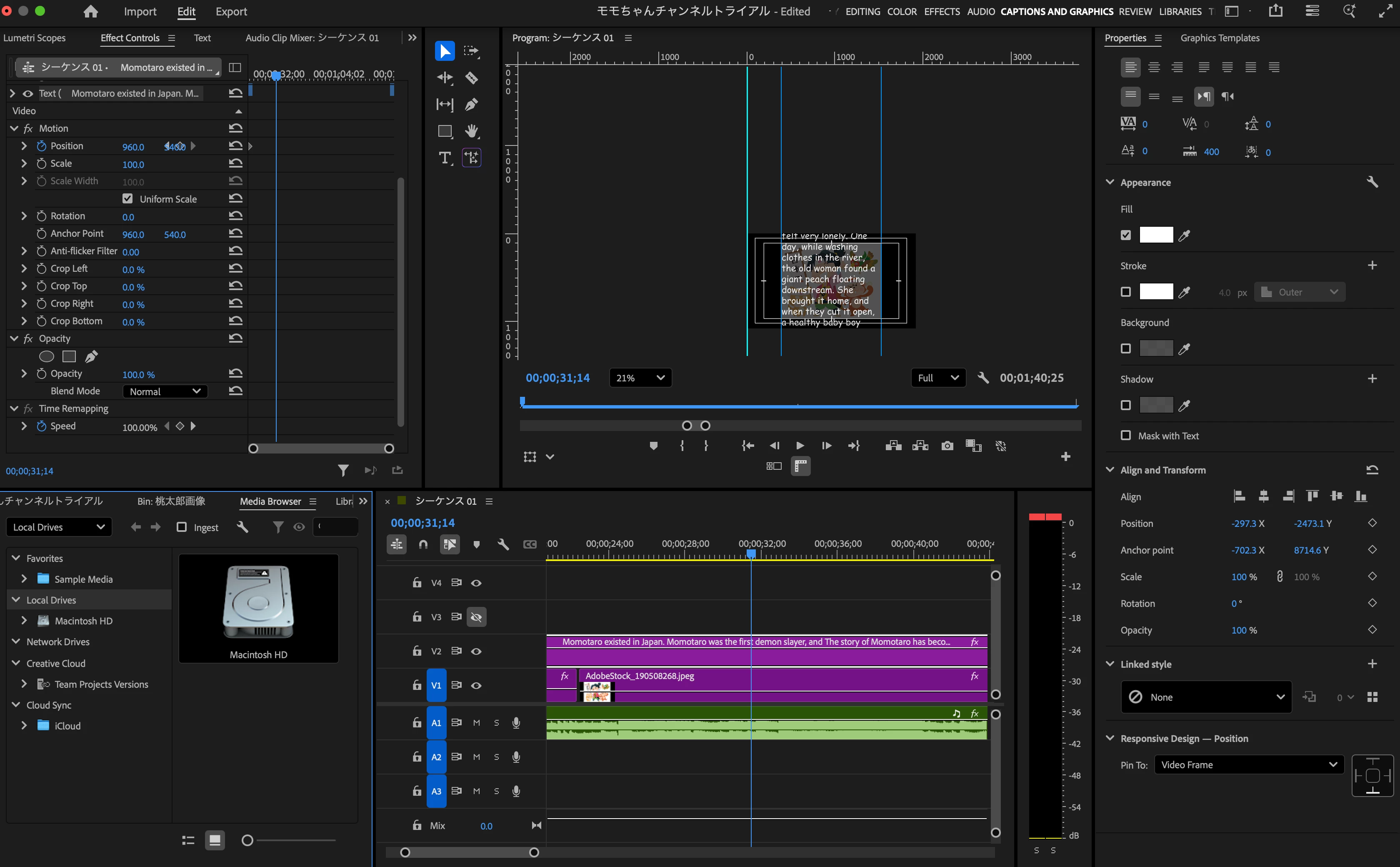
I'd like to slow down the speed of roll.

I'm making roll like 'Star wars' but I can't controll its speed.


Please tell me how to change the roll speed.

4 replies

R Neil Haugen
Legend
Aug 30, 2025 6:52 PM UTC

Peru Bob is correct, you set the speed by the length of the graphic on the timeline.


As noted PrPro expert @Jarle Leirpoll has written in his massive PrPro tome ... to get smooth image scrolling, without jaggies, might take a small amount of math. As you want the upward pixel movement as an integer multiplier of the frame movement.


So ... you want say two or four pixels up for each frame movement, and you will get a smooth non-jaggie roll.


But at 1.5 pixels up per frame, you get ... jaggies.


You need to take your total vertical pixel movement involved, and divide by say two or four ... and that is the frame length to set your scroll to. (Or I might have that backwards ... hmmm.)

Translate
Everyone's mileage always varies ...
Known Participant
Aug 31, 2025 2:41 PM UTC

Thank you for your explanation indetails.

I appreciate it.

After finishing bussiness trip, I will do them along with your advice.


Translate
Peru Bob
Community Expert
Community Expert
Aug 30, 2025 2:25 PM UTC

Drag it along the timeline to increase its length.

Translate
Known Participant
Aug 31, 2025 2:39 PM UTC

I already tried extending the length of that timeline, but it didn't work.

Thank you for your reply.

I appreciate it.


Translate