Answered
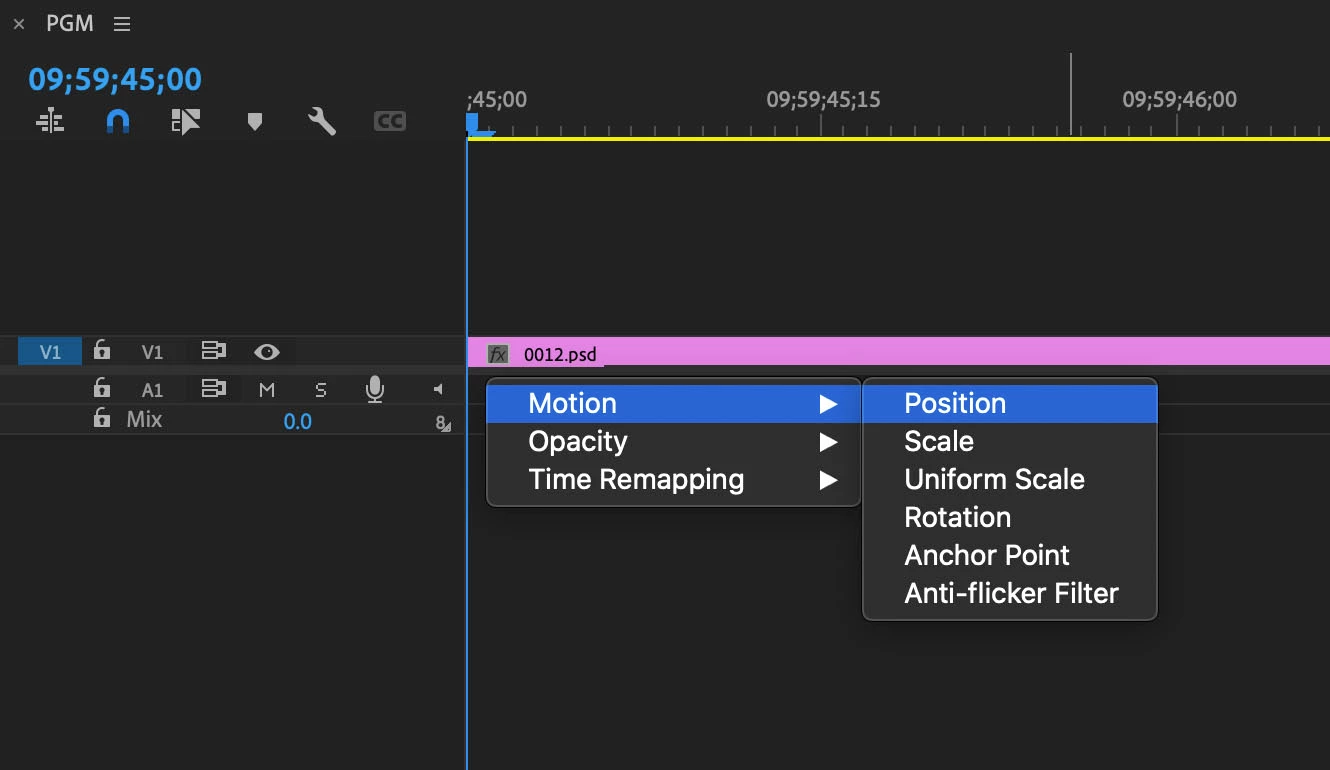
I have a question about showing'Show Clip Keyframes'
I'm using Premiere on macOS.
Is it possible to show'Show Clip Keyframes' by just operating the keyboard without using the mouse?
Sorry to trouble you, but please teach me.

I'm using Premiere on macOS.
Is it possible to show'Show Clip Keyframes' by just operating the keyboard without using the mouse?
Sorry to trouble you, but please teach me.
Ah, my answer was a bit of a guess as I did not quite understand what you were looking for.
I never use the Show Clip Keyframe feature from the dropdown menu.
I right-click on the FX badge in the timeline, if I need the feature which I seldom do.
I keyframe in the Effect Controls which in full screen mode gives you plenty of room to work with instead on the clip itself.
And the Effect Controls now has an option to filter the parameters.
As for the FX badges Opacity is default and no way to change that and using the mouse to select the other parameters.
Already have an account? Login
Enter your E-mail address. We'll send you an e-mail with instructions to reset your password.
 AdChoices