

flbreen9380904
Inspiring
July 23, 2026
Answered

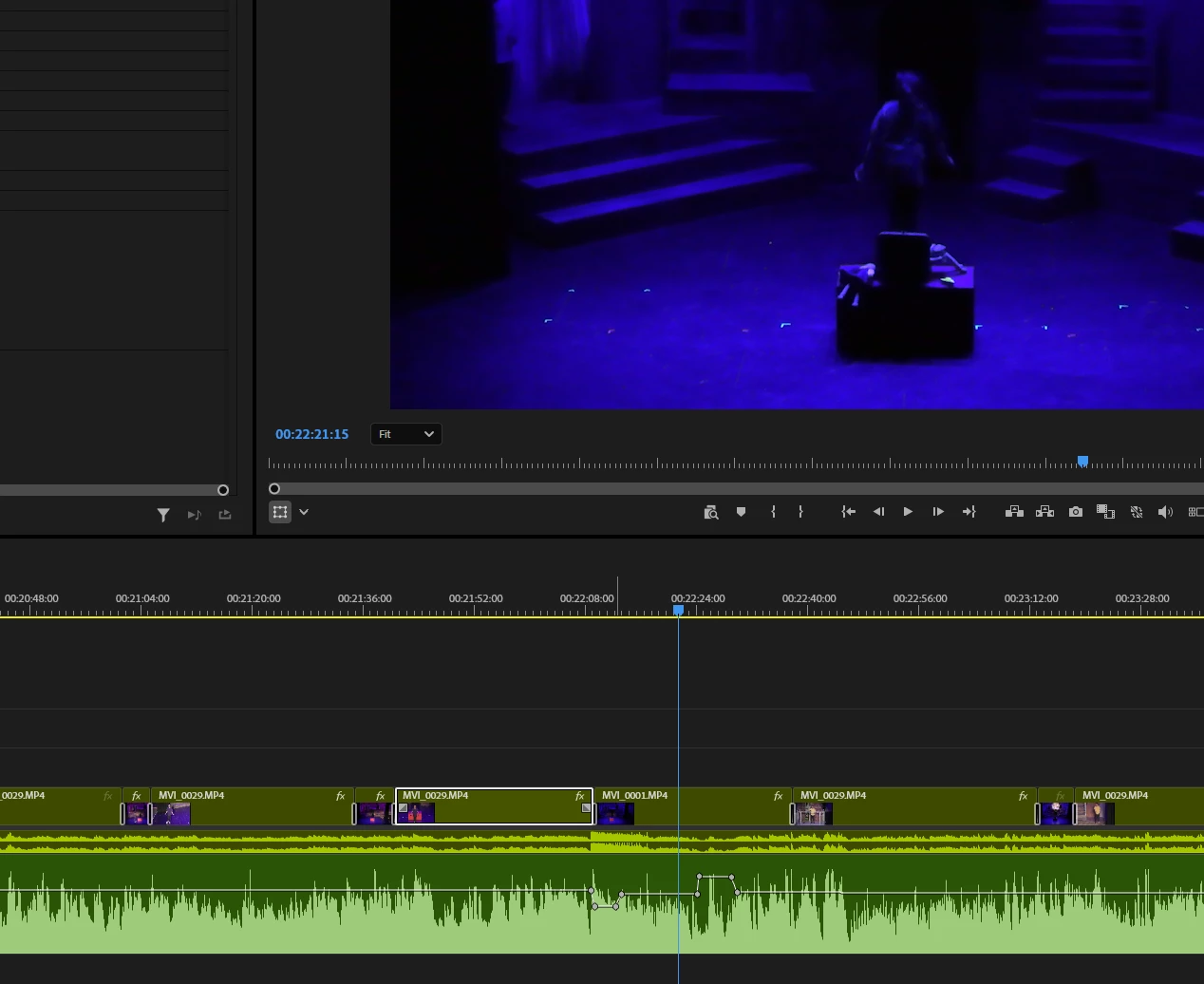
I have a series of clips on my timeline, and when I stop the cursor the current clip becomes selected (light up). That feature works, and then for what seems to me to be no reason, it stops working. Is there a switch to turn this feature?

  • July 23, 2026
  • 4 replies
  • 41 views
The cursor has stopped, but the current clip has not automatically been selected. Previously in my work session it would have been automatically selected.


    Correct answer Kevin-Monahan

    Hi flbreen,

    Thanks for the report. Is Selection Follows Playhead still engaged in the menu? Is it becoming disabled. I have heard another case around this where a restart helped the issue. Can you try that and see if the issue returns? I hope that helps.


    Thanks,
    Kevin

    4 replies

    Kevin-MonahanCommunity ManagerCorrect answer
    Community Manager
    July 24, 2026

    Hi flbreen,

    Thanks for the report. Is Selection Follows Playhead still engaged in the menu? Is it becoming disabled. I have heard another case around this where a restart helped the issue. Can you try that and see if the issue returns? I hope that helps.


    Thanks,
    Kevin

    flbreen9380904
    Inspiring
    July 24, 2026

    Great advice. I will check next time it stops working. One thing it would have been helpful if you told me that menu item was in the Sequence Menu. I had to search for Selection Follows Playhead.

    Community Manager
    July 24, 2026

    Hey there fibreen,

    I hope that it will start working normally. I apologize that I didn't have you clear enough instructions. I am glad you were able to find the command. Take care.


    Thanks,
    Kevin