

mikecox_
Inspiring
January 27, 2026
Question

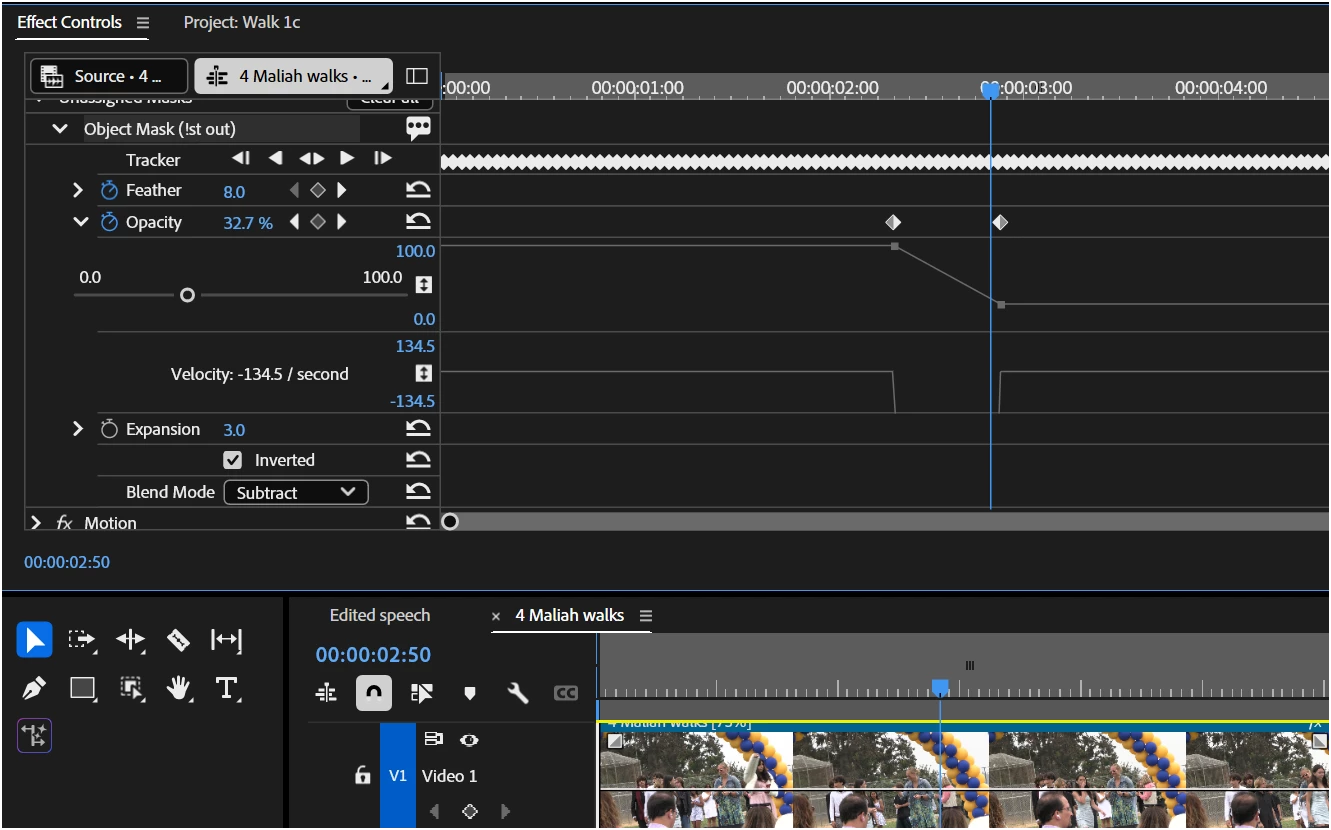
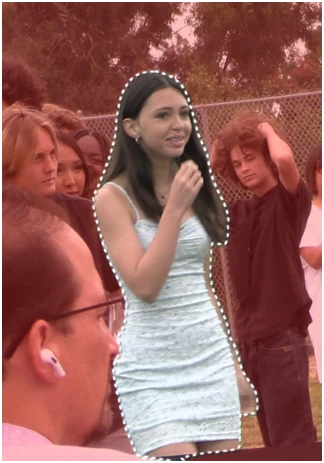
I have an object selected, Using the opacity effect does nothing to the selection Damn it what the **** is
  • January 27, 2026
  • 1 reply
  • 47 views

IWhen I change the opacity nothing.happens, it remains and 100%
Well, This is embarrassing.
That last statement is the result of an “open, mic,” as it were. But I can't figure out how to clear it.
Anyone know how to so that?


    1 reply

    Stan Jones
    Community Expert
    Community Expert
    January 28, 2026

    @mikecox_,

    My guess: Your mask is in the “Unassigned Masks” group in Effect controls. Drag it to the Opacity section and adjust it there.

    See Apply effects to existing unassigned masks in Premiere:

    https://helpx.adobe.com/premiere/desktop/add-video-effects/create-masks-and-composites/apply-effects-to-existing-unassigned-masks.html

    and

    Redesigned Rectangle, Ellipse, and Pen tools:

    https://helpx.adobe.com/premiere/desktop/add-video-effects/create-masks-and-composites/rectangle-ellipse-and-pen-masks.html

    The new masking tools and procedures have a significant learning curve. See the helpx pages. Start with Redesigned Rectangle, Ellipse, and Pen tools and work down in the index to the left.

    As of today, 1/28/26, the helpx pages contain some old content regarding masks. The ones  that are clearly active have a “Last updated” date of Jan 21, 2026 or newer.

    Stan

    mikecox_
    mikecox_Author
    Inspiring
    January 29, 2026

    Thanks, appreciate the link.

    Using Win 11