
Answered
I just want to have the scene go from wide shot to close up on one image
The scene is 3.11 seconds long. I want to go from the shot of the full scene
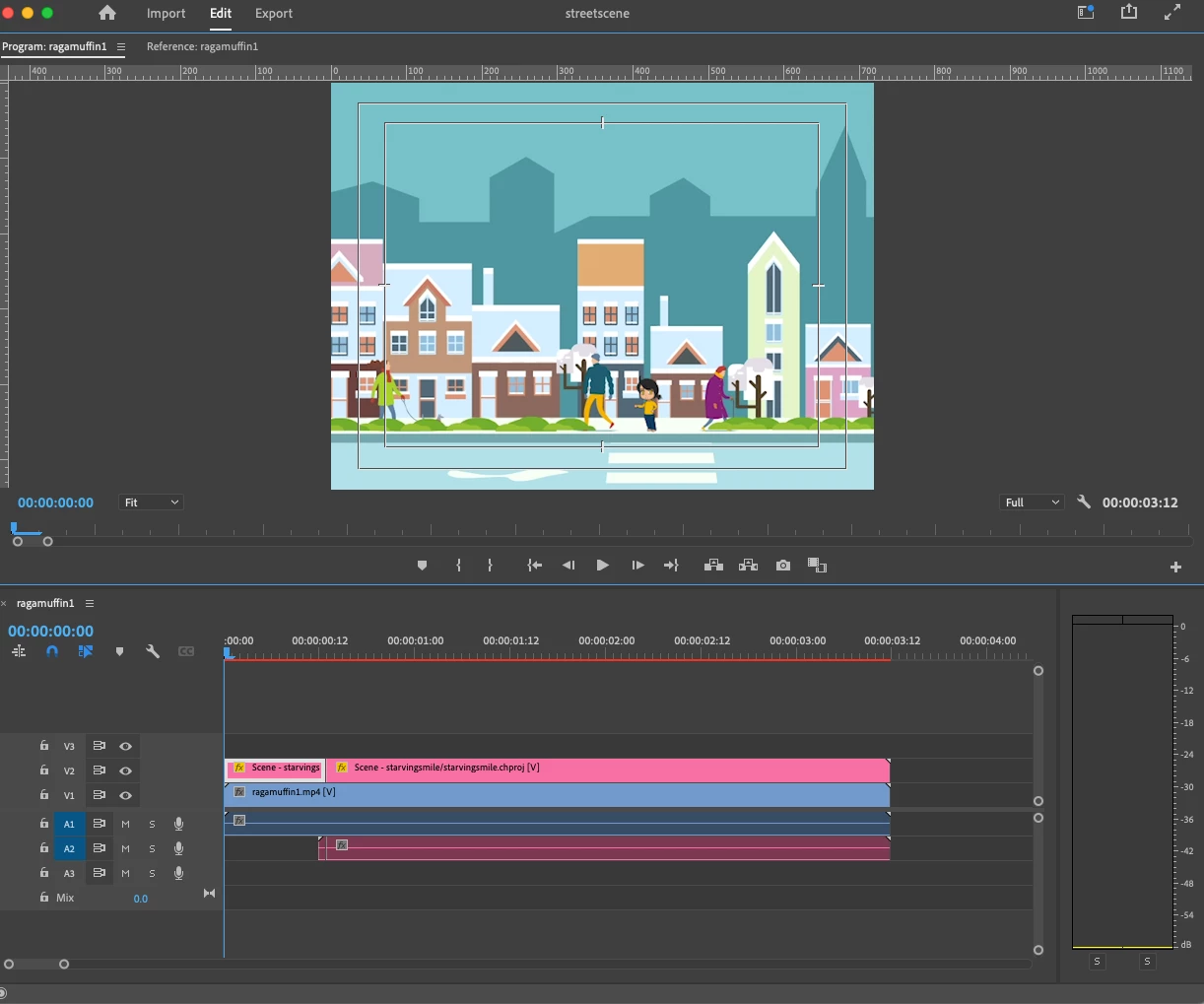
to a close up on one character.
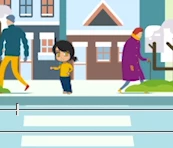
How do I do that?
The scene is 3.11 seconds long. I want to go from the shot of the full scene
to a close up on one character.
How do I do that?
I abandoned the use of Premiere Pro and accomplished what I needed by going to another program (Animate)
Already have an account? Login
Enter your E-mail address. We'll send you an e-mail with instructions to reset your password.
 AdChoices