


Known Participant
April 22, 2026
Question

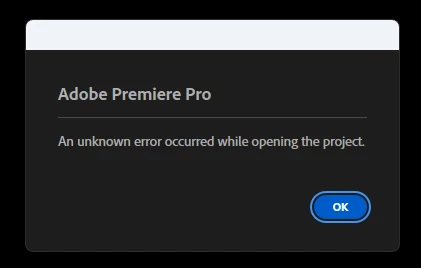
I'm having this issue "an unknown error occurred while opening the project premiere pro"

  • April 22, 2026
  • 3 replies
  • 38 views

Yesterday I was working on a project that I use to edit monthly videos for a Doctor. I did yesterday’s video and close de project as usual. Today I tried to open the same project and I’m facing this following error “an unknown error occurred while opening the project premiere pro”
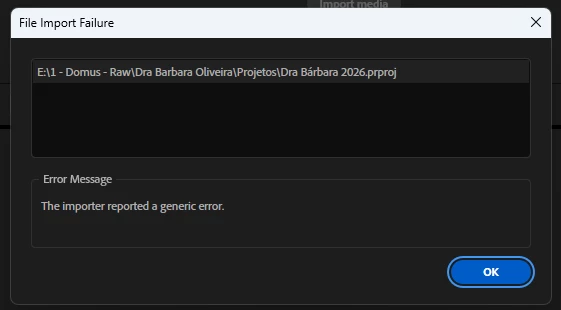
I tried creating a new project and importing the old one but it didn’t work, this time i recieved this messege.
 

Can anyone help me? Inside this project I have several assets that i can’t lose.

    3 replies

    Community Expert
    April 24, 2026

    You may want to try opening Premiere and then importing the project into your project panel like you can other assets and or importing the project through Media Browser.

    Community Expert
    April 23, 2026

    Long file paths on external drives and special characters in the path or filename can cause this error.

    1. Copy Dra Bárbara 2026.prproj to a shorter, simpler local path, for example: C:\Test\DraBarbara.prproj
    2. Rename the file using only letters and numbers, with no accented characters, spaces, or hyphens, for example: DraBarbara2026.prproj
    3. Open the renamed file from the new local location.
    Known Participant
    April 23, 2026

    I’ll try it and i’ll let you know

    John T Smith
    Community Expert
    Community Expert
    April 22, 2026

    Are  you able to open an autosave project?

    Known Participant
    April 22, 2026

    Yeah, I tried this after opening this ticket and the auto-save project opened, but I lost some saves in the way. I’m still hoping to open the official project