

Question
I still have black spots that I can't remove using ultra key
Hello,
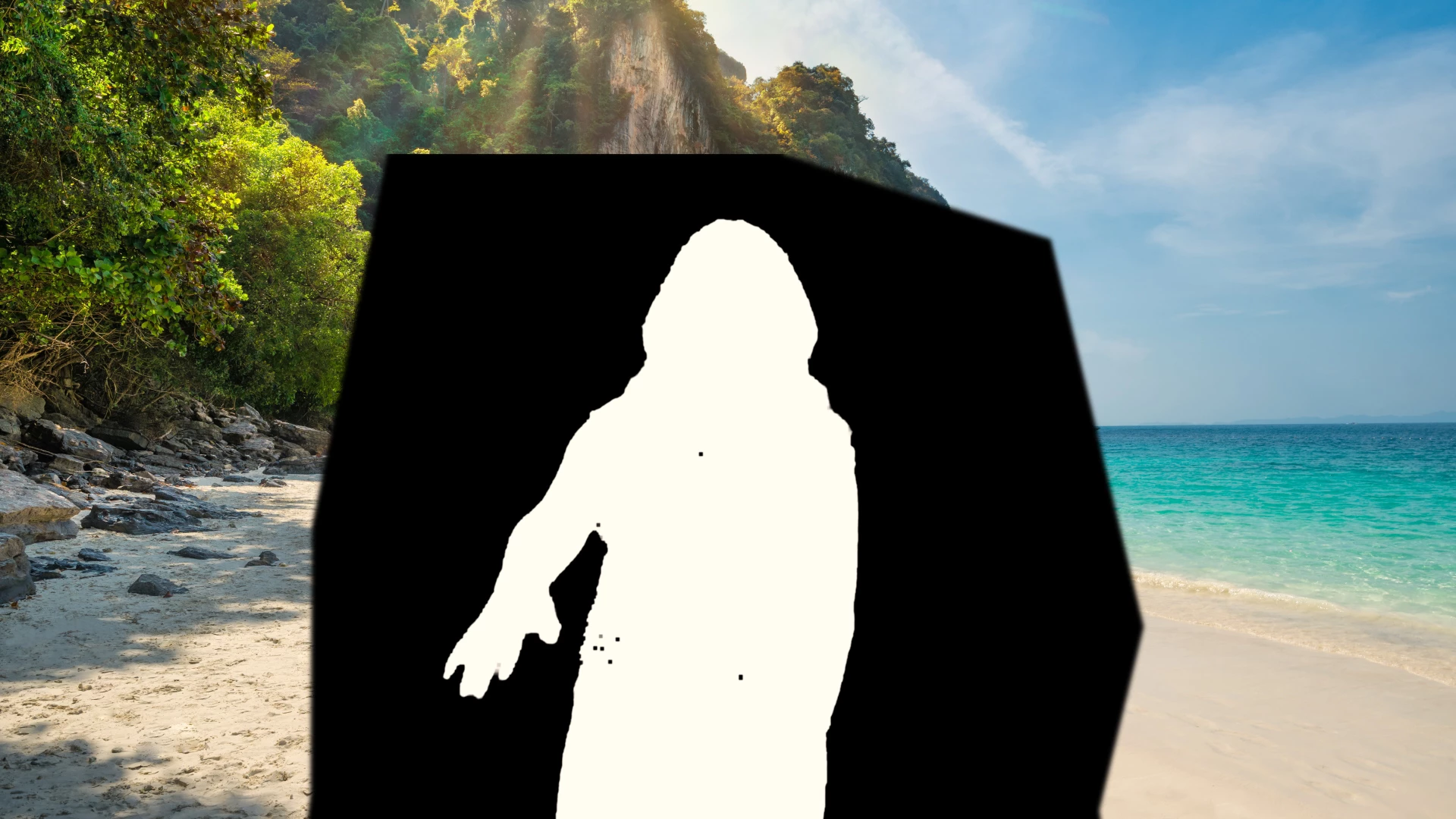
I am currently editing a video in which I am standing in front of a mic singing with a green screen background
I still have some black spots that can't be removed by transparency, shadow, pedestal, or any of the options in the ultra key
I tried using multiple ultra keys but it didn't work
the black spots are the reflection of the mic stand ( it's black and I am wearing a shirt that has different colors and looks like a mesh )

What should I do ?
 AdChoices