
I thought they added VFR in the 2018 CC V12.0.1
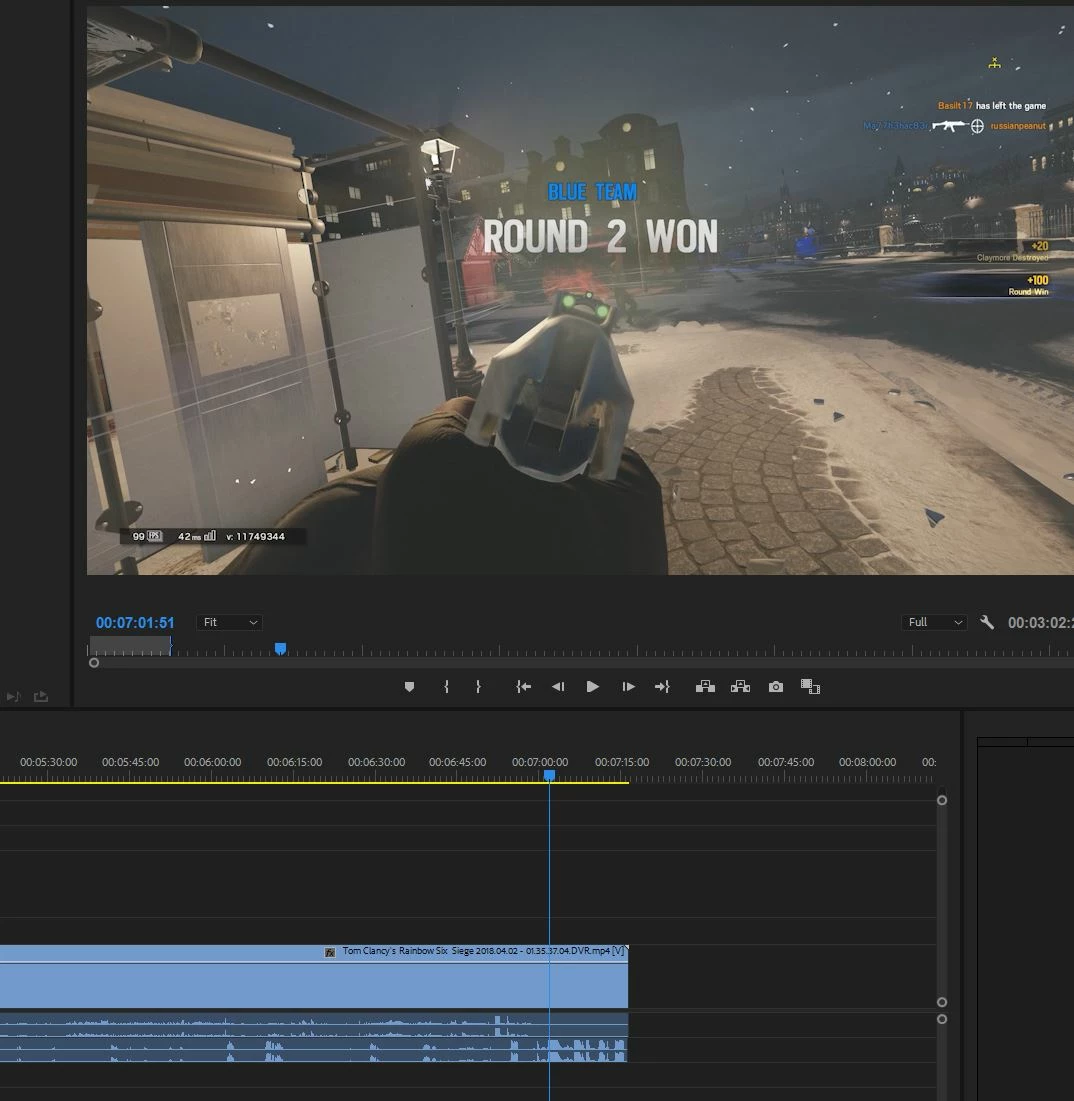
It's now version 12.1.1 (build 10) and there is massive audio desync using NVIDIA shadowplay and VFR. Going into the Master Effect control for the clip it see's the clip being VFR and says preserve audio sync, if you play back the video in any player or any other editor it works just fine, but in adobe it is desynced, this application is a nightmare that just won't catch up to even the free software it's very upsetting. Audio layer 1 (computer/in game audio) will go out of sync while audio layer 2 maintains it's timing, audio layer 3 does not appear at all, and seems to be more of an issue with the recording software not allowing 2 output devices and not really within the scope of this question.
In order for me to use the clips I would have to strip the audio layers then handbrake each piece taking days with 4k video.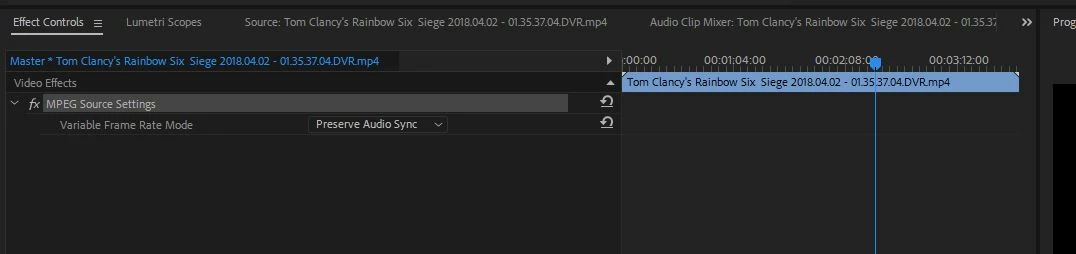
 AdChoices