
Question
Icon problem Adobe Premiere 14 - osx catalina
how to make osx change icon? I have a problem.
1.
I tried to get info -> change all (failed)
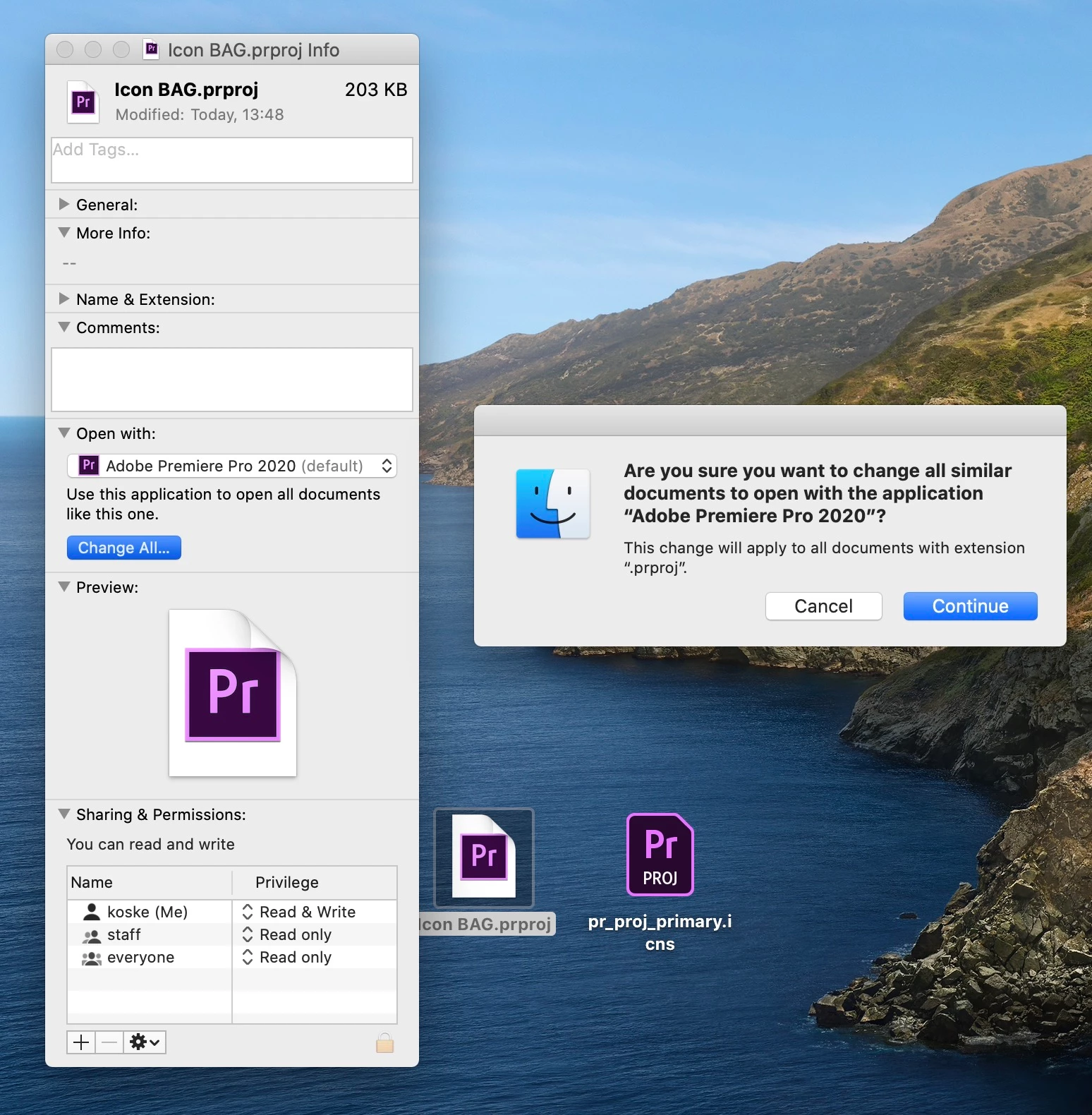 2.
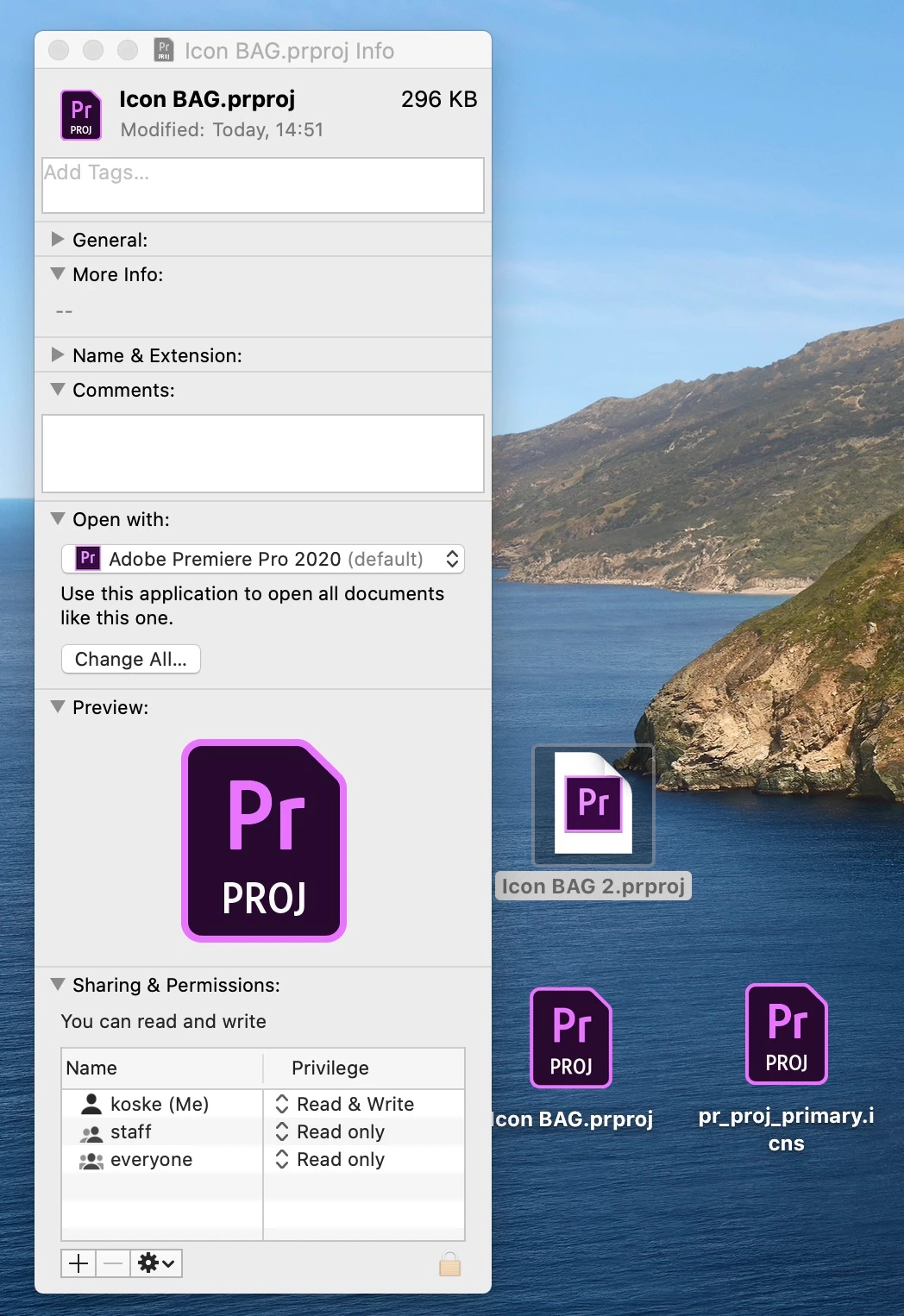
I tried the copy paste icon in the upper left corner or drag drop, it didn't work all change exstension.
2.
I tried the copy paste icon in the upper left corner or drag drop, it didn't work all change exstension.
Just change to one file
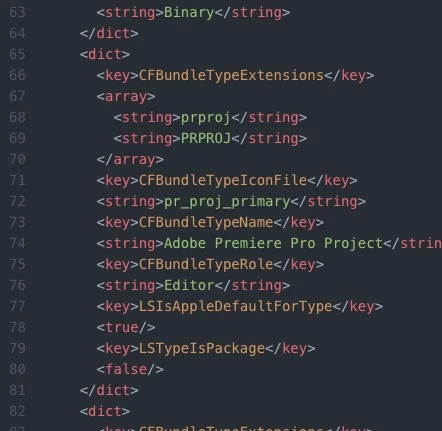
3. How I change anything in the .info file will not open the adobe premiere. I think that's the problem here. pr_proj_primary should be pr_proj_primary.icns
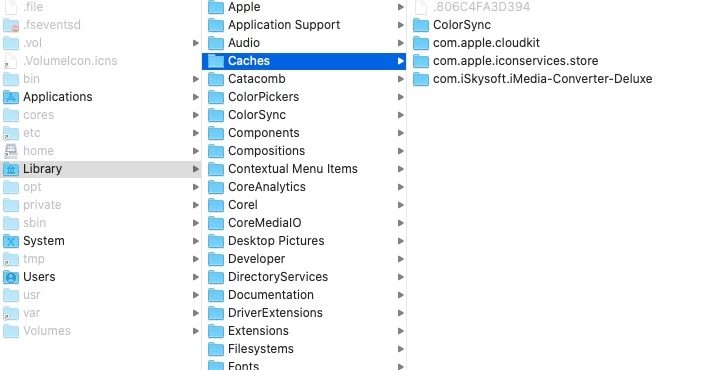
4. I deleted the icon cash too - it didn't work
 AdChoices