
Answered
If I want to zoom a portion of the video to fullscreen..
If I want to zoom the bottom left map to full screen like other videos how do I do this as easy as possible?
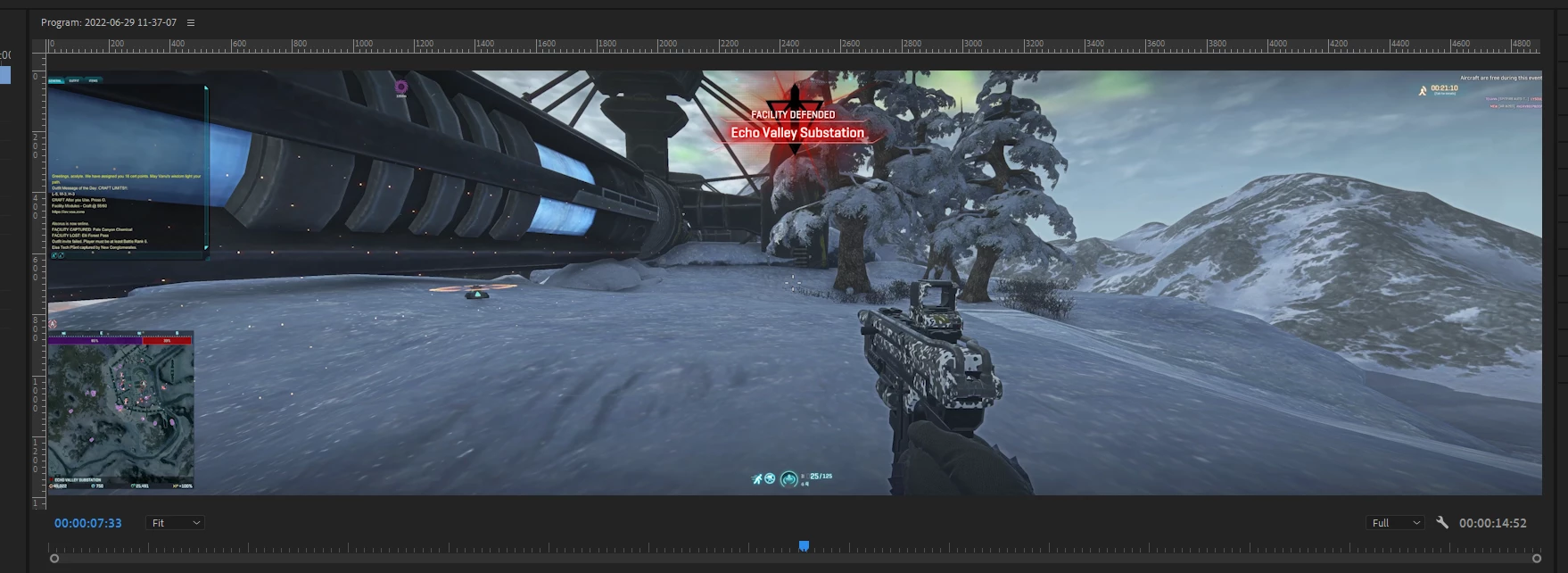

If I want to zoom the bottom left map to full screen like other videos how do I do this as easy as possible?
One way:
Use an opacity mask and adjust the map size and position in the Effects Control Panel.
Another way:
Add the crop effect and keyframe it along with the size and position.
Or add the crop effect and nest. Then adjust the size and position of the nest.
Keep in mind that you will likely lose quality when zooming that much.
Already have an account? Login
Enter your E-mail address. We'll send you an e-mail with instructions to reset your password.
 AdChoices