
Answered
Image importation failed
Hi,
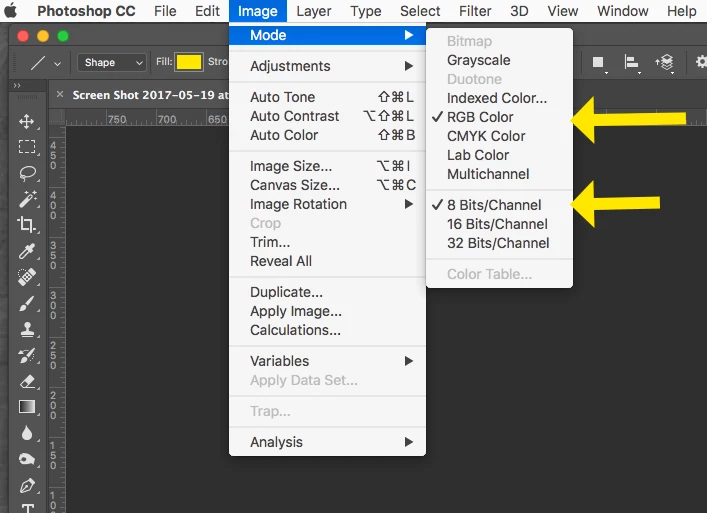
I have an image Premiere Pro doesn't allow me to import. I tried to change the tiff file in jpeg on photoshop, then in psd, and nothing worked. I changed the resolution, changed the pixels, nothing changed... Either it says something about the compression that is not taken or the resolution that doesn't work. (sorry, my app is in french, I try to translate it).
Help, anyone ?
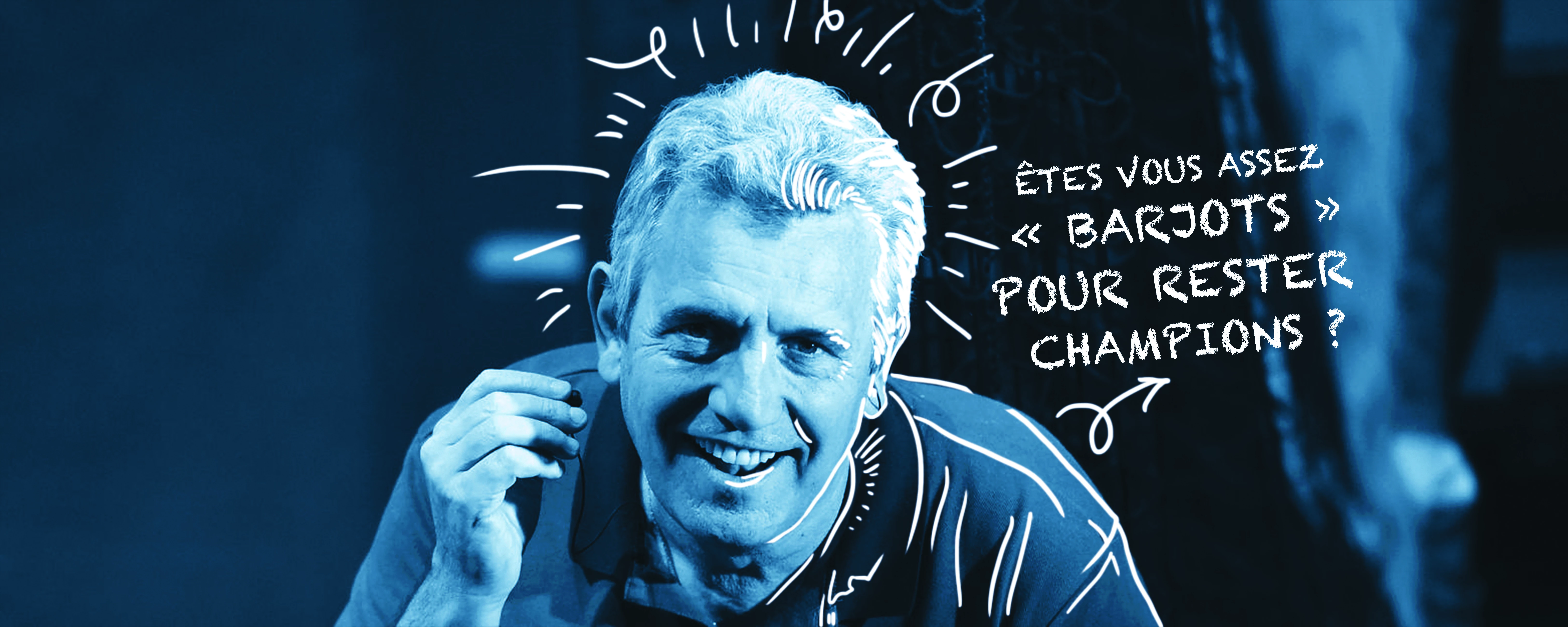
I put the file on this message so you can understand what's wrong.
 AdChoices