Question
Image looks desaturated (Premiere Pro 2022)
Hi, I'm making a school project and after importing this footage (shot on iPhone 13 so could be a HDR issue), every image I add into the project looks desaturated.
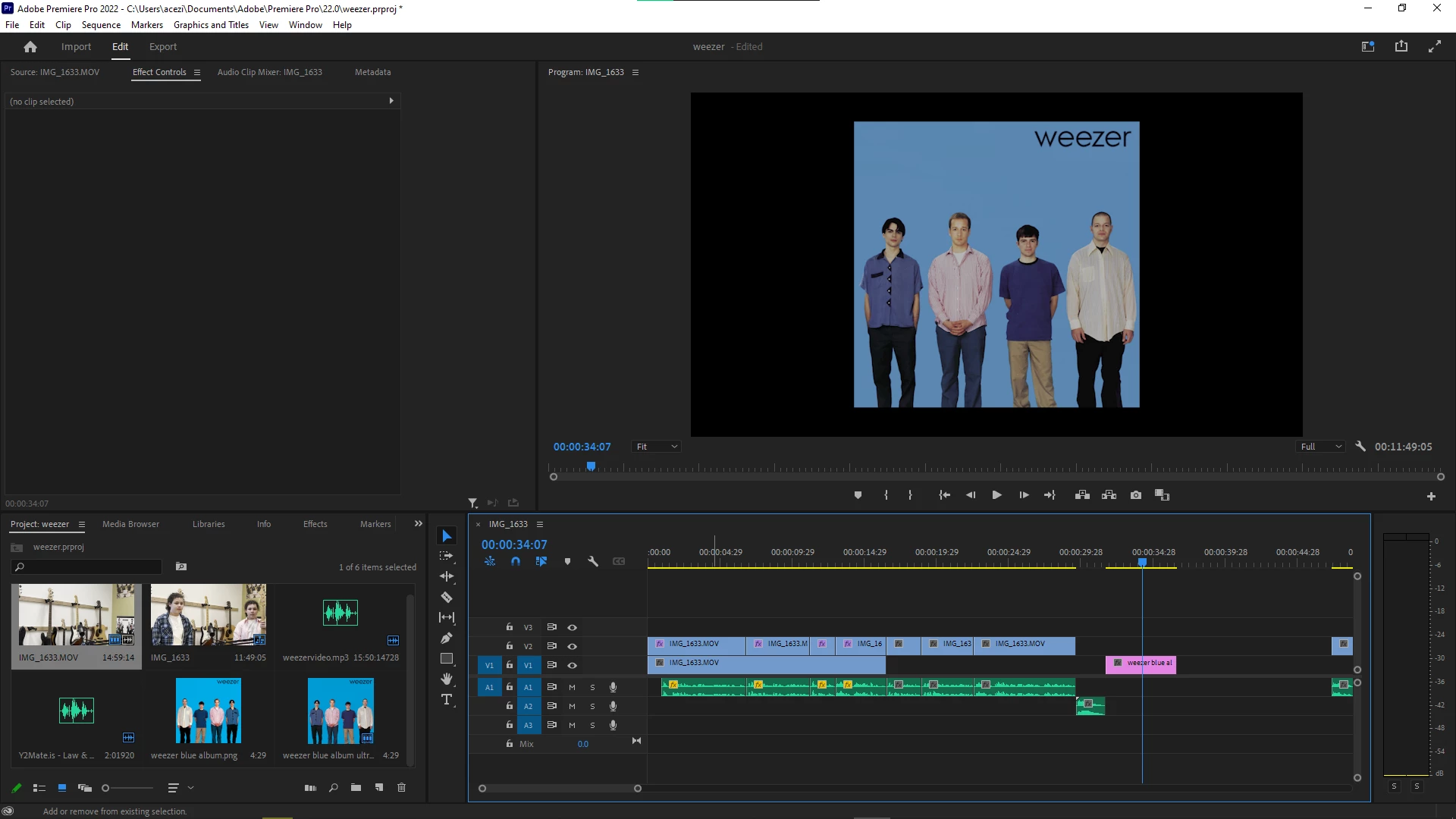
Please help!

Hi, I'm making a school project and after importing this footage (shot on iPhone 13 so could be a HDR issue), every image I add into the project looks desaturated.
Please help!
Already have an account? Login
Enter your E-mail address. We'll send you an e-mail with instructions to reset your password.
 AdChoices