
Image Matte Key location is not saved when changing project file destination
Dear community,
I have made a template for the company I work for in Adobe Premiere Pro CC 2018. I exported the template by going to File -> Project Manager -> Collect files and Copy to New Location. The template contains multiple 'image matte key' effects to get the following result (a 90 degrees cut).
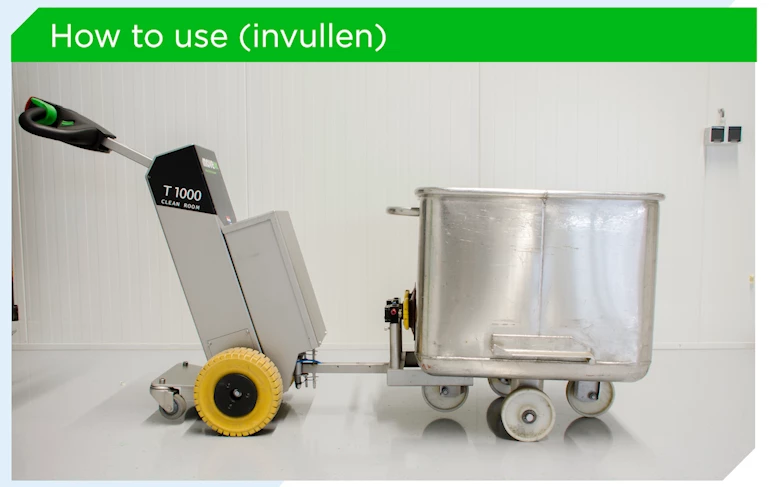
This works fine when I don't change the project file location. However, multiple people work on these video's, so each of them saves the template to their own workspace/desktop. But when they open the project, they get the following error:
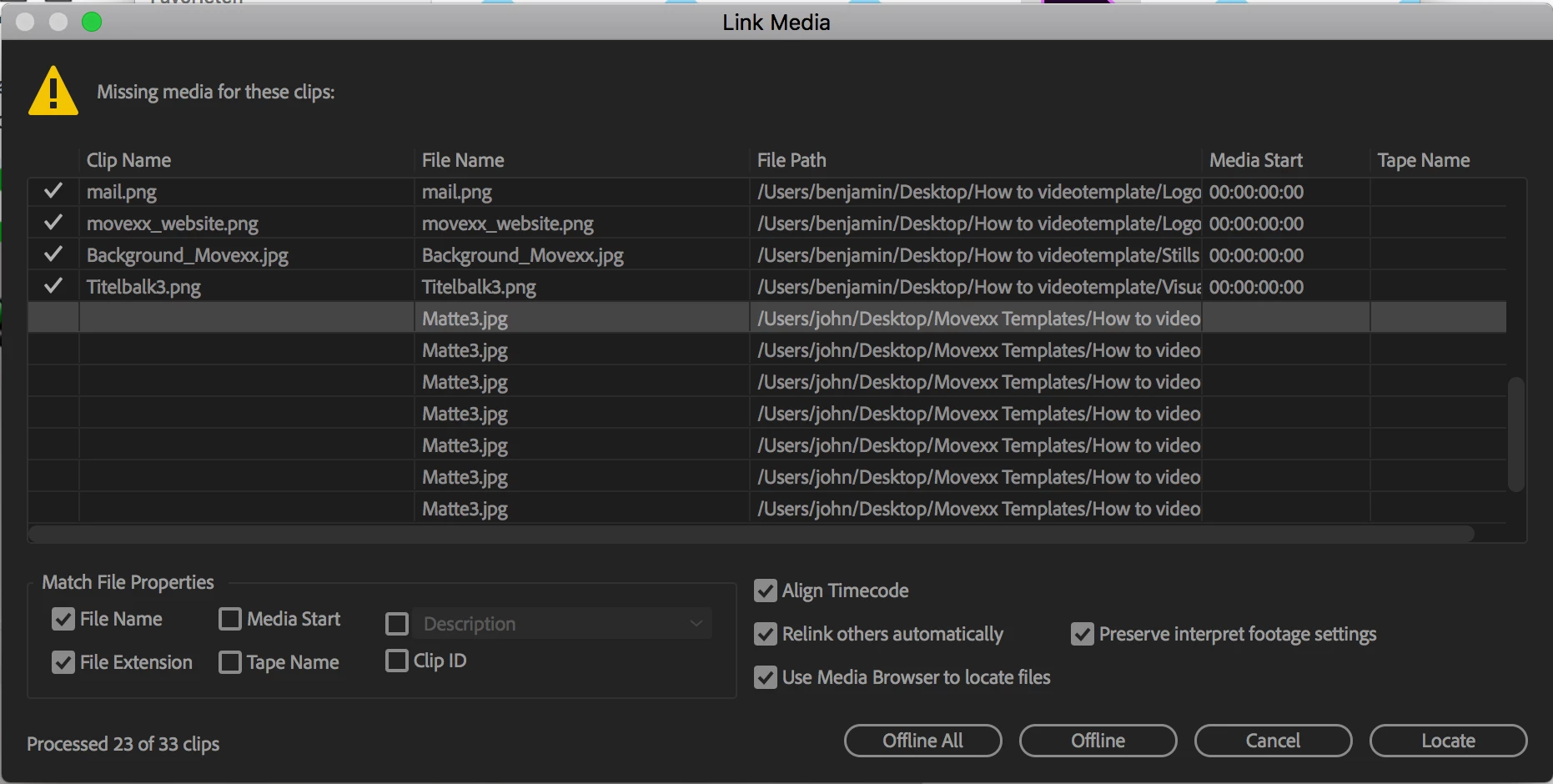
As you can see, everything is being located except for the Video Matte. However, the file path is correct, it just doesn't want to load it. When I relocate it, I get the following error:
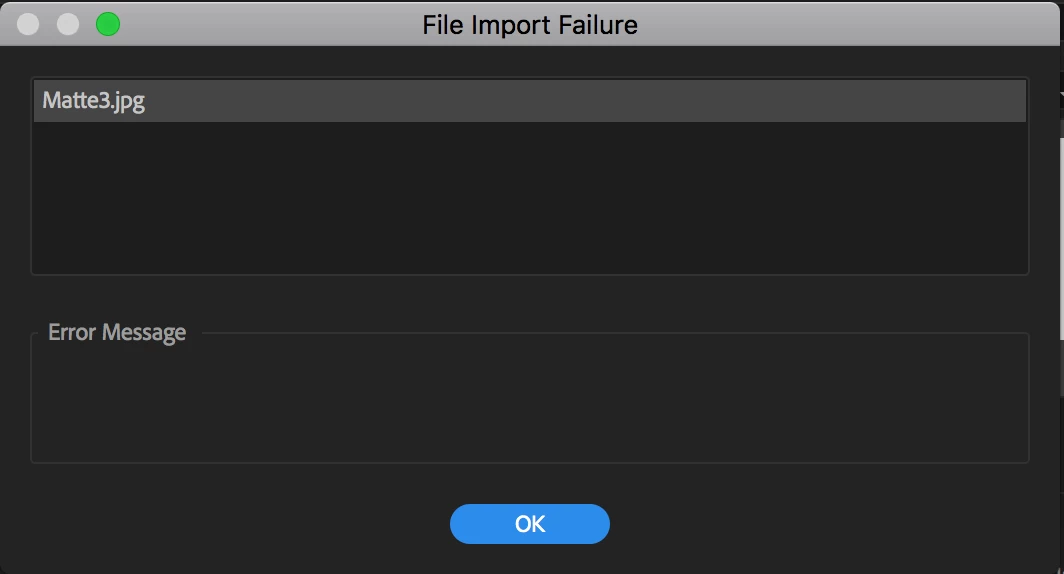
As you can see, it doesn't give an error message, so I have no clue how to fix it. Can anyone shine a light on how to fix this? Would be greatly appreciated.
 AdChoices