Answered
Import media is green and playback quarter of screen
I'm lost on how to fix this I've tried different sequence settings scale to frame size and not sure how to fix
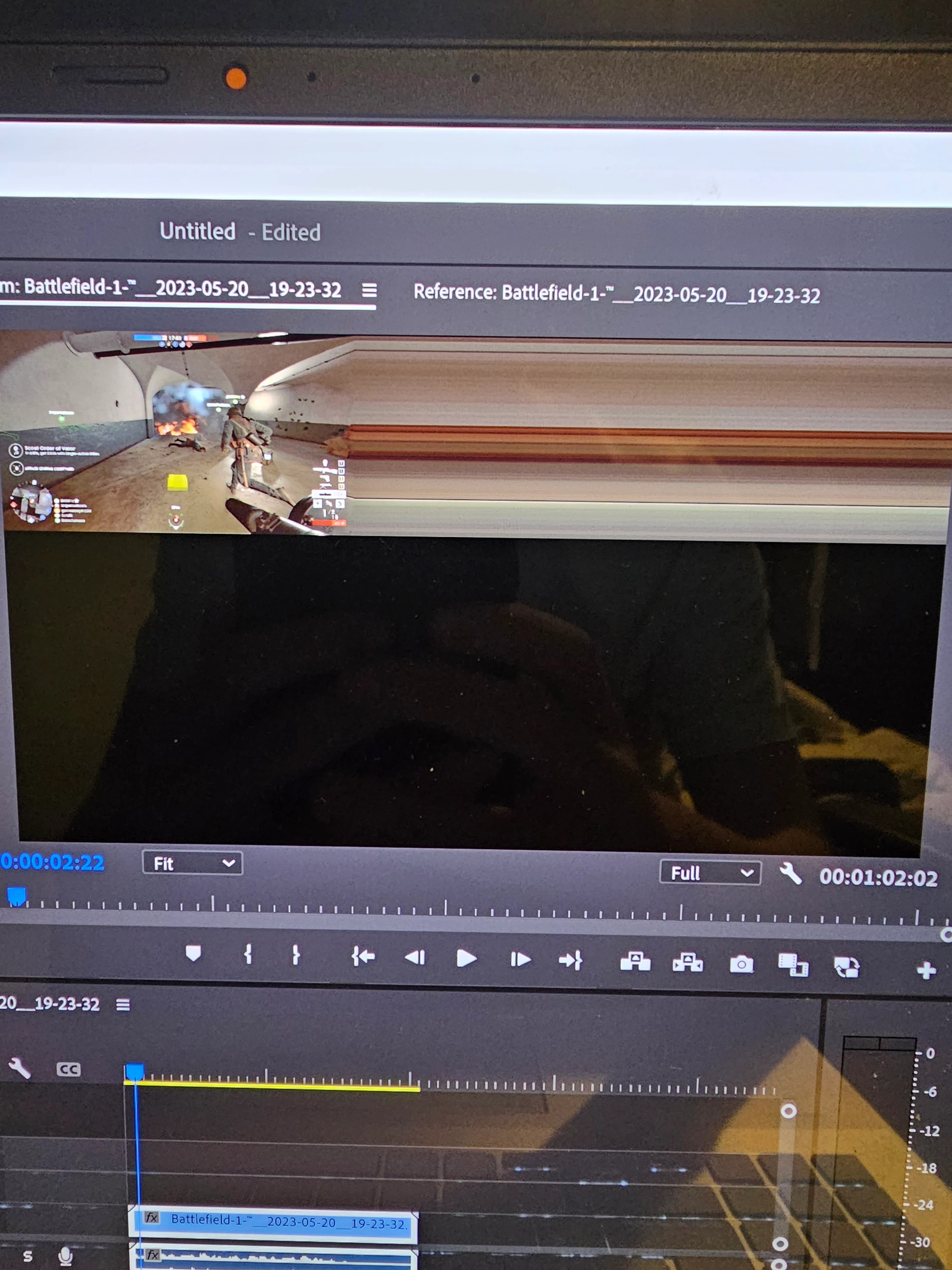
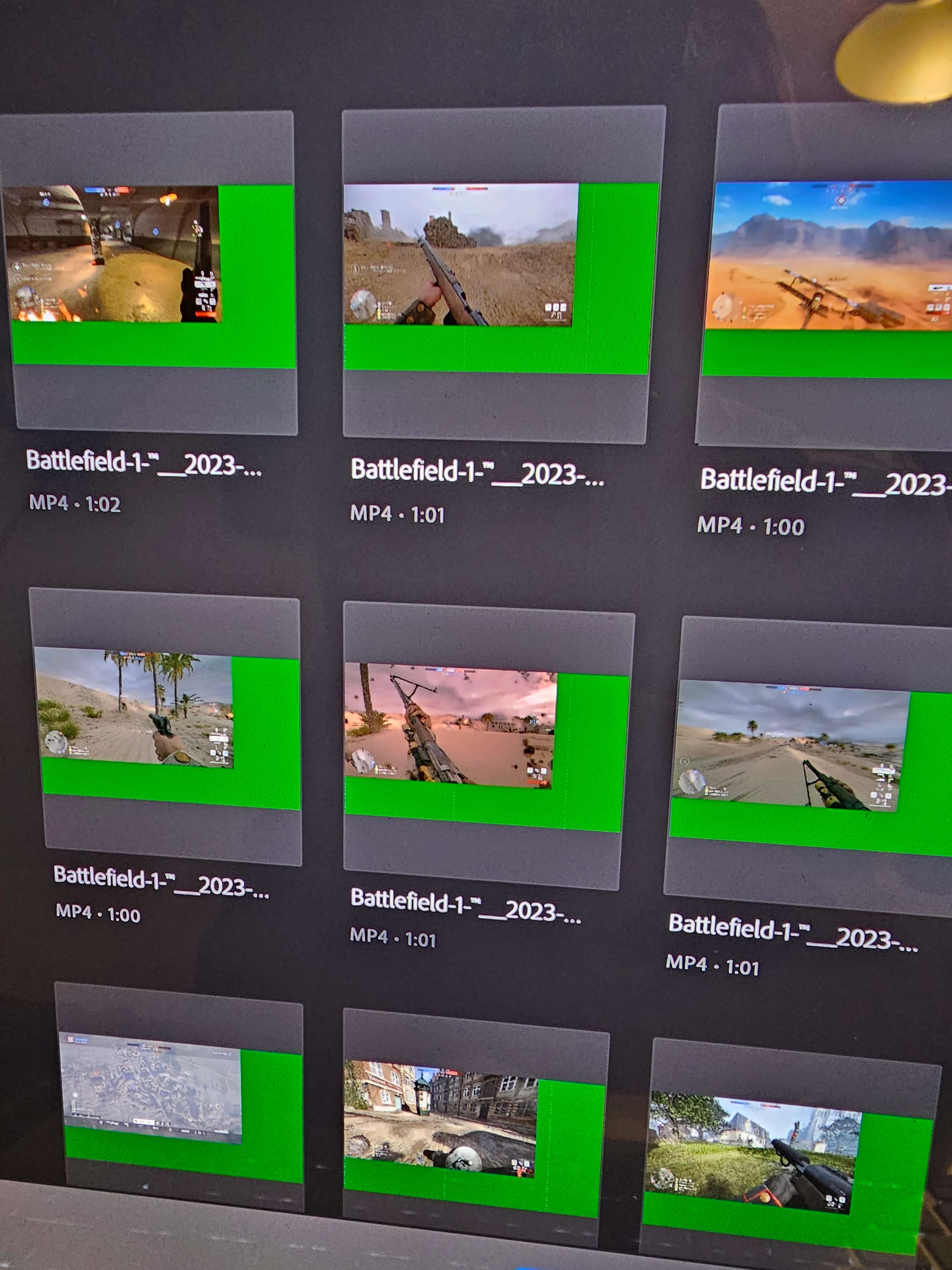
I'm lost on how to fix this I've tried different sequence settings scale to frame size and not sure how to fix
Also, please use the free MediaInfo and post a screenshot of the properties of your media in tree view:
https://mediaarea.net/en/MediaInfo
Many users are having issues with VFR. If the file is variable frame rate, use Handbrake to convert to constant frame rate:
https://handbrake.fr/downloads.php
Here is a tutorial:
https://www.youtube.com/watch?time_continue=34&v=xlvxgVREX-Y
Shutter Encoder may also be used to convert to Constant Frame Rate:
https://www.shutterencoder.com/en/
Already have an account? Login
Enter your E-mail address. We'll send you an e-mail with instructions to reset your password.
 AdChoices