Participant
March 28, 2024
Answered

Import mp4 from GardePro Trail Camera issue

  • March 28, 2024
  • 2 replies
  • 1187 views

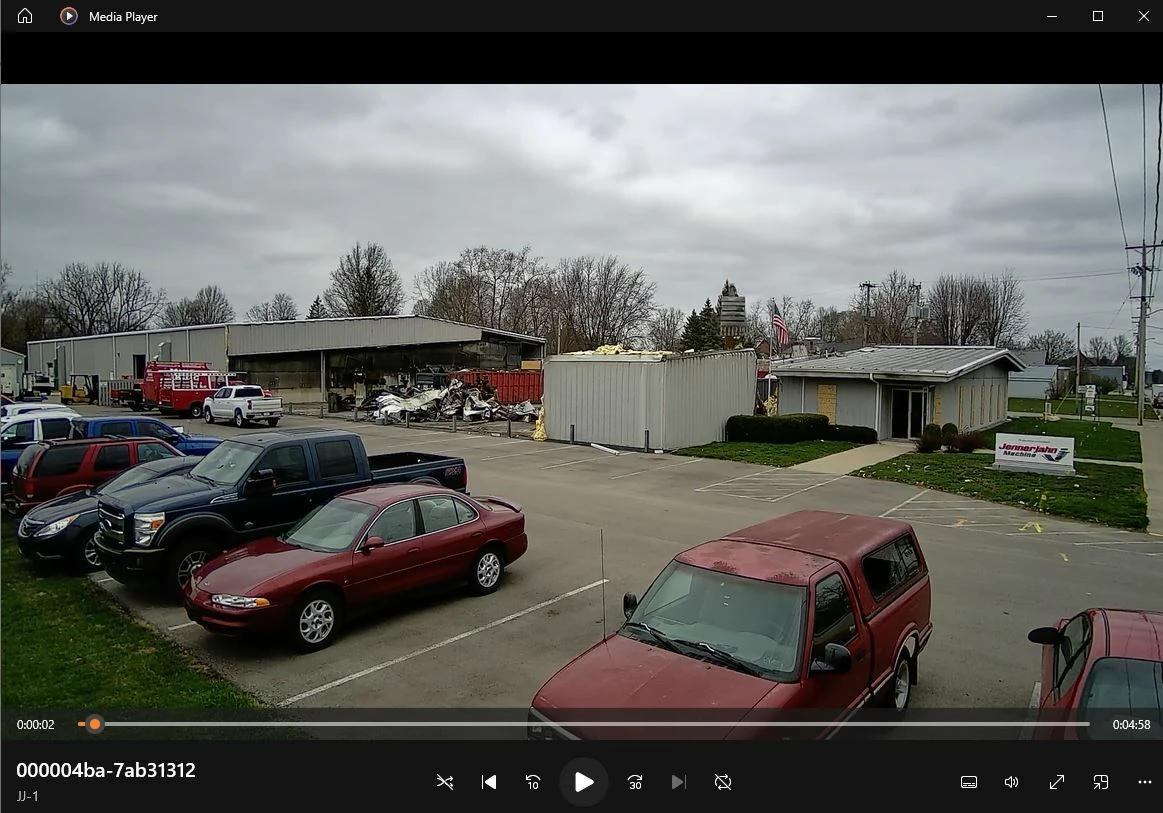
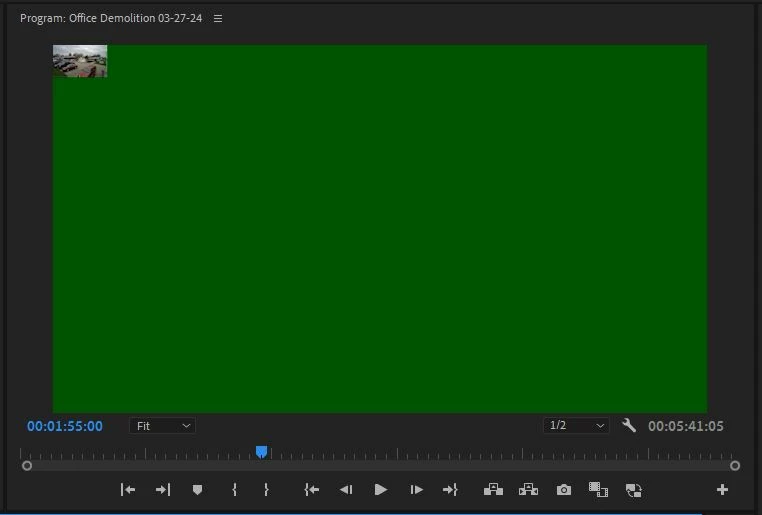
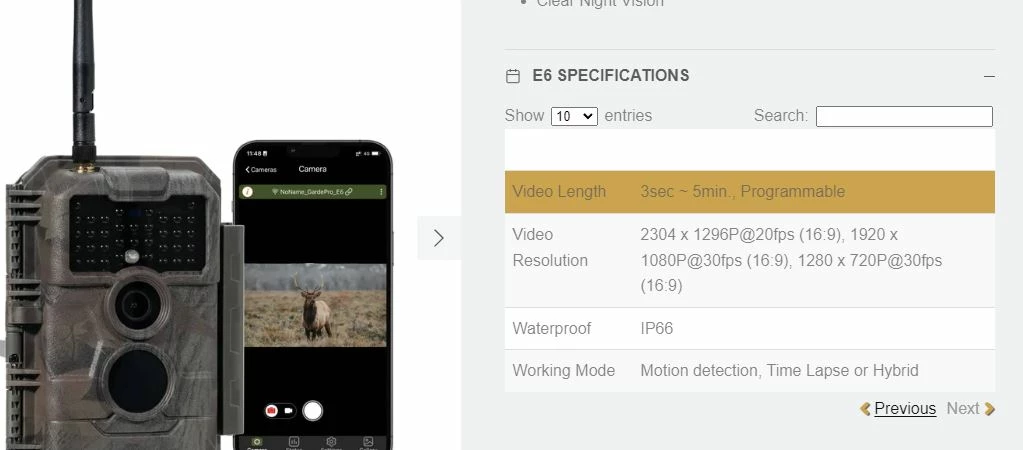
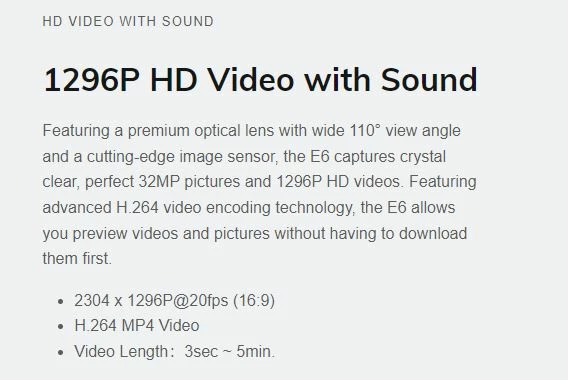
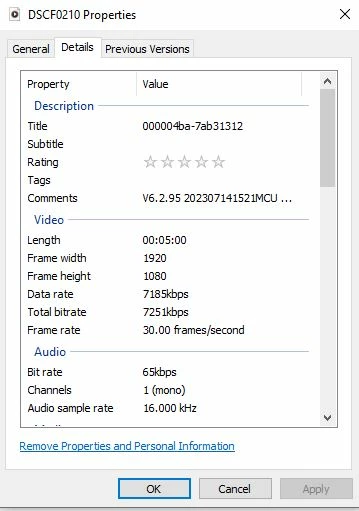
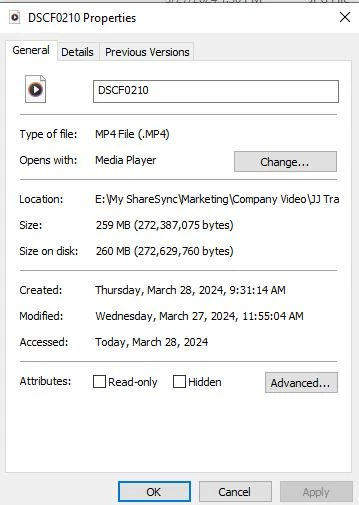
I am using Premiere Pro V24.2.1.  I recorded some mp4 video files using a GardePro E6 Trail Camera.  The videos play fine using a desktop Media Player.  However, when I tried to load the clip from the Media Browser, it drops a small video clip in the upper corner of the timeline with a large green background.  I have tried to use Media Encoder to fix the issue, but I am not having any luck.  Are there any other settings that I need to change? The only odd thing that I found is that GardePro spes says 20fps.  I can't change my frame rate that low, I don't think.  Any ideas or suggestions would be a big help!  See attachments
This topic has been closed for replies.
Correct answer Peru Bob

Please use the free MediaInfo and post a screenshot of the properties of your media in tree view:
https://mediaarea.net/en/MediaInfo

Many users are having issues with VFR. If the file is variable frame rate, use Handbrake to convert to constant frame rate before importing into Premiere Pro:
https://handbrake.fr/downloads.php
Here is a tutorial:
https://www.youtube.com/watch?time_continue=34&v=xlvxgVREX-Y

Shutter Encoder may also be used to convert to Constant Frame Rate:
https://www.shutterencoder.com/en/

2 replies

Peru Bob
Community Expert
Peru BobCommunity ExpertCorrect answer
Community Expert
March 28, 2024

Please use the free MediaInfo and post a screenshot of the properties of your media in tree view:
https://mediaarea.net/en/MediaInfo

Many users are having issues with VFR. If the file is variable frame rate, use Handbrake to convert to constant frame rate before importing into Premiere Pro:
https://handbrake.fr/downloads.php
Here is a tutorial:
https://www.youtube.com/watch?time_continue=34&v=xlvxgVREX-Y

Shutter Encoder may also be used to convert to Constant Frame Rate:
https://www.shutterencoder.com/en/

Known Participant
April 11, 2024

Thanks Bob,

This solved my problem trying to play GardePro video. Handrake worked well and is easy to use.

Steve

Peru Bob
Community Expert
Community Expert
April 11, 2024

You're welcome. 

JJMarcusAuthor
Participant
March 28, 2024

I had my IT person look at it and he loaded the files in Fina Cut Pro and had no issues.  We decided to reset the preferences, including the first two check boxes, app preferences, media cache files.  Once we did that the video clip loaded fine.  Thanks!

JJMarcusAuthor
Participant
March 28, 2024

I spoke too soon.  Still had issues, had to do the reset several times and even when I rendered the final sequence, some clips were green and others not.  Must be some type of incompatibility with the file and Adobe settings?