Participant
April 9, 2017
Answered

Import of transparent .png file comes up with black background on adobe Premier Pro

  • April 9, 2017
  • 1 reply
  • 4434 views

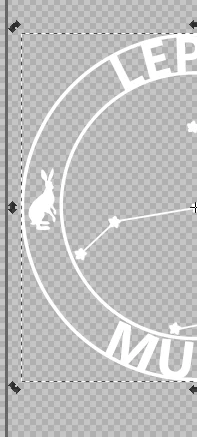
I am trying to import a transparent .png file to use as an overlay. This was created on inkscape and has a transparent background (see screen shot 1 and 2). Upon import to adobe premier there is now a black background on the image (see screen shot 3). Any help would be much appreciated thank you.
This topic has been closed for replies.
Correct answer wellis93

Thanks! The first time I did it it came up with the black square behind but just re-opened adobe and is working now.

1 reply

Legend
April 9, 2017

There's nothing behind the image to show through.  The default for 'nothing' in video is black.

Place the image in a sequence, over some video.

wellis93AuthorCorrect answer
Participant
April 15, 2017

Thanks! The first time I did it it came up with the black square behind but just re-opened adobe and is working now.