
Question
Imported JPG files switch or duplicate in Premiere
Working on a rather straightforward project but set back by the strangest issue! I import three different JPG files. In the media browser, they all retain their respective names—but they all appear as one of the three images. This glitch carries into the timeline and into export. It does not affect video files. The screenshots I've embedded do a better job of explaining:
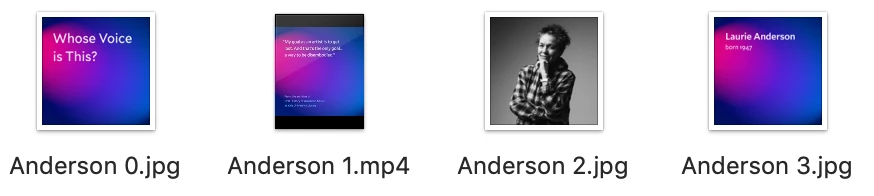
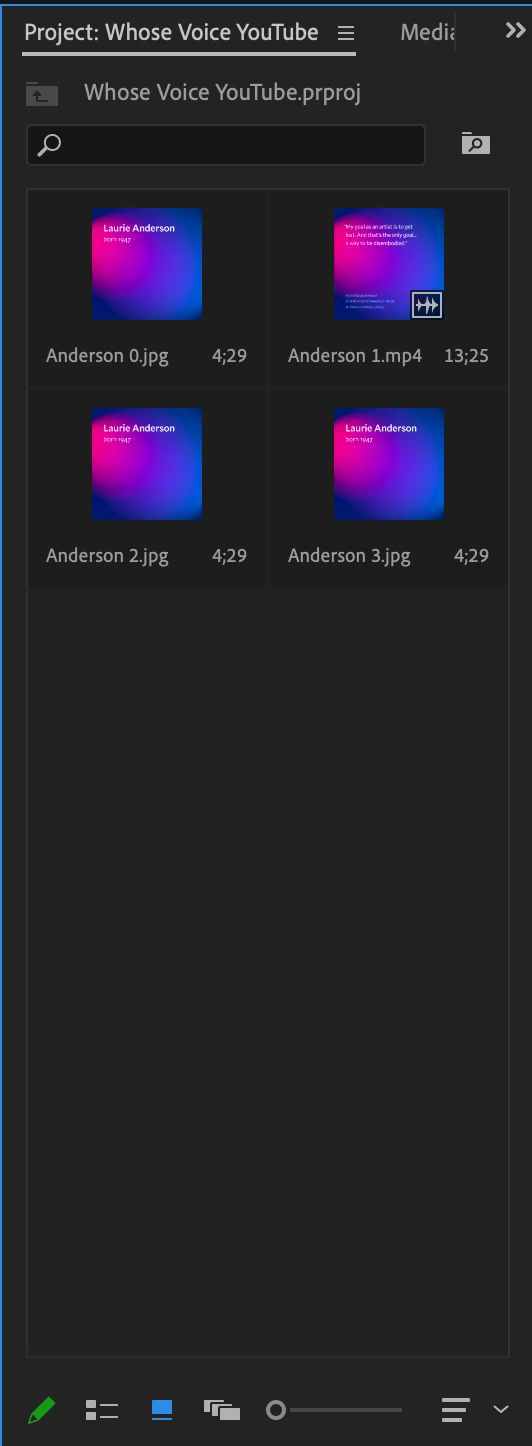
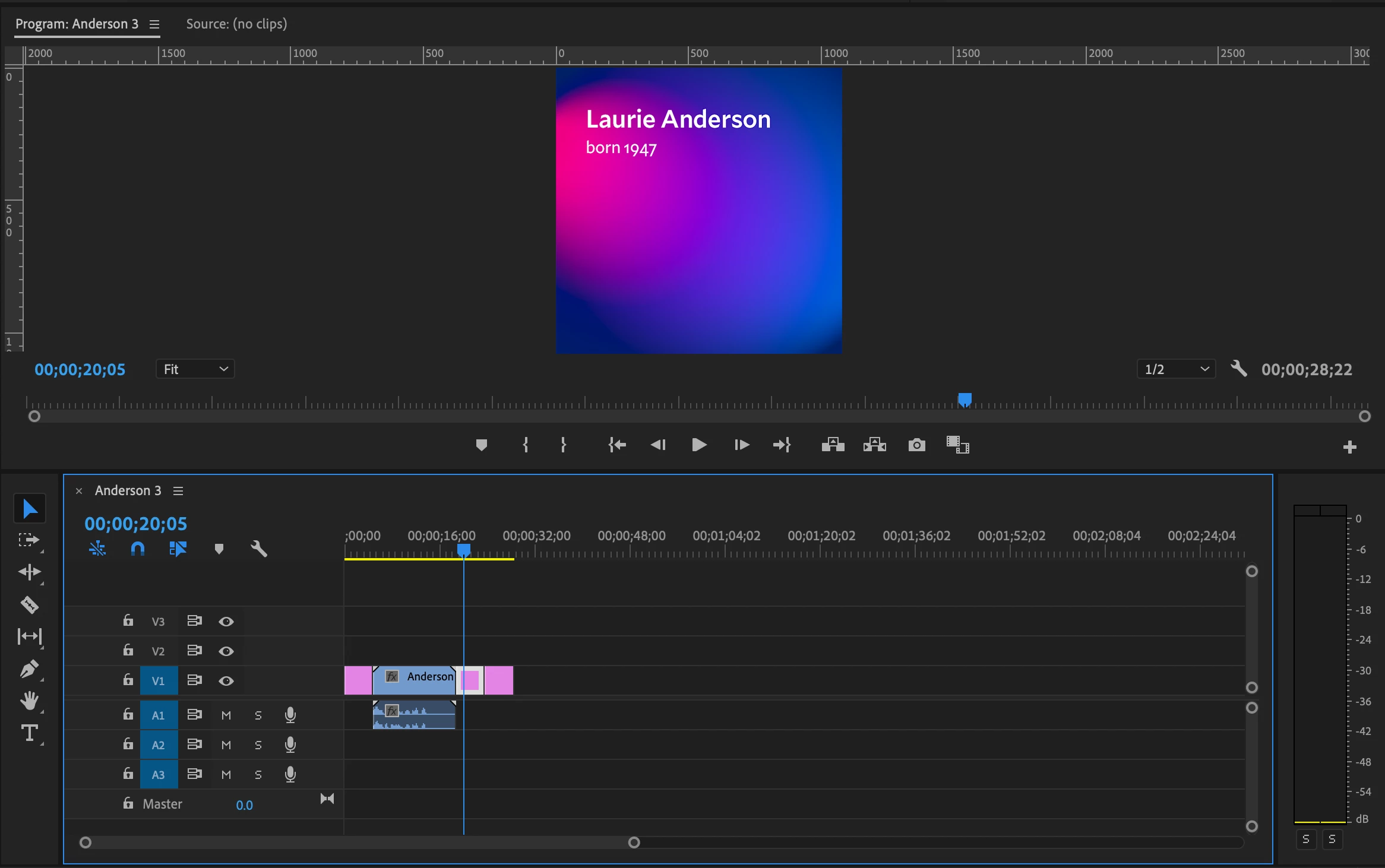
I have tried restarting the program, restarting my computer, uninstalling and reinstalling premiere, clearing the media cache, and renaming the images—to no avail. The same issue also occurs in Premiere Rush. At this point, I'm stumped! I'd appreciate any help or advice.
My computer runs macOS Mojave.
Thanks!
 AdChoices