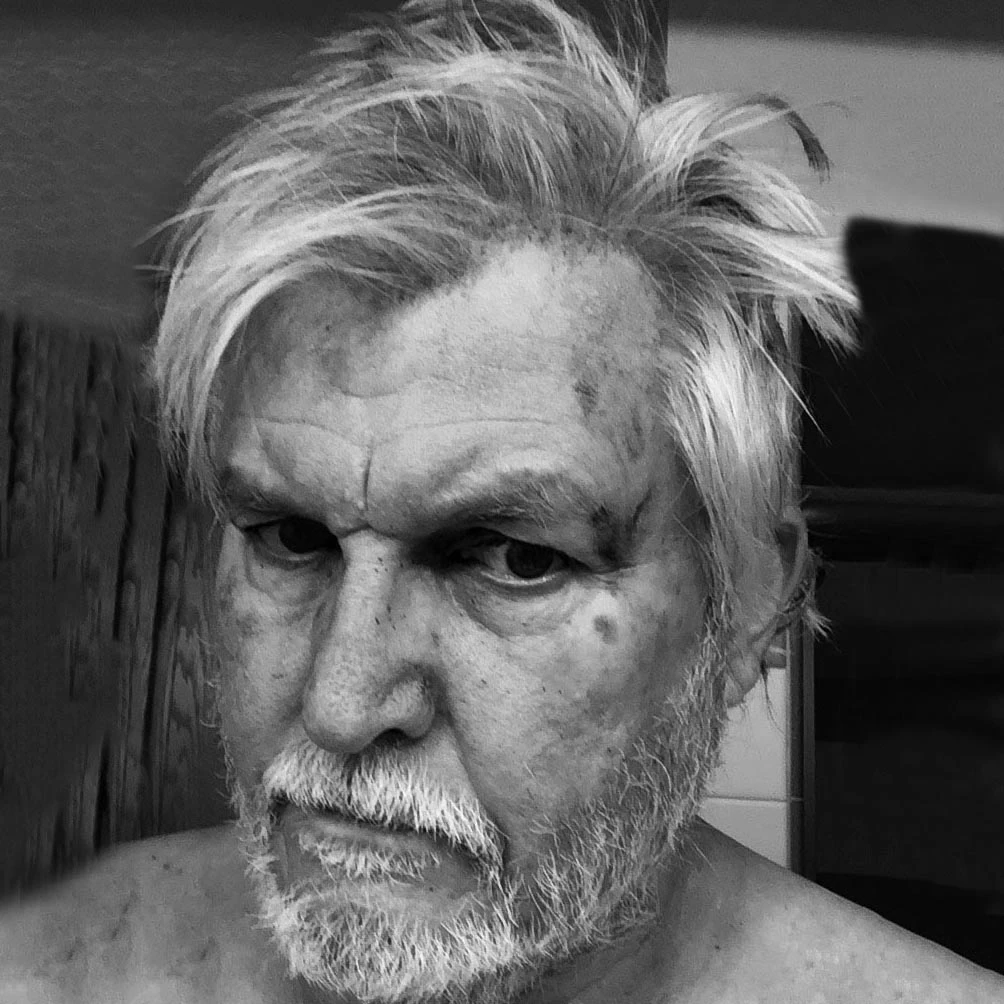
drferry
Known Participant
October 14, 2022
Question

Imported Photoshop image in Premiere Pro looks terrible

  • October 14, 2022
  • 3 replies
  • 416 views

I am trying to import a title page that I created in Photoshop 23.5.1 into a timeline that I developing in Premiere Pro 22.6.2, and the image looks like it was overlaid with mud.  I am fairly sure that this is a colr space issue, but I am such a novice that I don't know how to correct this.  The image in Photoshop (see below) is a .jpg file with an RGB color space and an sRGB color profile. Using iMac Pro running OSX 12.6.


Please help me fix this problem!

This topic has been closed for replies.

3 replies

Community Expert
October 18, 2022

If you can share the Ps file privately, I will have a look and I'll try to fix it for you

Peru Bob
Community Expert
Community Expert
October 18, 2022
drferry
drferryAuthor
Known Participant
October 18, 2022

Thanks for the response, but in checking out Haugen's many posts, I can't seem to find one about inporting Photoshop files and having this color shift.  I admit I didn't look through all 700+ entries.  Maybe someone could give me some specific advice here?

Participant
October 18, 2022

I'm not sure what your issue is, but a quick fix could be to drop a gamma correction effect on there. Should brighten it right up

Peru Bob
Community Expert
Community Expert
October 14, 2022

Try saving as a psd and see if it is OK.

drferry
drferryAuthor
Known Participant
October 14, 2022

I saved a collapsed title page as a psd file and had the same blah result on import. See attached.

drferry
drferryAuthor
Known Participant
October 18, 2022

I posted this question on 14 October and received one response from Peru Bob, but unfortunately his suggestion (import it as a PSD and not a JPG) didn't solve the problem.


I am trying to import a title page that I created in Photoshop 23.5.1 into a timeline that I developing in Premiere Pro 22.6.2, and the image looks like it was overlaid with mud. I am fairly sure that this is a color space issue, but I am such a novice that I don't know how to correct this. The image in Photoshop (see below) is a .jpg file with an RGB color space and an sRGB color profile. Using iMac Pro running OSX 12.6.


Below is a copy of the original image from Photoshop. Next is a screen grab of a JPG imported into Premiere Pro, and then a screen grab of a PSD imported into Premiere Pro.  I have done this many times with previous videos, and I have no idea what the problem is now.  This is a flattened image.